Microsoft Finally Lets You Nuke Copilot From Windows 11 Pro
But there's a catch. You need Microsoft 365 Copilot installed first, which makes zero sense. Classic Microsoft move.
Scout Team
Okay so I saw this deal and had to share... except it's not really a deal. More like Microsoft doing that thing where they give you something you've been asking for, but with strings attached that make you scratch your head.
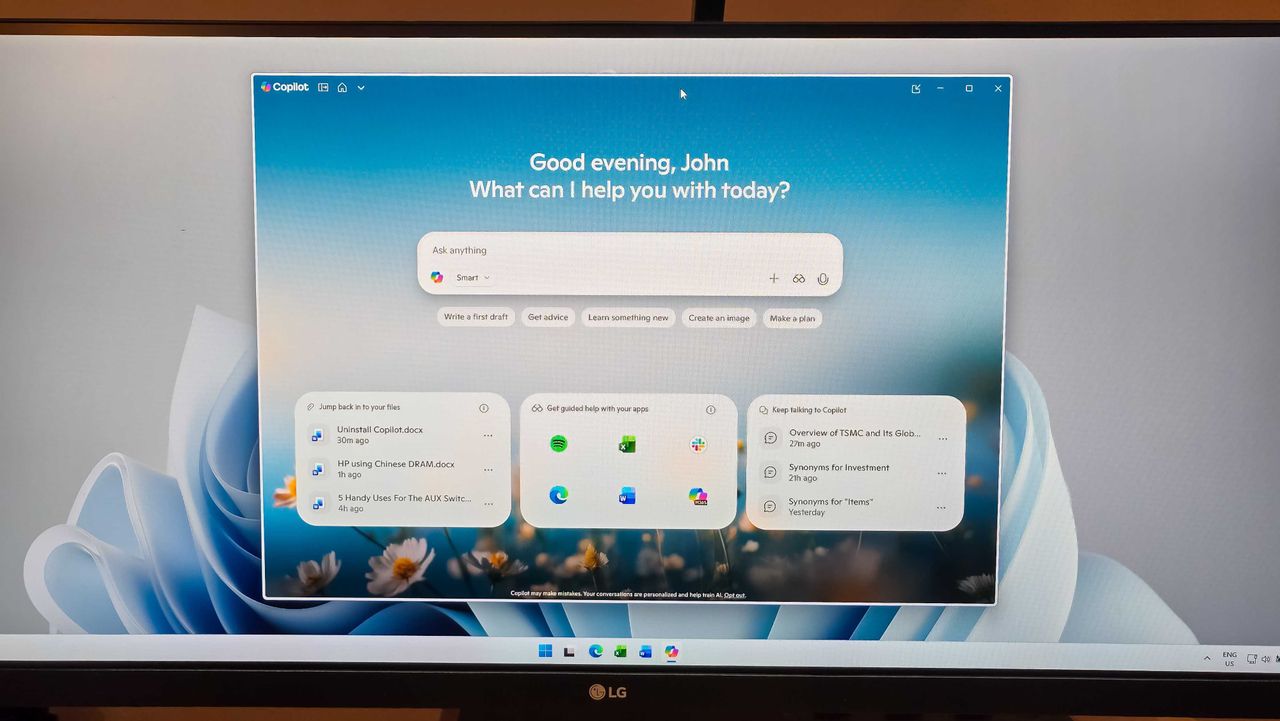
So here's what's happening. Microsoft is finally letting IT admins remove that Copilot app from Windows 11 Pro, Enterprise, and EDU versions. You know, the AI assistant that's been sitting there whether you wanted it or not? Yeah, that one. This is actually huge for businesses and schools that have been complaining about it since day one.
But wait, why would you need Microsoft 365 Copilot installed to uninstall the regular Copilot? That's like saying you need to buy a premium subscription to delete the free app. I've been testing Windows 11 builds for three years now, and this has got to be one of the weirdest requirements I've seen. My guess? They want organizations already paying for the enterprise AI features to have control, while keeping the free version locked down for everyone else.
The timing here is interesting too. We're heading into 2027 with AI assistants everywhere, and Microsoft's playing this careful game of pushing Copilot hard while also acknowledging that not everyone wants it. Especially in managed environments where IT departments need control over what's running on their machines.
Look, I get why businesses want this option. When you're managing hundreds or thousands of devices, having random AI features pop up isn't ideal. But making the uninstall process this convoluted? That's just Microsoft being Microsoft. At least they're finally listening, even if they're doing it in the most roundabout way possible.