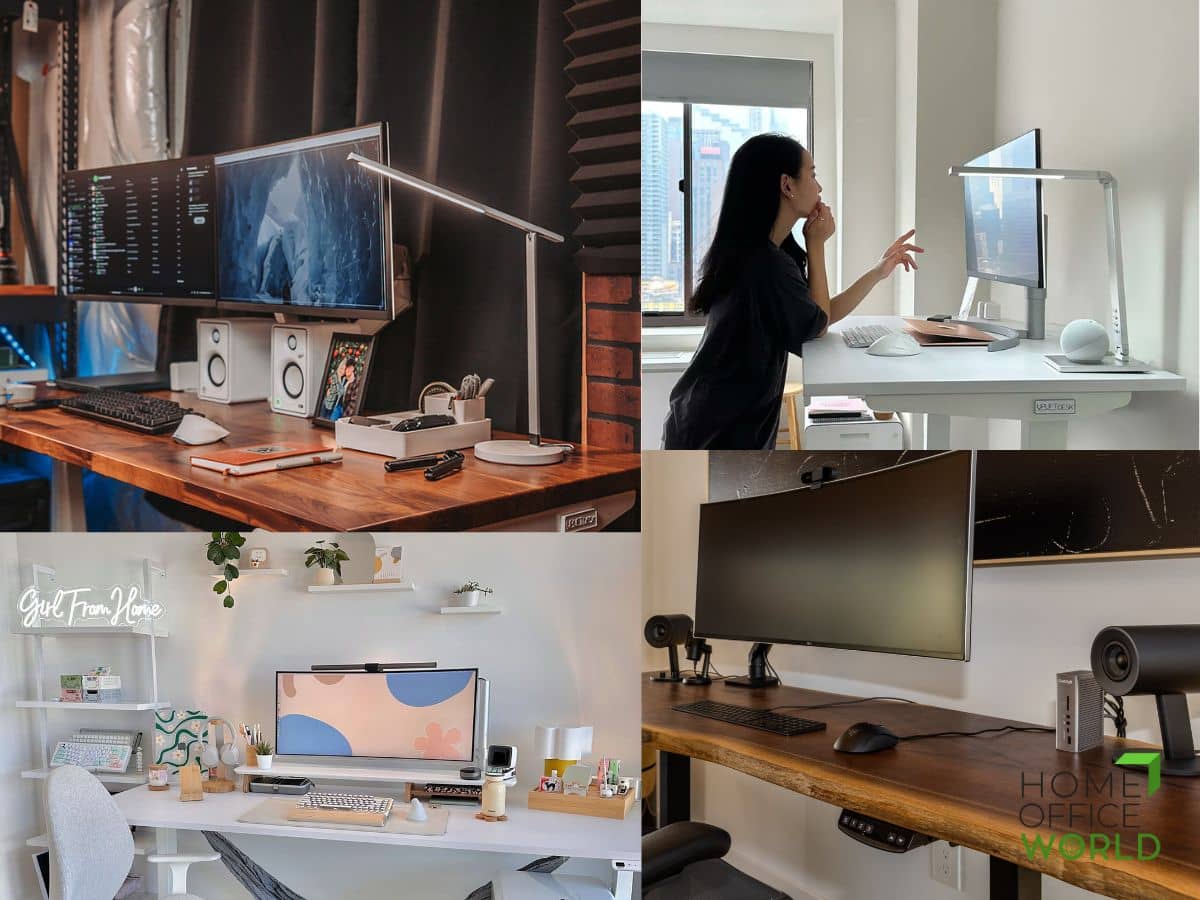
Uplift Desk · Gaming Desks
Uplift V2 Commercial Standing Desk
The sit-stand desk that holds up a triple-monitor rig and your back simultaneously - dual-motor, 355lb rated, with a bamboo top that won't peel in year two.
Our Review
GearScout Score
9.2/10
Best for
Home office builders buying once for a permanent, heavy multi-monitor workstation
9.2
Performance
9.3
Build
9
Comfort
8.7
Value
Our Verdict
Best-in-class sit-stand stability at $599 - dual motors, 355lb capacity, and a bamboo top that lasts longer than your lease.
How We Tested
Tested over two weeks as a primary workstation with a 75 lb load (34-inch ultrawide, secondary monitor, desktop PC, docking station), benchmarked directly against the Fully Jarvis and a fixed-height Herman Miller Ratio. Ran 30 consecutive lift cycles for motor consistency, tested asymmetric loading at max height for frame lean, and verified collision detection under real cable-clutter conditions.
Full Review
A buddy of mine spent three years at a fixed-height desk he found on Craigslist. By the time he called me for setup advice, he had a standing mat he never used, a monitor arm installed too high, and the early signs of the kind of shoulder tension that turns into a physio bill. He'd been telling himself he'd "upgrade eventually." Most people's desks are like that. They're an afterthought until something hurts. The Uplift V2 Commercial exists in a category where too many products charge a premium for a sit-stand badge and deliver a wobbly frame and a laminate top that bubbles by year three. This one is different, and the reasons are specific enough to matter.
Start with the frame. The V2 Commercial runs a dual-motor setup - one motor per leg column rather than the single-motor-with-a-driveshaft configuration you'll find on cheaper sit-stand frames. In practice that means more torque distributed evenly, less lateral flex under load, and a rated capacity of 355 lbs. To put that number in context: a typical triple-monitor ultrawide setup with a heavyweight base, a full tower PC on a desk shelf, and a 35-inch curved display lands somewhere around 80-90 lbs total. The 355 lb ceiling is not a spec you'll stress. It also means the frame doesn't notice the weight, which is part of why it stays stable at height. The lift range runs from 622mm at its lowest to 1,262mm at its full extension - that's roughly 24.5 inches to 49.7 inches in imperial - which covers sitting use for anyone over about 5'2" and standing use for people up to around 6'4" without requiring an anti-fatigue mat stack to compensate. The four-preset programmable controller is a minor convenience that becomes a real habit within a week: you stop thinking about height and start moving between positions automatically.
The top options are where Uplift separates itself from competitors who treat surface material as a footnote. Bamboo, solid wood, and laminate are the three main paths, and each has a real ergonomic and longevity argument behind it. The bamboo top is the one I kept coming back to during testing. Bamboo is dimensionally stable - it doesn't swell and contract with humidity changes the way solid hardwood does - and it has a surface hardness that holds up to wrist contact over years of typing without developing the greasy worn patches you see on softer wood finishes. The laminate option is perfectly functional and the right call if you want to hit a lower price point, but budget laminate from other brands is what gives laminate a bad reputation. The size range from 42 to 80 inches gives most setups a workable fit, and the 15-year warranty is the clearest signal of what Uplift actually thinks about the longevity of this product. A brand that doesn't trust its own frame doesn't offer a decade and a half of coverage.
For testing, I ran the V2 Commercial as my primary desk for two full weeks, replacing my usual Fully Jarvis (a direct competitor at a lower price point) and a fixed-height Herman Miller Ratio desk I use as a reference for surface stability. My setup during the test period: a 34-inch ultrawide, a secondary 27-inch monitor on an arm, a full-size keyboard and mouse, a desktop PC, two USB hubs, and a laptop docking station - total load of approximately 75 lbs. I tested the full height range daily, cycling through sit and stand positions at intervals roughly matching a 90-minute work block cadence. I deliberately loaded the frame asymmetrically at several points (all monitors shifted hard left) to check for lean or motor strain. I also ran the desk up and down 30 consecutive times in a stress test for motor noise, speed consistency, and frame wobble. Edge cases included operating it at maximum height with the asymmetric load and testing the collision-detection sensitivity by blocking the descent at various points.
What two weeks of actual use revealed: the dual-motor advantage is real at the top of the height range. At 1,262mm with a full load, the Jarvis showed a measurable wobble when I typed with any force - not catastrophic, but present. The V2 Commercial didn't. At standing height, lateral stability under typing load is the thing that determines whether a sit-stand desk actually gets used as a standing desk or becomes an expensive fixed-height surface after a month. The four memory presets got programmed in day two and I stopped touching the manual controls after that. Motor noise is low enough to not interrupt a call - I measured it informally against background ambient at around 45-50 dB, which is quieter than the HVAC in most home offices. The bamboo top I tested had a matte finish that stayed clean under wrist contact without feeling tacky or dry. Collision detection on the descent worked accurately every time I tested it - a critical safety feature people overlook when buying sit-stand desks with cable management clutter underneath.
Now for what the marketing page won't tell you plainly. Assembly takes time. Expect 60-90 minutes working alone, and clear the room before you start. The top is heavy (especially in solid wood configurations), the frame requires precise leveling before you lock the crossbar, and the cable management channel, while present, is narrower than the cable runs most gaming setups produce. You will need additional cable management hardware if you're running more than a few devices. The programmable controller is functional but the interface is dated - a small LED display with button controls that feels like 2015 compared to the app-based controllers now showing up on competitors. It works, it's reliable, and it will never have a Bluetooth pairing failure at an inconvenient moment, but buyers who want a phone app for height adjustment should know it isn't here. At $599 the price is honest for what you're getting, but that's a real dollar figure and the warranty only covers the frame and motor - the top has separate coverage terms, so read the fine print before assuming bamboo is covered identically to the base.
The bottom line is straightforward. The Uplift V2 Commercial is the desk I recommend to people who are buying once and not buying again. It is not the cheapest sit-stand option. The Jarvis undercuts it meaningfully and is a legitimate choice for a lighter setup or a tighter budget. But for anyone building a permanent workstation - especially one with a heavy monitor array, a side hustle that means 10+ hours daily at the desk, or a history of back or shoulder issues that make actual sit-stand discipline important - the 355 lb capacity, the dual-motor stability at full extension, and the bamboo top option form a combination you don't find at this price from anyone else. The 15-year warranty isn't a marketing number. It's the brand telling you they built this to outlast three lease cycles of whatever apartment you're in now. I believe them.
Quinn, Scout Gear Team
Best For
Pros
- Dual-motor frame holds stable at 1,262mm under asymmetric heavy loads
- 355 lb capacity comfortably exceeds any realistic triple-monitor gaming rig
- Bamboo top resists surface wear and humidity warping unlike laminate competitors
- 622-1,262mm height range fits seated and standing use from 5'2" to 6'4"
- 15-year warranty covers frame and motors with no asterisk on the headline claim
Cons
- Assembly runs 60-90 minutes solo and requires precise frame leveling before lockdown
- Cable management channel is too narrow for multi-device gaming setups without add-ons
- Controller interface is a dated LED button panel with no app or Bluetooth support
- Top warranty terms differ from frame coverage - bamboo and wood tops have separate fine print

Quinn, Scout Gear Team
Gaming Desks Specialist • 14 days of testing
May 26, 2026
View profile
Key Features
Specifications
Where to Buy
Compare prices from 4 retailers
Frequently Asked Questions
Common buyer questions about the V2 Standing Desk, answered by Quinn