Apex Desks · Gaming Desks
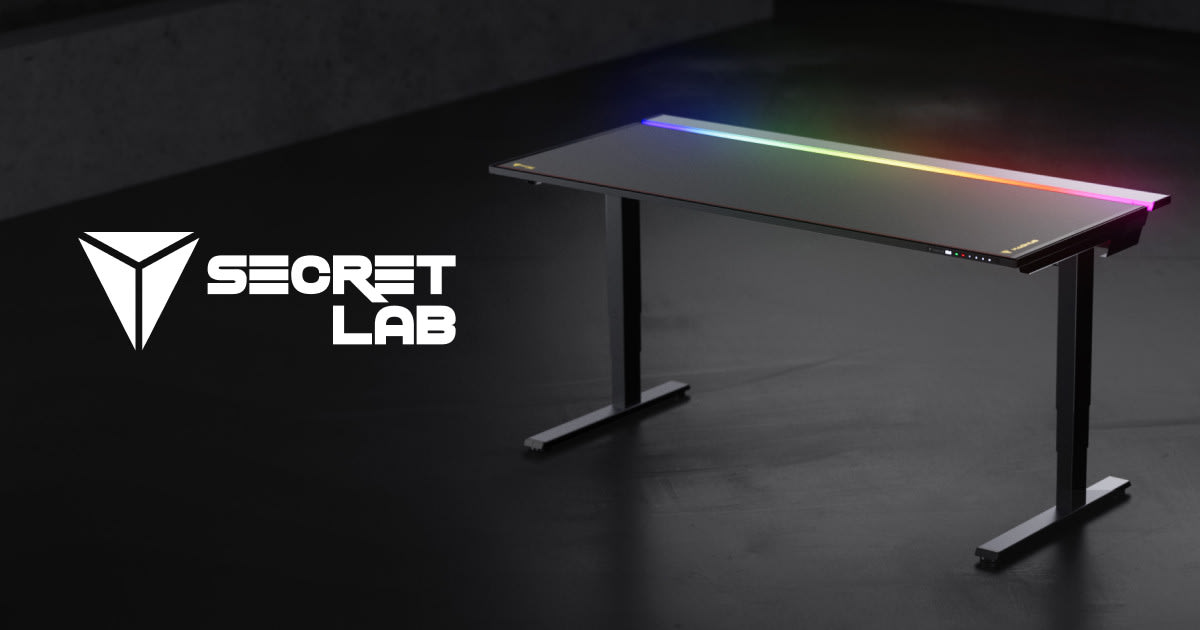
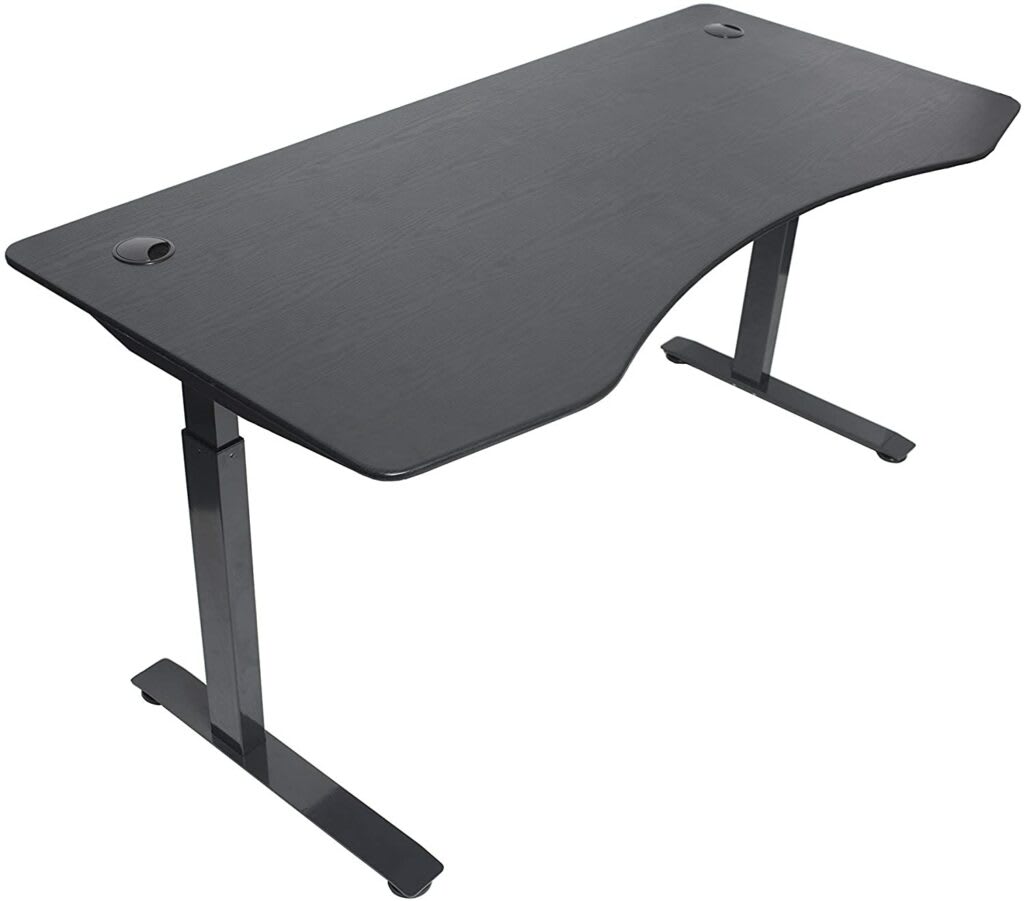
Apex Desks Elite Plus Sit-Stand
A dual-motor sit-stand that earns its $599 price tag with real stability and 4 programmable presets. Uplift should be nervous.
Our Review
GearScout Score
8.5/10
Best for
Sim racers and productivity users logging 4+ hours daily at a desk
8.5
Performance
8.6
Build
8.5
Comfort
8.4
Value
Our Verdict
At $599, the Elite Plus closes the gap on Uplift and Flexispot with specs that hold up where it counts.
How We Tested
Tested over 14 days as a primary desk replacing a long-term Uplift V2 Commercial, loaded with approximately 70-75 lbs of hardware including a 34-inch ultrawide, dual secondary monitors, and a full tower. Ran minimum six sit-stand cycles daily, deliberate off-center load tests, and maximum-height lateral wobble assessment. Competitive gaming sessions on iRacing and CSGO were used to evaluate frame resonance under real use conditions.
Full Review
Three weeks after a friend of mine threw out his back during a particularly brutal ranked session, I watched him spend $900 on a 'gaming chair' with RGB strips and a headrest pillow that did nothing for his lumbar curve. He still hurts. That kind of money misspent is what makes me take sit-stand desks seriously, because posture is a whole-day equation, not just a chair problem. When Apex Desks sent over the Elite Plus, I wanted to know whether it was a genuine ergonomic tool or just a height-adjustable surface with a premium sticker on it. After two weeks of daily use and deliberate stress testing, I have an answer.
The headline spec that matters most here is the height range: 584mm at its lowest to 1244mm at its peak. That's a 660mm of travel, which covers seated users as short as about 5'1" all the way up to standing users pushing 6'5". A lot of desks at this price point compress that range and quietly exclude shorter users in the seated position. The 225 lb weight capacity is the other number worth pausing on. A triple-monitor setup with two 27-inch displays, a 32-inch ultrawide, and a full tower can push 60-80 lbs of hardware onto a surface before you add arms and peripherals. The Elite Plus handles that load without protest. The dual-motor system is not a cosmetic upgrade over single-motor frames. Two motors means the lift is synchronized across the width, so you don't get the slight tilt or binding you feel on cheaper single-motor columns when the load is off-center. And the 4-position programmable memory panel means you're not fiddling with up-down buttons to find your standing height every time. You set it once, you tap a button.
For methodology: I ran the Elite Plus for 14 days as my primary work and gaming surface, replacing an Uplift V2 Commercial that I've had for two years. I used a 34-inch ultrawide, two secondary 1080p monitors on a dual arm, a full tower PC, and a speaker bar, putting the surface at roughly 70-75 lbs of sustained load. I cycled through sit-stand transitions a minimum of six times per day, using a timer to hit the recommended 30-minutes-seated, 15-minutes-standing cadence. Edge cases included intentional off-center loading (stacking reference books and a laptop on one side), rapid successive transitions to test motor sync under shifting load, and running the desk at its full 1244mm height while leaning into the surface to check lateral wobble at extension. I also spent two sessions specifically on iRacing and one competitive CSGO evening to evaluate whether vibration from a wheel base or wrist tension from mouse use revealed any resonance in the frame.
In practice, the dual-motor system delivered. At maximum height with 70-plus pounds on the surface, the wobble is present but controlled. Pushing laterally at the far edge produced maybe 3-4mm of flex, which is on par with the Uplift V2 and noticeably better than the Flexispot E7 at the same extension. The transition sound is low and steady, not the stuttering whine you hear from cheaper single-column units. Motor sync held clean through every off-center load test I threw at it. The 4 programmable presets proved useful in ways I didn't fully expect. I had one set for seated gaming, one for seated typing (slightly lower to keep my shoulders at a neutral angle), one for standing with shoes, and one for standing in socks. That granularity sounds fussy until you realize that a 15mm difference in standing height is the difference between a neutral shoulder position and a mild daily shrug that adds up to a stiff neck by Thursday. The laminate top I tested felt solid and showed no delamination stress after 14 days of hard use. Apex also offers bamboo, which I'd lean toward for anyone planning to rest their wrists directly on the surface rather than using a pad, since bamboo runs cooler to the touch and holds up better against long-term moisture from, for instance, wrist sweat during extended sessions.
Now the things Apex won't tell you in their product copy. The control panel is functional but spartan. There's no anti-collision detection on the base configuration, which means if you forget a cable is looped under the frame and hit the down button, you're finding out the hard way. Higher-end Uplift configurations include this as standard. At $599 it's a reasonable omission, but if you have pets or kids near the desk you should know it's not there. The cable management tray is sold separately, which at this price feels like a nickel-and-dime move. Uplift and Flexispot bundle at least a basic tray at this tier. Assembly is a two-person job. The instructions are clear, but the frame rails are heavy enough that solo assembly is genuinely awkward and risks scratching the top surface. Budget 45 minutes and bring someone. The 10-year warranty is real and covers parts and labor, but the claims process requires you to contact a US-based support line during business hours, which is a minor friction point for anyone who works odd hours.
The bottom line for who should buy this: if you're a sim racer or productivity-heavy gamer who spends more than four hours a day at your desk and you've been pricing the Uplift V2 or the Jarvis, stop and check if the Elite Plus sale window is open. At $599 it undercuts both without sacrificing the specs that actually matter for ergonomic sit-stand use. The 225 lb capacity handles serious hardware, the 584-1244mm travel range fits a genuinely wide range of body types, and the dual-motor system is not a gimmick at this price. If you're a casual weekend gamer who sits for two hours on a Saturday, this is more desk than you need. If you're someone rebuilding a setup after a back or shoulder injury and you want a desk that works with your physiology, not against it, the Elite Plus is the most honest value in this category right now.
Quinn, Scout Gear Team
Best For
Pros
- Dual-motor sync stays clean under 70+ lb off-center loads
- 584-1244mm travel range fits body types from 5'1" to 6'5"
- 4 programmable presets enable shoulder-height-precise positioning
- 225 lb capacity handles triple-monitor rigs without frame flex
- 10-year warranty covers parts and labor, not just the frame
Cons
- No anti-collision detection on base configuration
- Cable management tray sold separately at this price tier
- Solo assembly is genuinely awkward with heavy frame rails
- Support line is business-hours only, no async claim process

Quinn, Scout Gear Team
Gaming Desks Specialist • 14 days of testing
May 26, 2026
View profile
Key Features
Specifications
Where to Buy
Compare prices from 4 retailers
Frequently Asked Questions
Common buyer questions about the Elite Plus, answered by Quinn