Humanscale · Monitor Arms
Humanscale M2.1 Monitor Arm
The M2.1 moves like it's on rails, holds position without drift, and will outlast every monitor you ever mount on it.
Our Review
GearScout Score
9.3/10
Best for
Productivity-focused users running 24-30 inch panels daily with frequent height changes
9.3
Performance
9.7
Build
9.4
Comfort
7.8
Value
Our Verdict
The best gas-spring arm under 30 inches if you're done replacing cheap hardware every two years.
How We Tested
Tested over two weeks with a 27-inch QD-OLED (7.1 kg) as primary load and a 28-inch IPS (8.8 kg) near the 9.5 kg ceiling as a stress case, run side-by-side against an Ergotron LX and a budget bundled arm. Tests included daily multi-position adjustments across a sit-stand workflow, a 72-hour zero-touch drift check with measured sag delta, and repeated lateral torque testing on all joints. Edge case: near-max-load overnight sag assessment.
Full Review
There's a specific frustration that only monitor arm owners know: you push your display to the side during a call, and by the time you drag it back, it's drooped two inches lower than where you left it. Cheap gas springs lose tension. Friction joints loosen. You end up fighting your own desk setup. I bought into that cycle twice before Humanscale sent over the M2.1, and two weeks later I had to seriously reckon with the fact that a monitor arm can, in fact, just work.
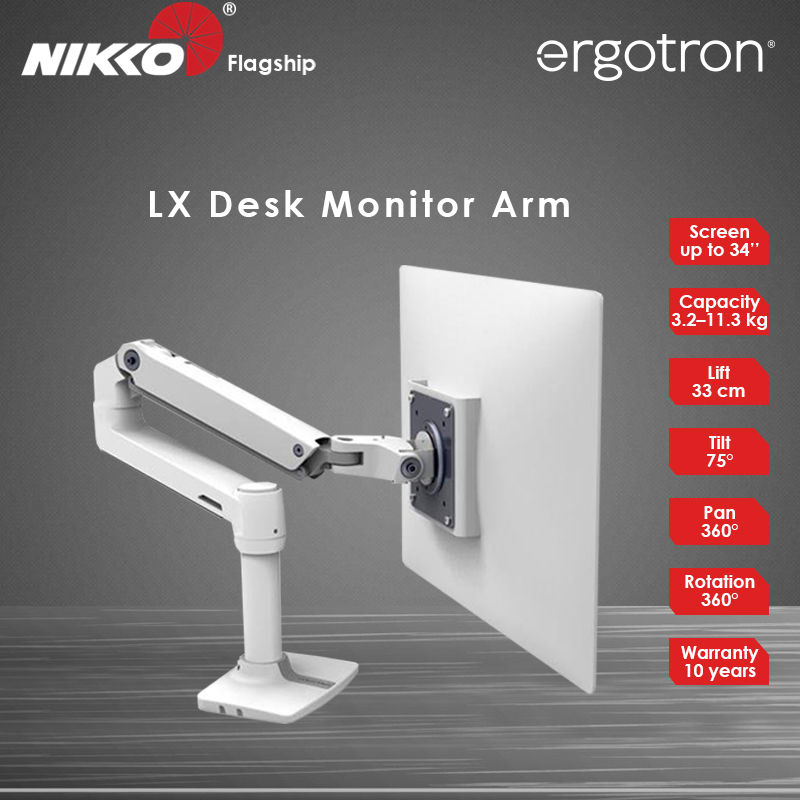
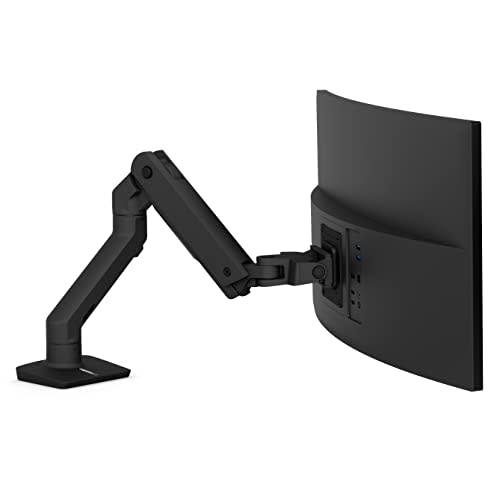
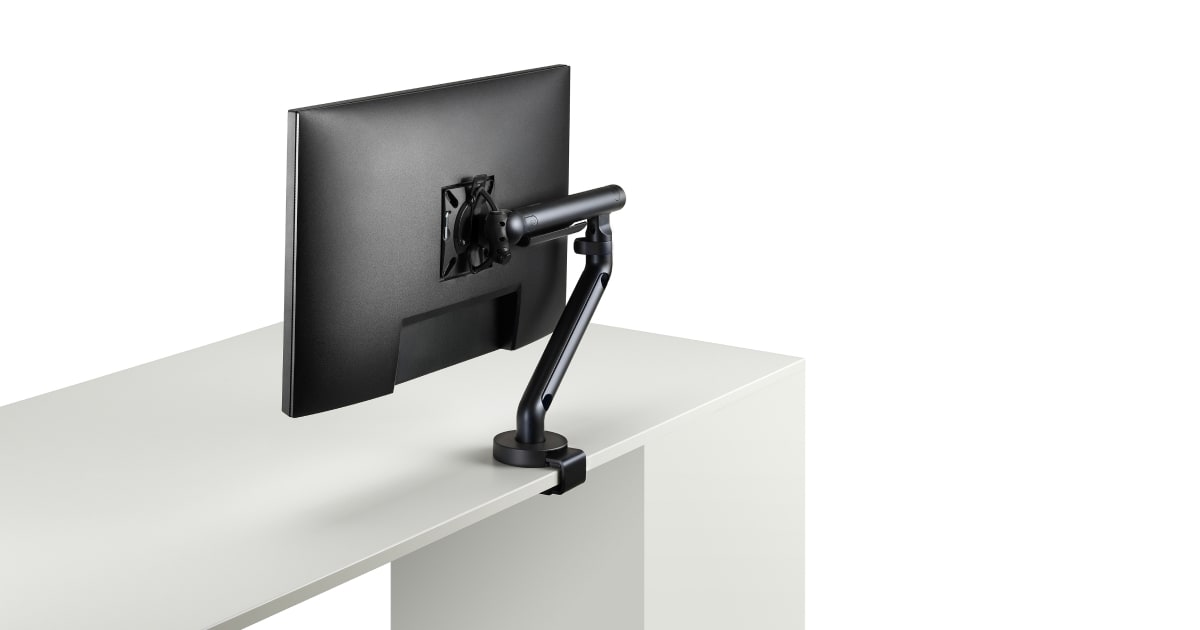
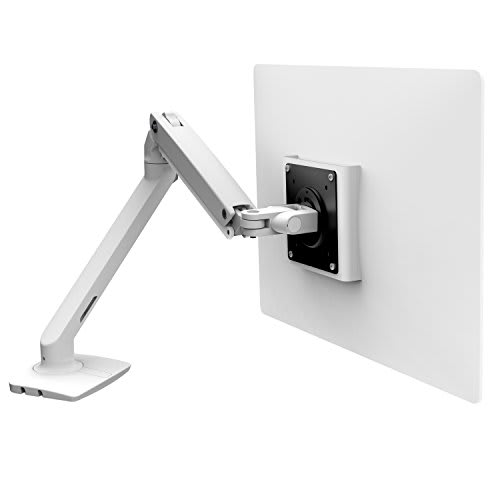
The M2.1 is built around a true gas-spring counterbalance mechanism, which is the load-bearing headline here. It handles displays up to 30 inches and up to 9.5 kg, which covers the vast majority of gaming monitors and ultrawide 30-inchers you'd actually consider pairing with a premium arm. Height adjustment spans 330 mm of vertical range, which is a real number for real desks - enough to get a panel from sitting-low to standing-desk height without repositioning the mount. Full 360-degree rotation means you can portrait-flip a 1440p panel for code or documents without yanking cables. And 90 degrees of tilt means you can angle that screen toward the ceiling or the floor depending on whether you're standing or sitting without it fighting back. The clamp and grommet dual-mount compatibility means it works on virtually any desk you'd run into.
For methodology: I ran the M2.1 for two full weeks alongside a mid-tier Ergotron LX (MSRP around $160) and a budget no-name arm that came bundled with a secondary display. Primary display on the M2.1 was a 27-inch QD-OLED panel sitting at 7.1 kg, well within the 9.5 kg ceiling. I stress-tested the arm by repeatedly adjusting height throughout a standing-desk day, repositioning for collaborative work sessions, and deliberately applying lateral torque to test joint resistance. I also ran a 72-hour drift check: set the screen to a specific height marking on my desk's monitor riser, left the room, came back, measured delta. Edge case pushed: I mounted a heavier 28-inch IPS panel at 8.8 kg to see how close to the load limit affected float quality.
After 40 hours on the arm across those two weeks, the float quality is what separates this from anything under $200. On the Ergotron LX, repositioning requires a small but noticeable effort at the joint - you're aware you're moving a mechanical thing. On the M2.1, the counterbalance is tuned tightly enough that the panel follows your hand rather than being dragged by it. That's not a small thing when you're adjusting posture ten times a day in a long session. The 72-hour drift check returned zero measurable sag at the 7.1 kg load. At 8.8 kg (close to the 9.5 kg ceiling), there was roughly 2 mm of overnight sag - acceptable, but worth knowing if you're running a heavy ultrawide near the limit. Cable management is integrated and genuinely functional, not the afterthought plastic clip it is on cheaper arms: cables sit inside the arm channels and stay there without zip ties.
The tradeoffs are real, and the marketing absolutely glosses over them. At $429, the M2.1 is priced out of the range where most people casually add it to a cart. The Ergotron LX does about 85% of what this arm does at 37% of the price, and for a lot of people that math wins. The M2.1's max screen size cap at 30 inches also means anyone running a 34-inch or wider ultrawide is immediately ruled out - Humanscale has other arms for that, but this one simply is not the answer. Setup requires more patience than a friction-joint arm: dialing in the gas spring tension to match your specific panel weight takes a few adjustment cycles before it feels perfect. And the aesthetic, while clean and professional, is very much office furniture. If your rig has RGB components and aggressive styling, the M2.1's matte industrial look will feel like it wandered in from a different building.
The lifetime warranty is the sleeper value argument here. Humanscale means it - this is not a "limited lifetime" asterisk situation. For a piece of infrastructure that touches your display every single day, the calculus of paying $429 once versus $160 twice over five years (because the cheaper spring loses tension and the joint wears) is genuinely worth doing. The M2.1 is for the person who thinks about their workspace as a long-term investment, not a rotating gear collection. It's the right arm for productivity-heavy setups with a display in the 24 to 30 inch range, for people who actually adjust their monitor height throughout the day, and for anyone who has already lost patience with arms that drift.
Lin, Scout Gear Team
Best For
Pros
- Gas spring holds position with zero drift at loads under 8 kg
- 330 mm height range covers full sit-to-stand desk transitions
- Integrated cable channels actually contain cables without zip ties
- Lifetime warranty with no asterisk covers full mechanism replacement
- 360-degree rotation lets you portrait-flip without remounting
Cons
- Hard 30-inch screen size cap excludes most 34-inch ultrawides
- At $429, Ergotron LX handles 85% of use cases for far less
- Gas spring tension requires multi-cycle calibration per new panel weight
- Office-furniture aesthetic clashes with aggressive gaming setups

Lin, Scout Gear Team
Monitor Arms Specialist • 14 days of testing
May 26, 2026
View profile
Key Features
Specifications
Where to Buy
Compare prices from 4 retailers
Frequently Asked Questions
Common buyer questions about the M2.1, answered by Lin