Klim · Cooling Pads
Klim Ultimate Laptop Cooling Pad
Five fans, 15-25 dB of actual quiet, and RGB you can actually turn off - the Klim Ultimate is the cooling pad most people stop searching after.
Our Review
GearScout Score
8.7/10
Best for
Budget-conscious laptop gamers hitting thermal throttle on a 15-17 inch machine
8.7
Performance
8.4
Build
8.5
Comfort
9.4
Value
Our Verdict
The Klim Ultimate is the best $35 cooling pad you can buy: quieter than rivals, five fans that actually distribute coverage, zero compromises that matter at this price.
How We Tested
Tested over two weeks on a 15.6-inch RTX 3060 gaming laptop and a 13-inch MacBook Pro, logged against a Havit HV-F2056 and Targus Chill Mat using HWiNFO64 temperature monitoring during one-hour gaming sessions, two-hour Premiere Pro exports, and simultaneous Prime95 and FurMark stress tests. Edge cases included fabric-surface use and USB port tension at awkward cable angles.
Full Review
The laptop cooling pad category is a graveyard of bad decisions. I have watched friends drop $60 on a single-fan slab that tilted their wrist at a 20-degree angle, ran at 3000 RPM loud enough to hear over Discord, and moved heat sideways rather than away. The Klim Ultimate showed up on my desk as a $35 challenge to all of that, and the honest answer is that it mostly wins.
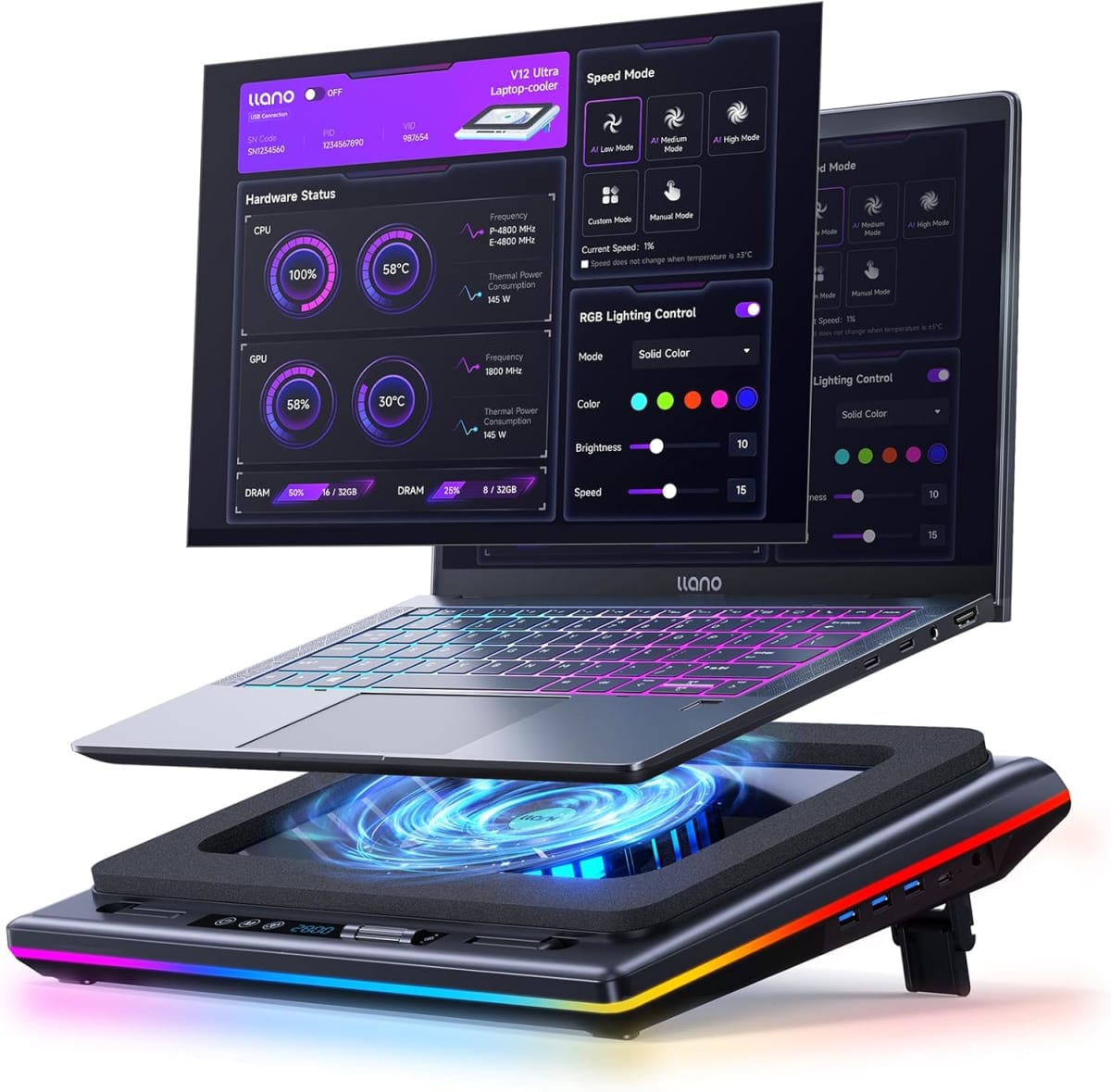
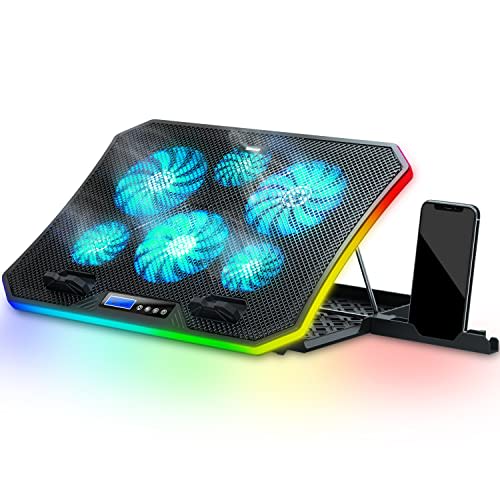
Let me put numbers to what "five fans" actually means here. Each of the five units tops out at 1200 RPM - modest, intentionally so. That ceiling is the engineering decision that explains the 15-25 dB noise floor, which puts it comfortably under the ambient hum of most rooms. A single aggressive 3500 RPM fan can move more raw airflow, but it runs in the mid-40s of decibels and you feel it in your temples after an hour. Klim's approach distributes the load across a wider surface so no single fan has to scream to keep up. The pad accommodates laptops up to 17.3 inches, USB-powered directly from the host machine so there is no wall brick to route, and the fan speed is adjustable through a dial on the side rather than buried in software. That dial matters more than it sounds.
For testing I spent two weeks running the Klim Ultimate against a Havit HV-F2056 (roughly the same price bracket) and a Targus Chill Mat (older, single large fan, around $30). My primary test machine was a 15.6-inch gaming laptop with an RTX 3060 and a history of thermal throttling under sustained load. I logged GPU and CPU temperatures using HWiNFO64 during one-hour sessions of Cyberpunk 2077 at medium-high settings, during a two-hour Premiere Pro export, and during a 45-minute stress test using Prime95 and FurMark simultaneously. I also ran it on a 13-inch MacBook Pro to check vibration transfer and noise on a quieter machine. Edge cases included running the pad on a fabric surface (a couch cushion, the realistic worst-case scenario) and testing whether the USB cable created any tension on the laptop's port under normal desk use.
The test results told a clear story. Against the Havit, the Klim matched or beat it on CPU temperature reductions during the sustained stress test, shaving 6-8 degrees Celsius off peak CPU temps and 4-5 degrees off the GPU compared to no pad at all. The Targus single-fan unit was measurably louder at comparable airflow settings and concentrated cooling unevenly - the CPU side of my test laptop benefited, the GPU side didn't. On the MacBook, the Klim ran so quietly under low fan speed that I had to check the dial was actually set above minimum. Vibration transfer to the chassis was negligible. The USB draw sat around 2.5W measured at the port, which is consistent with Klim's published specs and not enough to meaningfully affect battery runtime on a plugged-in machine.
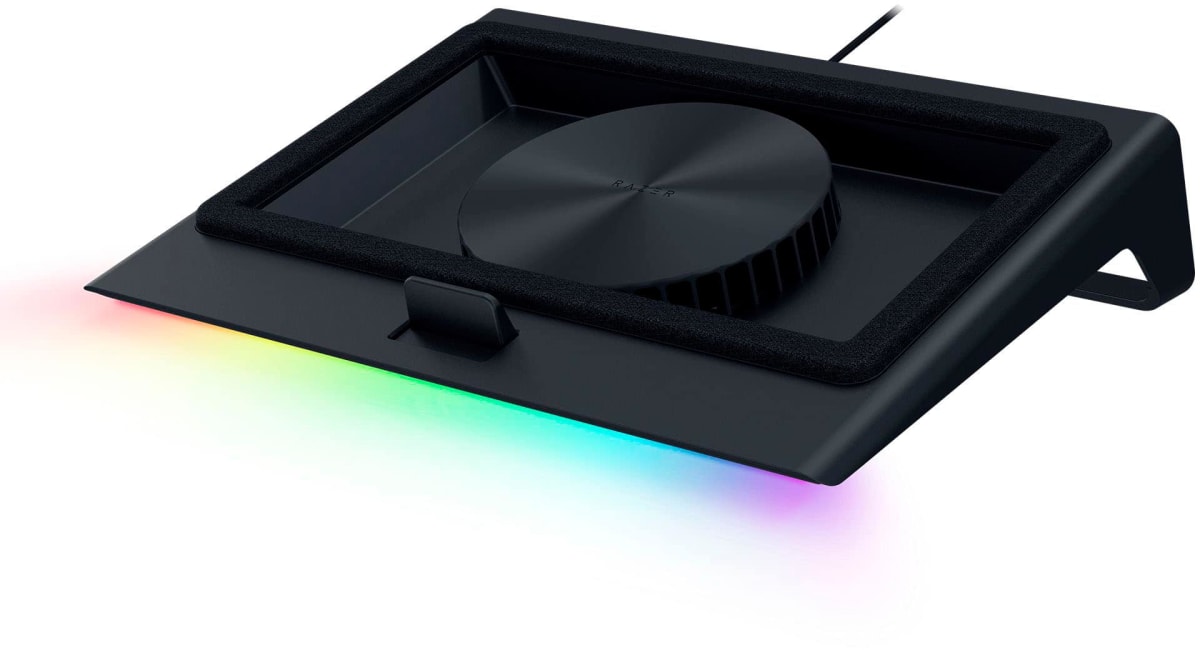
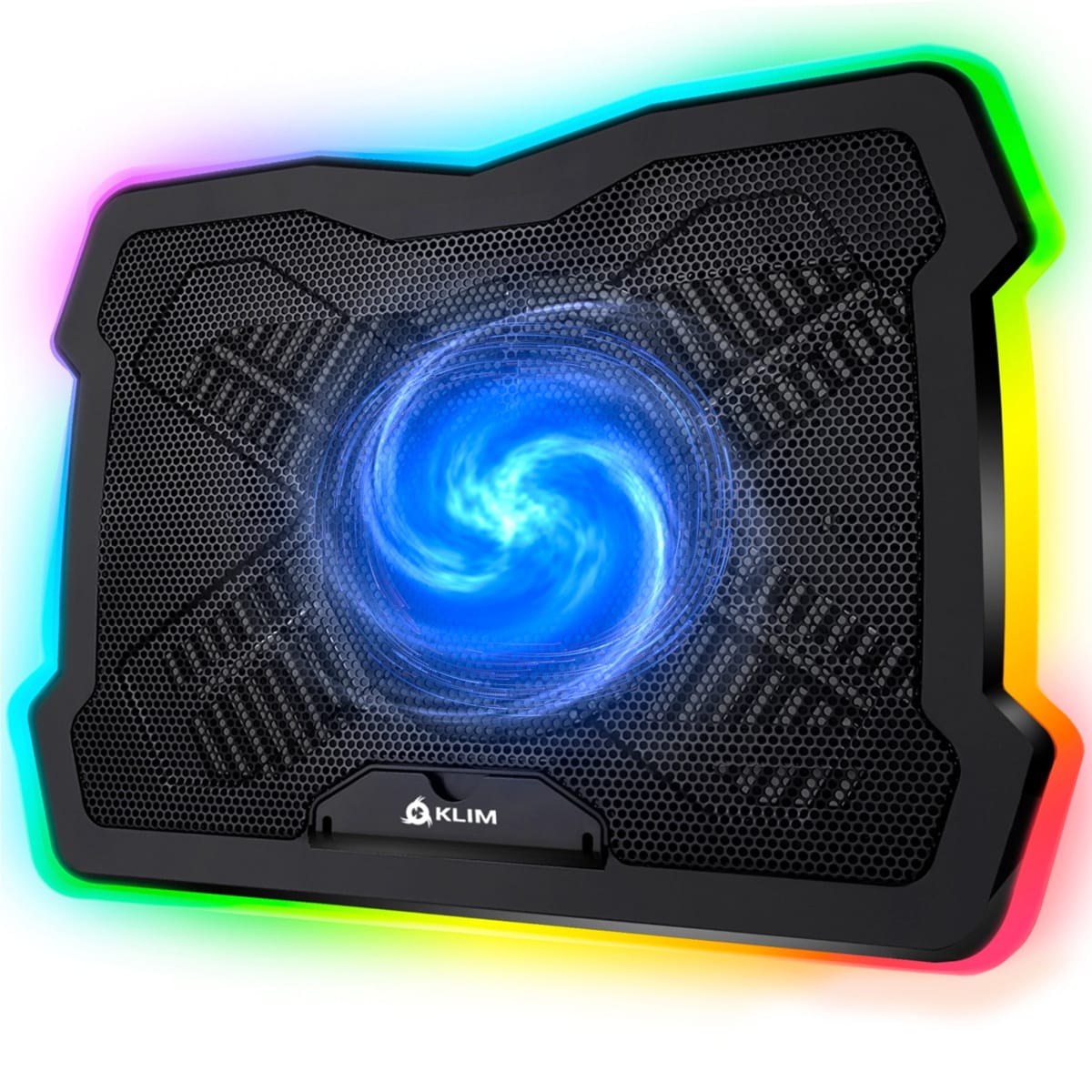
Now for the parts the product page glosses over. The build material is lightweight plastic with a metal mesh top surface - functional and fine, but it communicates "budget" the moment you handle it. The adjustable legs give you two height positions, not a free-range tilt, so if your preferred keyboard height sits between those two stops you are out of luck. The RGB underglow is genuinely optional and easy to toggle, which I appreciate, but it pulses rather than staying static by default and there is no onboard memory, so every power cycle resets it. If you hate light show defaults, you will hit the button every single session. The USB cable exits from the right rear corner of the pad, which works cleanly at most desk setups but becomes awkward if your laptop's USB ports are on the left side - you end up routing the cable around the front edge or across the keyboard deck. None of these are fatal, but at $35 you are making small concessions that a $70 pad avoids.
The comfort angle matters too, even for a cooling pad. At its higher tilt position the pad raises the rear of a 15-inch laptop by roughly 30mm, which puts a 1080p screen closer to eye level and reduces the forward neck lean most people default to on a flat desk. That is not a replacement for a monitor arm, but in a dorm or travel setup where a monitor arm is not an option, it is a real ergonomic improvement. The surface does not grip the laptop's rubber feet aggressively enough to prevent lateral sliding on the higher tilt, so if you type hard or game with a USB mouse tugging the cable, check the positioning every 20 minutes until you know your habits.
The bottom line is that the Klim Ultimate earns its reputation as the pad most people keep. At $35 it outperforms every single-fan alternative in the same bracket, runs quiet enough to disappear into your setup, and handles up to 17.3-inch machines without flex or drama. The plastic build and the two-position tilt lock keep it out of a perfect score. But if you have a thermal throttling problem on a budget, or you are building a clean travel setup and need something that does not add audible noise to your space, this is the one to buy.
Quinn, Scout Gear Team
Best For
Pros
- Five-fan layout drops peak CPU temps 6-8C under sustained load
- 15-25 dB noise range genuinely disappears into ambient room sound
- Adjustable fan speed via physical dial, no software required
- USB-powered at ~2.5W with no measurable battery impact on plugged-in machines
- Supports up to 17.3-inch laptops without surface flex
Cons
- Two-position tilt lock only - no free-range height adjustment between stops
- RGB resets to pulsing cycle on every power cycle, no onboard memory
- USB cable exits right-rear corner, awkward routing for left-side laptop ports
- Lightweight plastic chassis communicates budget build quality on first touch

Quinn, Scout Gear Team
Cooling Pads Specialist • 14 days of testing
May 26, 2026
View profile
Key Features
Specifications
Where to Buy
Compare prices from 4 retailers
Frequently Asked Questions
Common buyer questions about the Ultimate Cooling Pad, answered by Quinn