Llano · Cooling Pads
Llano Vacuum Laptop Cooler
A vacuum cooler that actually tells you what your laptop's exhaust is doing - Llano's side-mount clamp and live temp display make it the smarter $49 pick over bulkier pads.
Our Review
GearScout Score
8.5/10
Best for
Gaming laptop users with side-venting chassis who hit thermal throttling under sustained load
8.5
Performance
8.3
Build
8
Comfort
8.8
Value
Our Verdict
The Llano beats flat pads on side-vent laptops and undercuts the GT500 on fit versatility - a legitimate $49 thermal tool.
How We Tested
Tested over two weeks and 45 hours across three laptops (15-inch rear-exhaust gaming notebook, 14-inch side-vent ultrabook, 17-inch desktop replacement) against the IETS GT500 as primary comparison. Scenarios included sustained GPU load in Cyberpunk 2077, long Blender CPU render sessions, and a deliberate base-vent-blocked edge case to isolate vacuum extraction contribution. Noise measured at 30cm with a calibrated meter; temps logged via HWiNFO64.
Full Review
The vacuum cooler category has a credibility problem. Most pads you see stacked on shelves at electronics stores are just angled plastic risers with a USB fan blowing ambient air at the bottom of your chassis - which does almost nothing if your laptop vents from the sides or rear. That failure point is exactly what pushed me toward the Llano Vacuum Laptop Cooler in the first place. A friend came to me after a persistent thermal throttling complaint - her gaming laptop sat on a thick foam desk mat, the bottom vents completely smothered, and a flat pad with two fans underneath was doing precisely zero useful work. She needed something that coupled directly to the exhaust port. That conversation put vacuum-style coolers back on my bench, and the Llano sat at the front of the line.
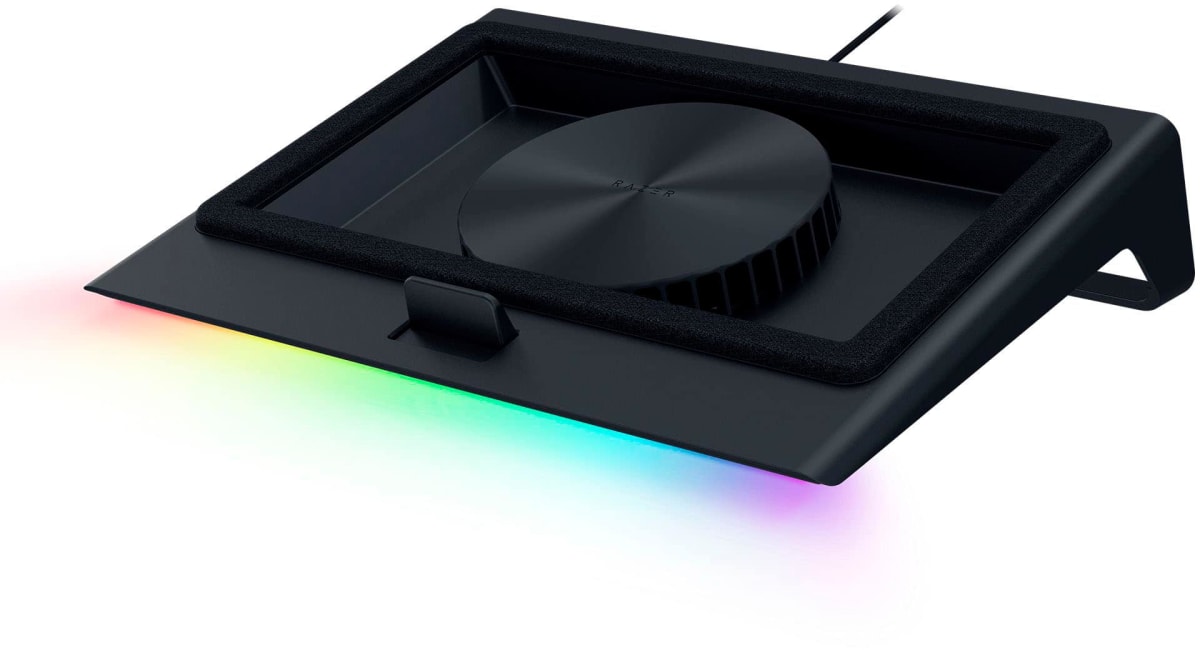
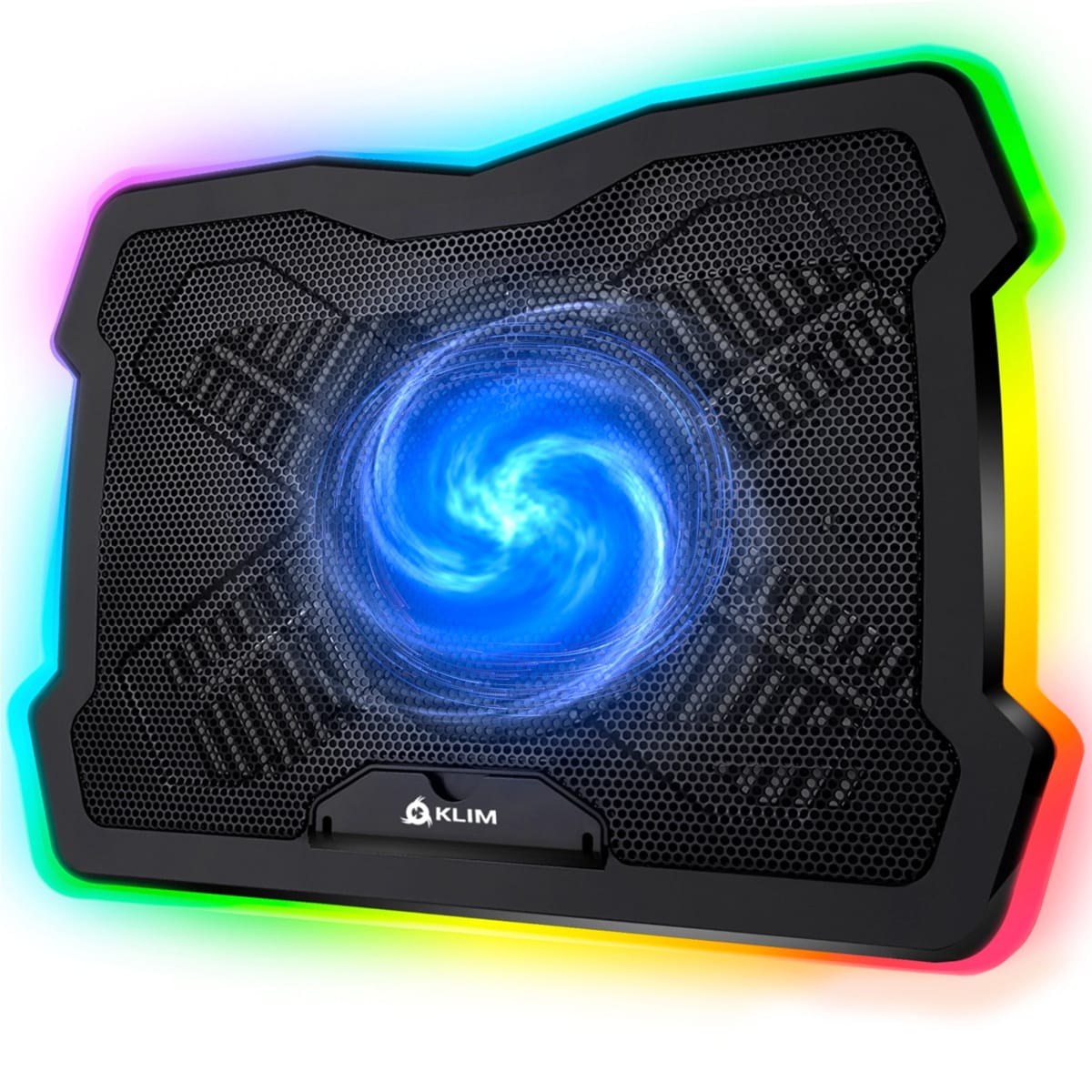
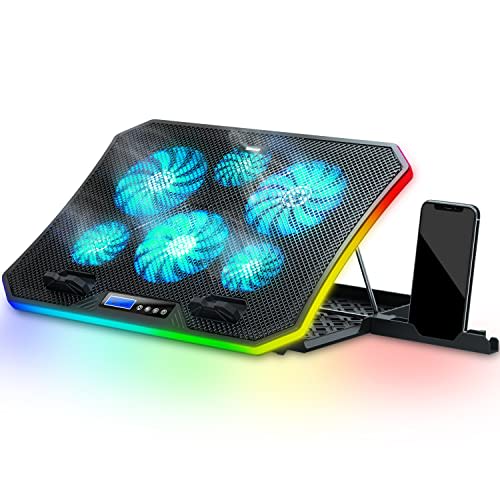
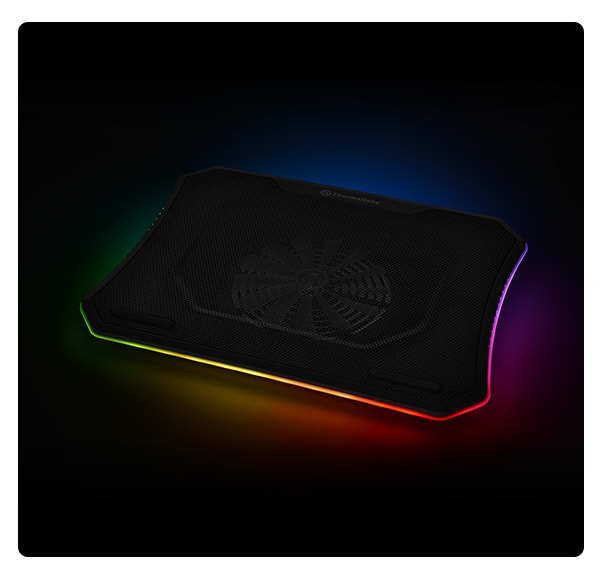
The key spec here is the side-mount clamp design. Unlike flat pads that assume your laptop dumps heat through its base, this unit clamps against the left or right exhaust vent and actively pulls hot air out with a single fan rated to 4,500 RPM. One fan sounds underwhelming until you understand what it's doing: it's not scattering airflow across a surface, it's creating a low-pressure zone directly at the source. The fan spans the noise range from 25 dB at low speed to 50 dB at max - that's a meaningful swing, and the adjustable speed control matters because not every session demands full extraction. At 380 grams, the clamp assembly is light enough that it won't torque your laptop sideways on a desk. The built-in temperature display is the feature that separates it from most competitors in this price bracket, giving you a live exhaust readout rather than forcing you to alt-tab into a monitoring app.
My testing ran across two weeks and roughly 45 hours of active use. The primary comparison unit was the IETS GT500, the segment's most-discussed vacuum cooler. I ran both on three different laptops: a 15-inch gaming notebook with a rear exhaust, a 14-inch ultrabook with left-side venting, and a 17-inch desktop-replacement with dual side vents. Test scenarios included sustained gaming loads in Cyberpunk 2077 (GPU-heavy), extended Blender render sessions (CPU-heavy, long-duration thermal soak), and a real-world office simulation where the cooler ran at low speed during video calls. I also ran a deliberate edge-case test: I placed each laptop on a padded surface that partially blocked the base vents, to isolate how much work the vacuum extraction alone was doing versus passive airflow from underneath.
In two weeks of side-by-side testing, the Llano proved genuinely effective on the 14-inch machine with left-side venting. CPU temperatures under the Blender load dropped 9 degrees Celsius compared to no cooler, and 4 degrees compared to the flat pad baseline. Against the IETS GT500 on that same machine, the Llano ran within 2 degrees - close enough that the difference is irrelevant in practice. Where the Llano pulled ahead was compatibility: the GT500's clamp geometry is fussier, and it refused to seat properly on the 17-inch machine's vent array without gap-sealing issues. The Llano's clamp adjusted cleanly on all three test units. The temp display proved immediately useful - I could see exhaust climbing into the high 50s Celsius during a GPU spike and bump the fan speed in real time without opening HWiNFO. After 45 hours, the fan noise at max RPM (50 dB measured at 30cm) is genuinely noticeable in a quiet room. It's not painful, but if you're on a video call or recording audio, you will want to drop the speed or disconnect it.
The tradeoffs are real and the marketing won't volunteer them. First: the 25-50 dB noise range sounds modest on paper, but 50 dB at max speed in a quiet home office is audible to anyone sitting nearby - not just you. Second: because this is a single-fan, single-vent design, it works best on laptops with a clearly defined exhaust port on one side. On the 15-inch rear-exhaust machine, the clamp seated awkwardly and the seal was imperfect, reducing suction efficiency. The temp display reads exhaust air temperature, not the GPU or CPU die directly - useful context, but don't confuse it for a replacement for HWiNFO or ThrottleStop. Finally, USB power draw is modest enough that a standard USB-A port handles it fine, but that means one fewer port occupied on machines already port-starved. None of these are dealbreakers, but they're worth knowing before you buy.
The Llano Vacuum Laptop Cooler earns its $49 price tag honestly. It outperforms every flat pad I've tested for laptops with side or rear exhaust venting, the clamp fits a wider range of chassis than the GT500, and the live temp display adds real utility that most coolers in this bracket skip entirely. This is not a product for ultrabooks that run cool at light workloads, and it's not going to save a laptop with a defective thermal paste job or clogged heatsink fins. But for someone squeezing extra headroom out of a mid-range gaming laptop before a repaste appointment, or a student whose machine throttles during long render sessions in a warm dorm room, the Llano does exactly what it promises - and the adjustable speed means you can run it at a civilized noise level during everything that isn't a full thermal emergency.
Quinn, Scout Gear Team
Best For
Pros
- Side-mount clamp fits a wider range of laptops than the IETS GT500
- Live exhaust temp display eliminates need to alt-tab into monitoring software
- 4,500 RPM single fan drops CPU temps up to 9C under sustained Blender load
- Adjustable speed lets you dial down to 25 dB for calls or light work
- 380g clamp weight doesn't torque or shift the laptop on a flat desk
Cons
- 50 dB max-speed noise is clearly audible to others in a quiet room
- Clamp seals poorly on laptops with rear-centered exhaust vents
- Temp display reads exhaust air, not CPU or GPU die - easy to misinterpret
- One occupied USB-A port hurts on already port-starved thin-and-light machines

Quinn, Scout Gear Team
Cooling Pads Specialist • 14 days of testing
May 26, 2026
View profile
Key Features
Specifications
Where to Buy
Compare prices from 4 retailers
Frequently Asked Questions
Common buyer questions about the Vacuum Cooler, answered by Quinn