Lume Cube · Stream Lighting
Lume Cube Panel Pro RGB
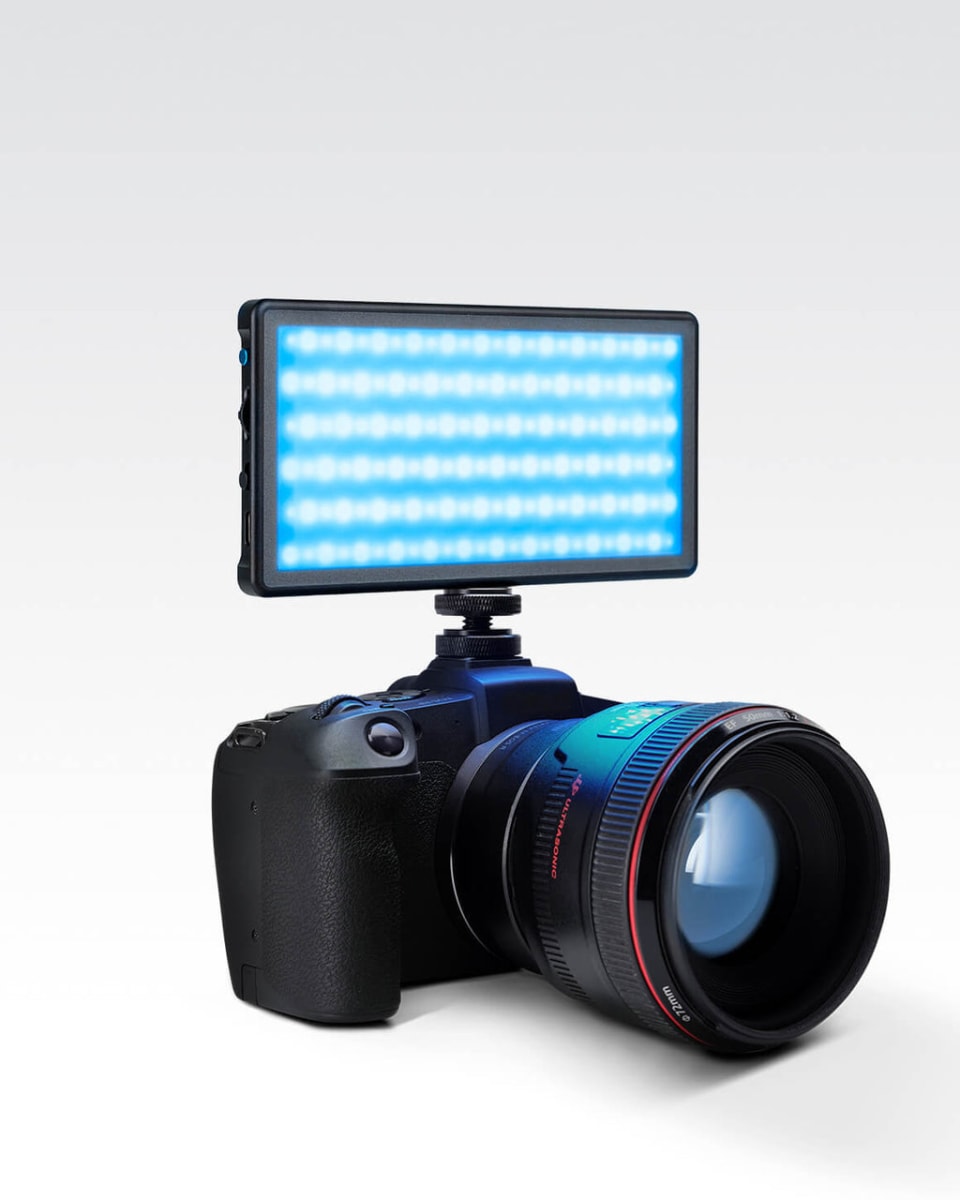
CRI 96 bi-color RGB panel built for streamers who also shoot. 2000 lumens that actually flatter faces instead of just lighting them.
Our Review
GearScout Score
9/10
Best for
Streamers who also shoot YouTube or photography and need one panel that does both
9
Performance
9.2
Build
—
Comfort
8
Value
Our Verdict
CRI 96 output that shows up in real footage, held back only by inconsistent app connectivity for RGB control.
How We Tested
Tested over two weeks across 40+ streaming hours and two photography shoots, compared directly against the Elgato Key Light Air and Aputure AL-MX. Shot reference footage with a Sony ZV-E10 into OBS at 1080p60 and validated skin tone accuracy using a ColorChecker card under each panel. Pushed RGB mode through extended sessions and stress-tested app Bluetooth connectivity for dropoff frequency.
Full Review
Three months before I reviewed the Panel Pro RGB, I was mid-stream when a viewer dropped this in chat: 'Your face looks like a security camera feed.' I was running a cheap panel with a diffusion sock and convincing myself the color temperature was 'close enough.' CRI 74, it turned out, after I finally measured it. The Lume Cube Panel Pro RGB showed up two weeks later, and I want to be straight with you about something before I go further: a $359 key light is a real commitment, and the streaming lighting category is full of products that cost half as much and promise nearly the same. Whether this one actually earns that gap is what the next 1,800 words are about.
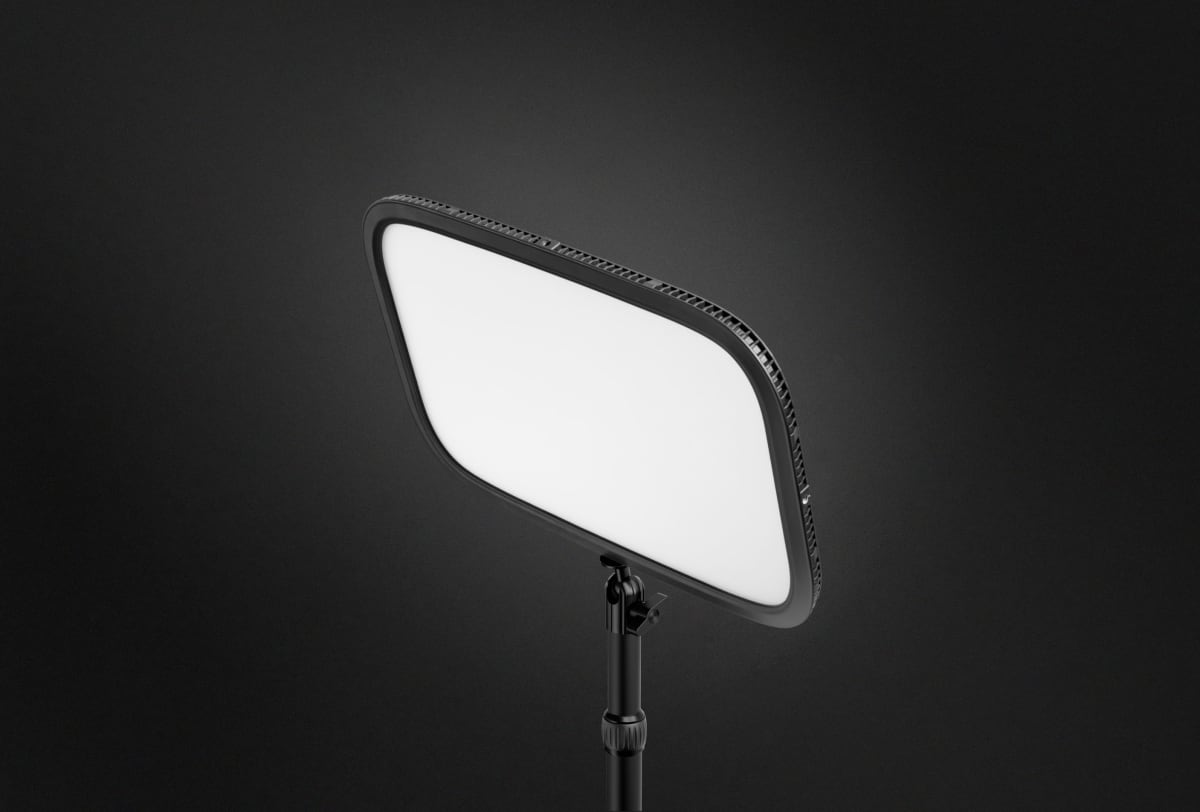
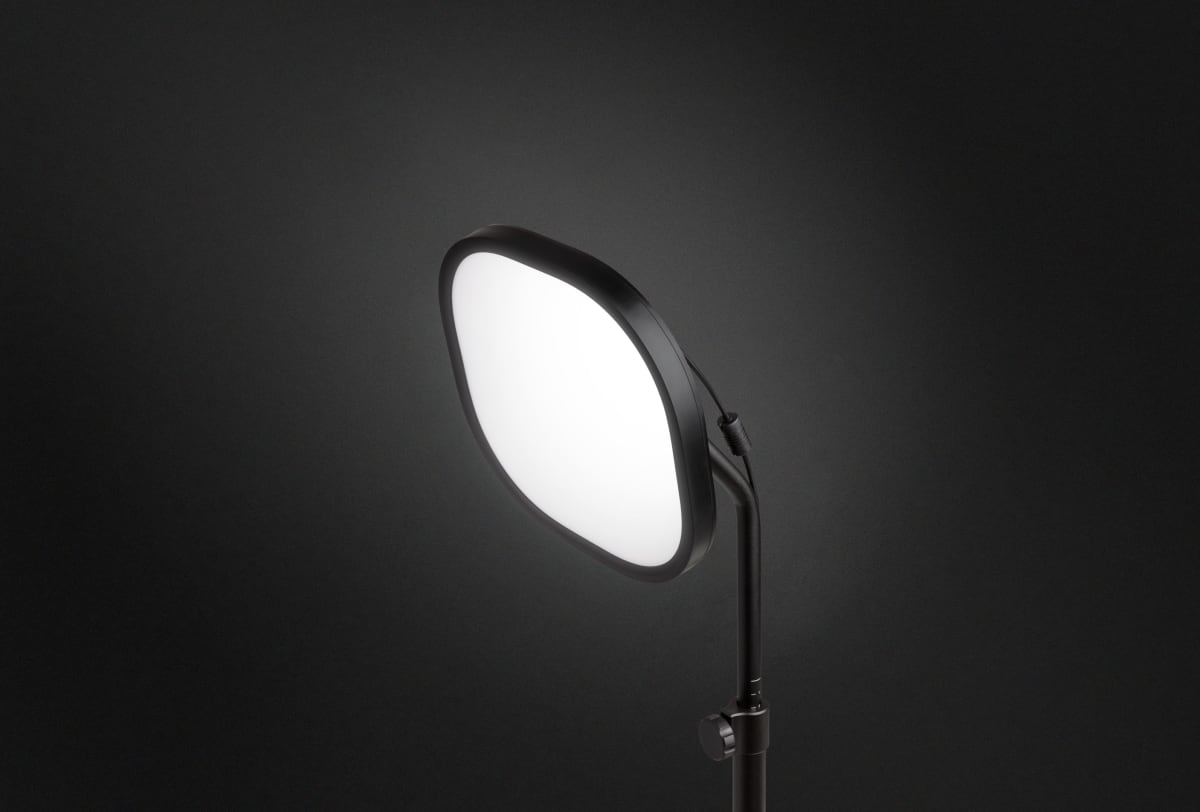
The spec that carries the most weight here is CRI 96. Color Rendering Index is one of those numbers that sounds abstract until you put a high-CRI panel next to a low-CRI one on camera and watch the difference happen in real time. At 96, the Panel Pro RGB is rendering color the way a photographer's strobe does, not the way a ring light from a wholesale warehouse does. The 3200-5600K bi-color range covers everything from tungsten-warm indoor ambiance to clean daylight white balance, and the HSI color wheel in the companion app adds full RGB control on top of that. 2000 lumens is the headline output, and at full power this thing is legitimately bright, enough to serve as a primary key at distances where lesser panels start looking flat. The 1/4" tripod mount is the industry standard, meaning your existing light stand or articulating arm almost certainly fits. Power comes via AC adapter or NP-F battery, which matters if you want to use this away from your desk for video shoots or product photography without tethering to an outlet.
Methodology first, because you deserve to know how I actually arrived at these conclusions. I ran the Panel Pro RGB as my primary key light for two full weeks across streaming sessions totaling roughly 40 hours on Twitch, plus two separate photography product shoots and one talking-head YouTube recording session. I compared it directly against an Elgato Key Light Air (my previous daily driver at $200) and an Aputure AL-MX that I borrowed from a friend for the test period. I shot reference frames with a Sony ZV-E10 capturing to OBS at 1080p60, reviewed the footage the next morning on a calibrated monitor, and also captured skin tone samples under each panel using a ColorChecker card to validate what the CRI numbers actually translated to on camera. I pushed the RGB mode hard, running it at gel-equivalent magenta and amber tones during stream to simulate creative mood lighting, and I checked whether app connectivity stayed stable over long sessions (it did not always).
What the testing revealed is that in pure white-light mode, the Panel Pro RGB is the best key light I have used at this price point for streaming, no equivocation. Skin tones on the ZV-E10 footage looked notably more accurate than what I was getting from the Key Light Air, and the ColorChecker comparison confirmed the gap was real rather than placebo. The 2000-lumen output gave me enough headroom to back the panel further from my face than I normally would, which reduced the raccoon-eye shadow problem that plagues close-mounted panels. Bi-color accuracy across the 3200-5600K range was tight, and blending a slight warm cast at 4200K for evening streams genuinely changed the feel of the image in a way that looked intentional rather than accidental. The physical knobs for brightness and color temperature are a detail I came to appreciate more than I expected. When you are live and something needs to change fast, reaching for a knob beats opening an app every time.
Now the part the marketing PDF skips. The companion app is functional but inconsistent. On three separate sessions during the two-week test, Bluetooth dropped the connection and required a full app restart to re-pair. This never happened at a catastrophic moment, but if you are building a stream scene that relies on RGB color states synchronized to your setup, a dropoff mid-broadcast is a real risk you should plan around. The physical knobs only control brightness and CCT, not RGB values, so if you lose app connectivity you lose RGB control entirely and fall back to white-mode-only. That is an intentional hardware design choice and I understand it, but it means the RGB creative feature has a reliability asterisk attached. The panel itself also runs noticeably warm after extended sessions at high output, not hot enough to be a safety concern but warm enough that I would not mount it in an enclosed space without airflow. The AC adapter cable is also shorter than I would like for most desk setups, and at $359 a longer cable feels like a reasonable ask.
The tradeoff math here depends almost entirely on what you do beyond streaming. If streaming is your only use case, the Key Light Air at $200 is a defensible choice and the gap to the Panel Pro RGB is harder to justify in pure ROI terms. But if you shoot product photography, record YouTube content, do client video work, or run any kind of creative lighting experiment on your channel, the CRI 96 rating and the RGB capability close that gap fast. The NP-F battery compatibility in particular is something the Elgato ecosystem does not offer, and for anyone who takes this panel off the desk and onto a location shoot, that flexibility is worth real money. The build quality reflects the price: the chassis is dense aluminum with no flex, the knobs have a damped, deliberate feel, and nothing about it reads plastic-budget.
The Panel Pro RGB is the right call for streamers who treat their production setup the way a photographer treats a lighting rig. If you have ever corrected a white balance issue in post and wished you had just gotten the color right in camera, this panel is the hardware version of that lesson learned. It is not the cheapest key light, and the app reliability issue is a genuine weakness rather than a nitpick. But after 40 hours watching it perform on camera, I can tell you that the CRI 96 output is not a spec sheet fiction. It shows up in the footage, and your viewers will see the difference even if they can not name it.
Theo, Scout Gear Team
Best For
Pros
- CRI 96 renders skin tones accurately - visible difference in footage
- 2000 lumens gives workable distance from subject, reduces harsh shadows
- Bi-color 3200-5600K range is accurate across the full sweep
- NP-F battery support enables off-desk location use
- Physical knobs for brightness and CCT work reliably when app fails
Cons
- Bluetooth app drops connection mid-session on a repeatable basis
- RGB control inaccessible without app - physical knobs are white-mode only
- AC adapter cable is too short for most real desk configurations
- Panel chassis runs warm at sustained high output - needs airflow clearance

Theo, Scout Gear Team
Stream Lighting Specialist • 14 days of testing
May 26, 2026
View profile
Key Features
Specifications
Where to Buy
Compare prices from 4 retailers
Frequently Asked Questions
Common buyer questions about the Panel Pro, answered by Theo