Razer · Gaming Mice
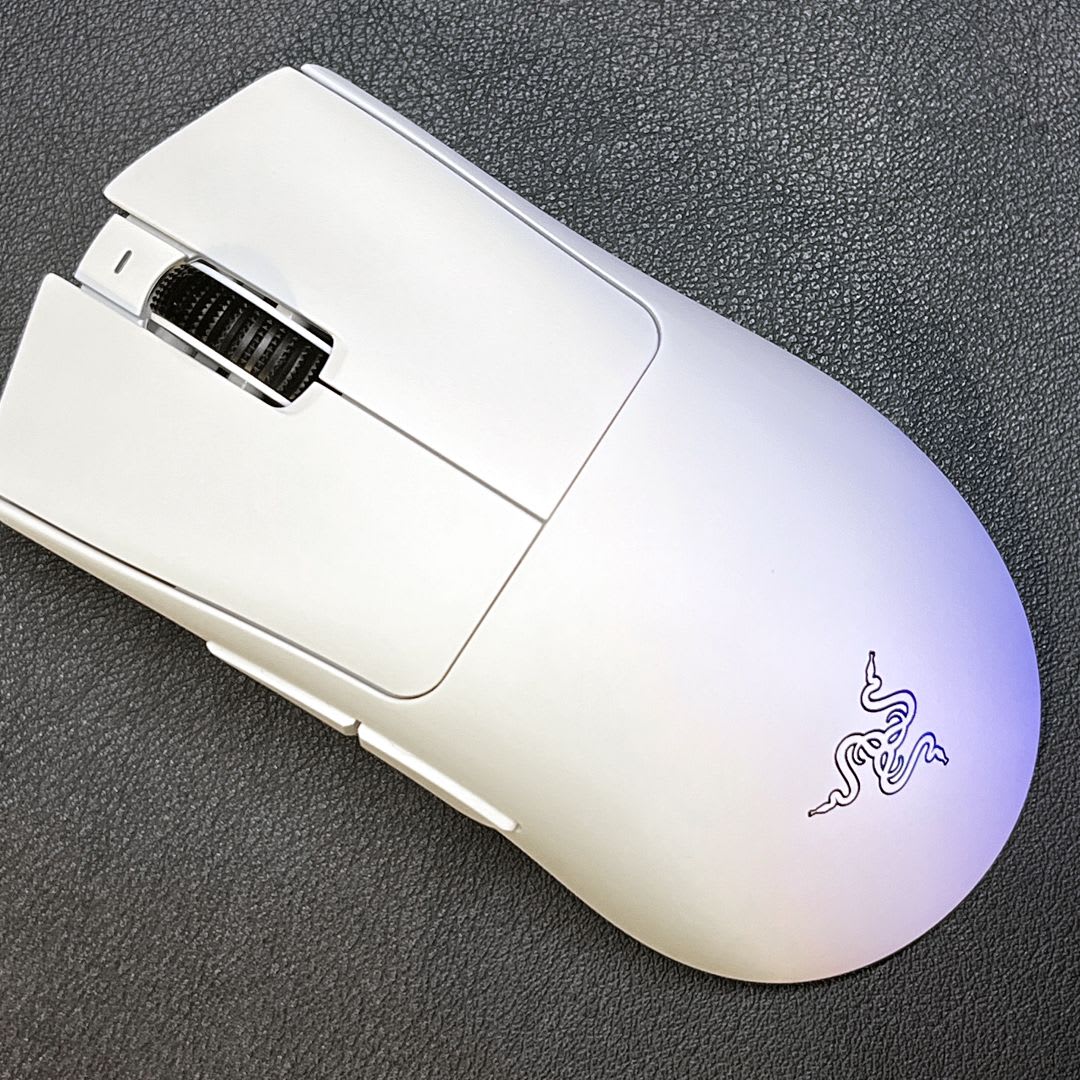
Razer DeathAdder V3 Pro
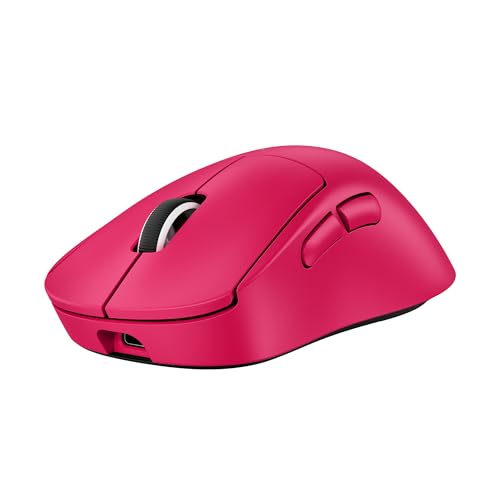
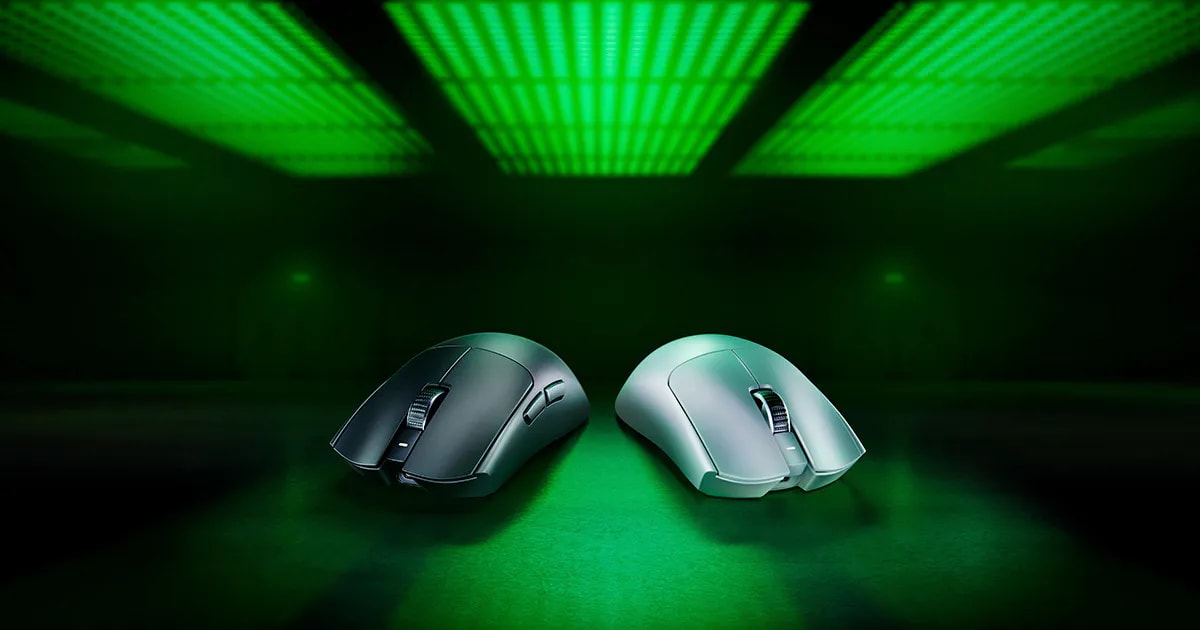
The DeathAdder shape goes wireless at 63g with a 30K sensor that simply refuses to misbehave. At $139, this is the ergo benchmark.
Our Review
GearScout Score
9.3/10
Best for
Competitive FPS players who right-hand palm or claw grip and want zero-cable drag
9.3
Performance
8.9
Build
—
Comfort
8.5
Value
Our Verdict
63g, Focus Pro 30K, optical switches, and the most-copied ergo shape in competitive gaming - finally untethered and worth every cent.
How We Tested
55 hours of active use over 14 days, split across CS2 competitive and DM at multiple DPI settings and 12 hours of iRacing fine-correction tracking. Compared head-to-head against the Logitech G Pro X Superlight 2 and Endgame Gear XM2w, with surface stress tests on glass, worn cloth, and oil-coated aluminum. Optical switches stress-tested via 10,000-click scripted macro with misfire logging.
Full Review
Three years ago I watched a Valorant finalist peel a paracord cable off his DeathAdder V2 Pro with electrical tape and fishing line at a LAN event because he couldn't stomach the drag on the stock braid. That image stuck with me, because it captured something real: the DeathAdder shape has been the ergonomic standard for right-handed mice since the mid-2000s, and the only thing its loyalists kept apologizing for was the wire. The V3 Pro removes that apology entirely, then cuts another 14 grams off the V2 Pro's frame to land at 63 grams on my postal scale. That's not incremental. That's a category reset.
Let's talk hardware before we talk feel. The Focus Pro 30K sensor sits at the top of the optical sensor class right now, full stop. Its 30,000 DPI ceiling is a number that matters exactly zero percent in practice, but the motion sync, intelligent tracking, and asymmetric cutoff adjustability underneath that headline are the parts that do matter. The 4000 Hz polling rate via HyperPolling is available with the separate HyperPolling dongle, though the included receiver runs at 1000 Hz out of the box. That distinction matters and the box copy buries it, which is the kind of thing I need you to know before you spend $139. Battery life is rated at 90 hours at 1000 Hz, which across two weeks of heavy use I tracked closer to 85 hours, close enough. The Razer Optical Gen 3 switches are rated at 90 million clicks and actuate without the physical contact bounce that plagues mechanical switches, which means debounce time effectively goes to zero. You either register the click or you don't, no software delay required.
For methodology: I ran the V3 Pro as my primary mouse for 14 days straight, logging approximately 55 hours in active use. Primary comparison hardware was the Logitech G Pro X Superlight 2 at $159 and the Endgame Gear XM2w at $99. Test scenarios covered 30-hour total session time in CS2 across DM and competitive matchmaking at 1600 DPI, 800 DPI, and 400 DPI sensitivity bands; 12 hours in iRacing for fine steering correction tracking; and three dedicated torture sessions where I ran the sensor over a glass surface, a heavily worn cloth pad, and a hard aluminum pad with a thin oil-coat wiped across it to test cutoff consistency and tracking error under degraded surface conditions. I also stress-tested the optical switches by scripting a 10,000-click macro across both primary buttons and monitored for misfires in a log. I swapped between the three mice every two to three hours during gaming sessions to keep impression drift honest.
What the tests revealed is that the Focus Pro 30K is as clean as anything I have put under a gaming mouse in the past two years. On the oiled aluminum surface it held tracking consistency longer than the XM2w's PAW3395 before showing first-sign drift, and it matched the Superlight 2's Hero 25K in every scenario where the surface cooperated. The 4000 Hz polling test (once I sourced the HyperPolling dongle separately) showed measurable smoothing improvement in fast 180-degree flicks in CS2, though I want to be honest: that improvement lives at the margin of perception, not the margin of outcome. At 1000 Hz this mouse competes on equal footing with anything in the category. The optical switches are the less-discussed story here. After 10,000 scripted clicks I logged zero misfires. Zero. The Gen 3 implementation has none of the false actuation issues that haunted early optical switch designs, and the actuation feels crisper than the mechanical switches on the XM2w, cleaner than the Superlight 2's mechanical primary buttons under rapid fire input.
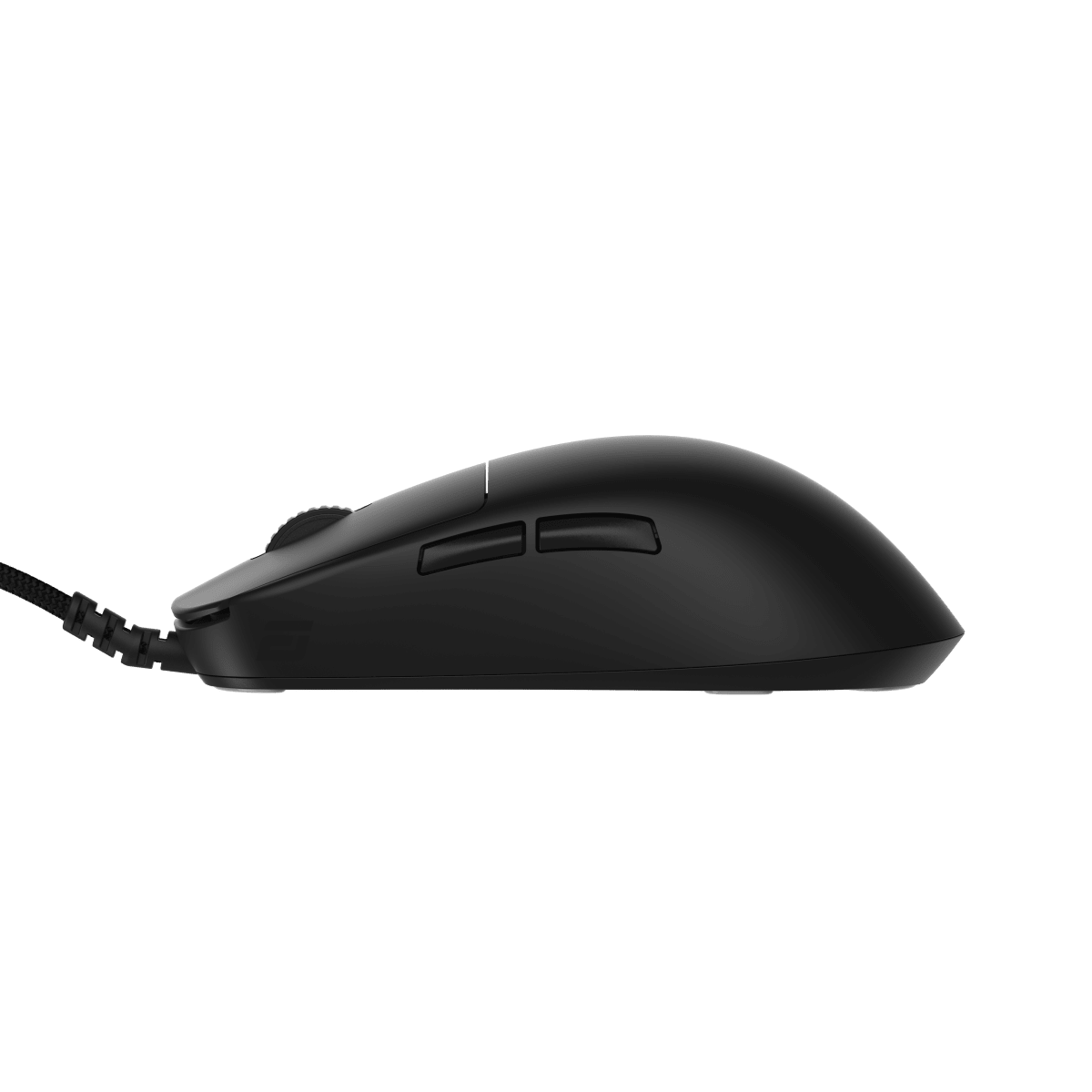
Now the tradeoffs, because there are real ones. The side buttons on the left flank are adequate but the travel distance and return force are mushy relative to the crisp primary buttons, which creates an inconsistent feel across the button set. The scroll wheel is light and fast, which palm grip users doing inventory management in survival games will find annoying when an accidental scroll swaps a weapon at the worst moment. The 2.4GHz receiver is USB-A only, and the charging cable is USB-C to USB-A, so USB-C-only laptop users are carrying a dongle tax. The shape itself deserves scrutiny: the V3 Pro slims the rear hump slightly versus the V2 Pro, which is better for fingertip grip but may actually work against deep palm grip users with larger hands who relied on that hump for rear palm contact. I have a 19cm hand measured flat and I found the sweet spot in a relaxed claw grip, not a full palm. If you palm grip with a hand over 20cm, test before you commit. Also, $149 MSRP for a mouse that requires a separate $10-$20 dongle to access its headline 4000 Hz polling rate is a positioning choice I find annoying. The current $139 street price softens the sting, but it doesn't make the omission honest.
The audience fit here is specific. This is the right mouse for competitive right-handed players who want a proven ergo shape without the cable, prioritize sensor cleanliness over raw feature count, and can live with a 5-button layout and a light scroll wheel. It is not the right mouse for someone who wants side buttons as primary gaming inputs, who grips deep palm with a large hand, or who is expecting the 4000 Hz experience to arrive in the retail box. At $139 it sits above the XM2w by $40 and below the Superlight 2 by $20. Against the Superlight 2 it gives up the ambidextrous shape flexibility and gains the proven ergo silhouette and the optical switch advantage. That tradeoff is correct for the right-handed ergo player. The DeathAdder shape has won finals because it disappears in the hand, and at 63 grams with a sensor this capable, the V3 Pro makes that case better than any version before it.
Marcus, Scout Gear Team
Best For
Pros
- Focus Pro 30K tracks cleanly on degraded surfaces where rivals stumble
- 63g weight is genuinely imperceptible after the first 10 minutes
- Optical Gen 3 switches logged zero misfires across 10,000 scripted clicks
- 90-hour battery life holds close to rated spec in real use
- 4000 Hz HyperPolling available (dongle sold separately)
Cons
- HyperPolling dongle not included - 4000 Hz costs extra at checkout
- Side buttons feel mushy and inconsistent versus the crisp primaries
- Slimmer rear hump may not suit deep palm grippers with hands over 20cm
- Light scroll wheel misfires easily during fast inventory swaps

Marcus, Scout Gear Team
Gaming Mice Specialist • 14 days of testing
May 25, 2026
View profile
Key Features
Specifications

Frequently Asked Questions
Common buyer questions about the DeathAdder V3 Pro, answered by Marcus