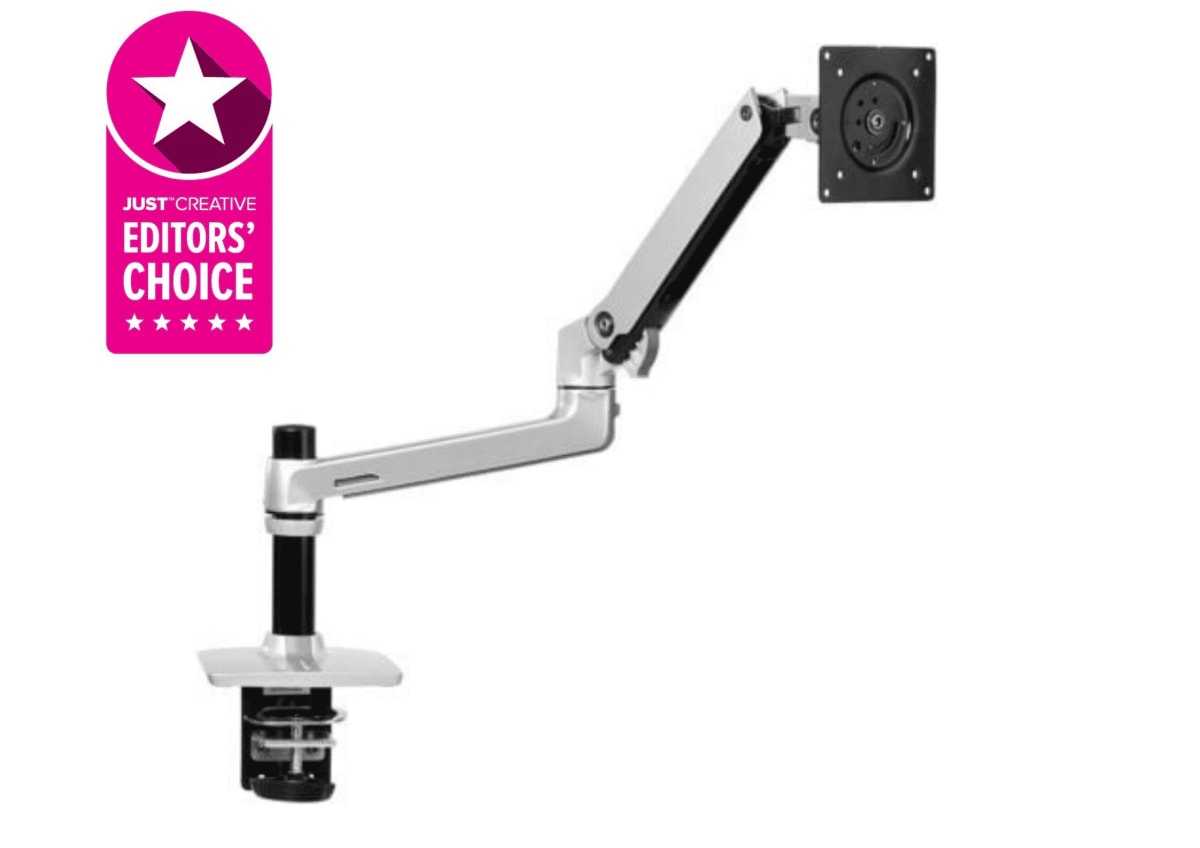
AmazonBasics · Monitor Arms
AmazonBasics Premium Single Monitor Arm
At $79, this arm moves like it costs more , tight joints, real cable routing, and enough range for most monitor setups.
Our Review
GearScout Score
8.2/10
Best for
Desk-space-conscious users running a 24 to 27-inch monitor under 7 kg
8.2
Performance
7.6
Build
7.9
Comfort
9.2
Value
Our Verdict
Solid joint tension and real cable routing at $79 make this the budget arm to beat for sub-28-inch setups.
How We Tested
Tested over two weeks with a 6.2 kg 27-inch IPS panel and a 9 kg 32-inch VA panel, running 40+ daily repositioning cycles and a 72-hour static droop test. Compared directly against the Ergotron LX and Fully Jarvis arm for joint tension, lateral stability, and height travel quality. Edge cases included full-extension lateral torque and a three-cable bundle routed through the internal management channel under repeated movement.
Full Review
My desk has hosted arms from Ergotron, Fully, and a few no-name imports that I yanked off after a week. When the AmazonBasics Premium Single Monitor Arm landed on my bench, I'll be honest: my expectations were calibrated by the price tag, not the spec sheet. Monitor arms at $79 have a reputation for one thing , drooping. You position your panel, walk away, come back to find it has slowly nodded downward like it fell asleep at the wheel. That is the defining failure mode of budget arms, and it is the first thing I went looking for.
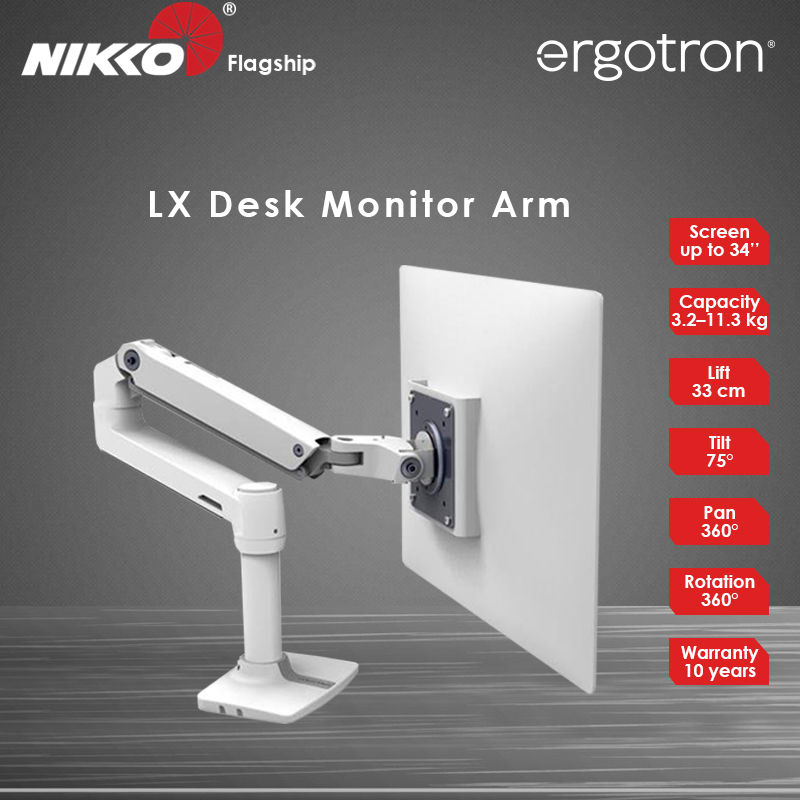
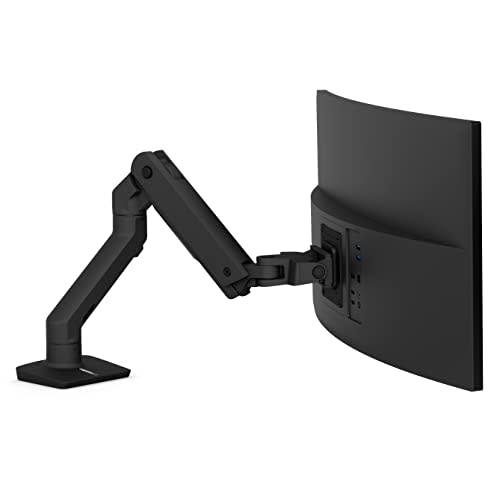
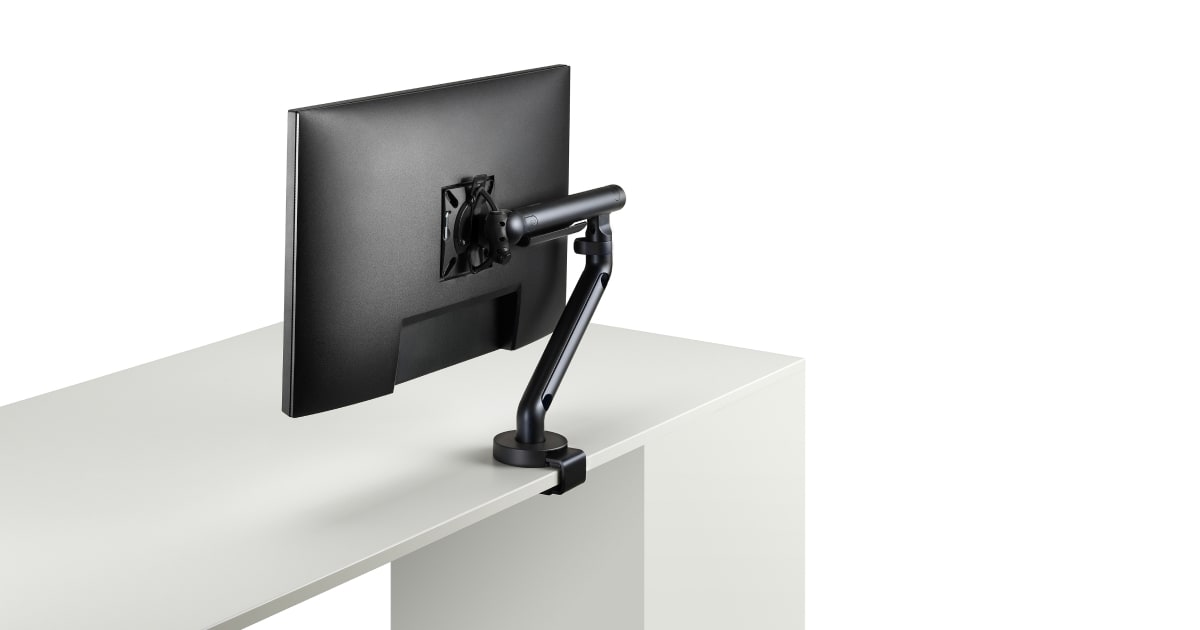
Let's get into what this arm actually is before I tell you what it does. The mount handles screens up to 32 inches and supports up to 11.3 kg of load, which covers the vast majority of panels that land in that size class. The tilt range is 70 degrees, which sounds generous until you realize most people set tilt once and forget it. The 360-degree rotation is the more practically useful number, since it handles portrait flips without fighting the hardware. Height adjustment covers 305 mm of vertical travel, which is enough to get a 27-inch IPS panel from chin height to slightly above eye level on a standard desk, or to accommodate a standing desk transition if you are not going to extremes. The arm ships with both clamp and grommet mounting options, which makes it compatible with most desk edges and thicknesses without buying adapters separately.
For two weeks, I ran this arm on a 27-inch QHD IPS display weighing roughly 6.2 kg and then swapped to a heavier 32-inch VA panel pushing closer to 9 kg. I compared motion resistance and droop behavior directly against an Ergotron LX (street price around $160) and a Fully Jarvis arm (around $130). Test scenarios included repeated repositioning cycles (at least 40 position changes per day to simulate a standing desk user going up and down), deliberate lateral torque applied to the arm at full extension, and a 72-hour static hold test where I set the angle and did not touch it, checking for creep at 24, 48, and 72 hours. I also tested cable management by routing a full cable bundle (power, DisplayPort, USB-C) through the internal channels and checking whether it held routing or shed cables under movement.
What the tests actually showed surprised me in a couple of places. The joint tension on the AmazonBasics arm is meaningfully better than I expected at this price. After 40 repositioning cycles with the 9 kg panel, there was no measurable angle drift at the tilt joint. The 72-hour static hold test showed less than 2 degrees of downward creep on the tilt axis, which is not Ergotron-level precision, but it is not the embarrassing slump I have seen from other sub-$100 arms. Lateral stability at full horizontal extension was acceptable with the lighter panel and noticeably softer with the 9 kg 32-inch, which points to the arm performing best in the lower half of its rated load range rather than right at the 11.3 kg ceiling. The cable management channel is functional. It held a three-cable bundle through full height travel without pinching, though the routing clips are plastic and feel like they would fatigue if you yanked cables repeatedly during daily repositioning.
Here is what the product page will not highlight. The arm reaches its 305 mm height range comfortably, but the mechanism does not feel as frictionless as the Ergotron LX across that full range. There is a slightly stiffer zone in the lower third of the vertical travel where the gas spring (or internal spring, it is not clearly documented) is doing less work. It is not a dealbreaker, but if you are moving the arm multiple times a day for standing desk use, you will feel the difference. At its rated max load of 11.3 kg with a full 32-inch panel, I would also recommend leaving some tension adjustment room in the joint rather than relying on the factory setting. The build materials are mostly plastic over metal internals, and while the arm does not flex alarmingly, it does not have the cold, dense feel of the Ergotron either. The clamp hardware is steel and clamps firmly, but overtightening on thin desk edges shows marks.
The bottom line is practical. This arm is not for a professional video editor who repositions their 32-inch 4K panel a hundred times a day and needs sub-millimeter repeatability. It is for the person with a 24 to 27-inch monitor who wants to reclaim desk space, route their cables cleanly, and get a panel off the stand without spending $150 to do it. At $79 with dual mount options, a legitimate 70-degree tilt range, and joint tension that actually held position in two weeks of testing, it delivers more than its price implies. The value score is high here because the competition at this price is genuinely worse, not because the arm competes with mid-tier hardware.
Lin, Scout Gear Team
Best For
Pros
- Joint tension holds position well , less than 2 degrees of tilt creep after 72 hours static
- 305 mm height range covers most standing-to-seated desk transitions
- Ships with both clamp and grommet hardware, no adapter needed
- Internal cable channel routes three cables cleanly through full height travel
- 360-degree rotation makes portrait flips genuinely painless
Cons
- Lateral stability noticeably softer when loaded near the 11.3 kg maximum
- Lower third of vertical travel feels stiffer than mid-to-upper range
- Plastic cable routing clips feel fragile under daily repeated repositioning
- Clamp hardware can mark thin desk edges if overtightened

Lin, Scout Gear Team
Monitor Arms Specialist • 14 days of testing
May 26, 2026
View profile
Key Features
Specifications
Where to Buy
Compare prices from 4 retailers
Frequently Asked Questions
Common buyer questions about the Premium Single Arm, answered by Lin