Kootek · Cooling Pads
Kootek Cooler Pad Chill Mat 5
Five fans, angle adjust, and a dual USB hub for $29. The Chill Mat 5 is the cooling pad most budget setups actually need.
Our Review
GearScout Score
8.3/10
Best for
Budget laptop owners experiencing thermal throttling under gaming load
8.3
Performance
7.8
Build
8.2
Comfort
9.5
Value
Our Verdict
At $29, the Chill Mat 5 delivers real thermal relief with 5 fans and dual USB passthrough. Buy it before you blame the hardware.
How We Tested
Tested over two weeks on a 15.6-inch RTX 3060 laptop, logging CPU and GPU temps via HWiNFO64 across sustained Cinebench R23 loops, 30-minute Cyberpunk 2077 sessions, and two-hour Minecraft runs at max render distance. Compared directly against a single-fan budget pad and passive elevated stands. Edge cases included deliberate vent obstruction and minimum-speed noise floor testing in a quiet room.
Full Review
A friend texted me last summer after his laptop throttled mid-session during a long Elden Ring run. His CPU temps were sitting at 97 degrees Celsius, his lap was radiating heat like a cast-iron skillet, and he was convinced he needed a new machine. He didn't. He needed airflow under the chassis and a decent surface to put the thing on. I sent him a Kootek Chill Mat 5 and told him to report back. Two weeks later: temps down roughly 15 degrees under load, no more throttling, and he still had money left for a month of Game Pass. That's the practical case for this product category, and it's why I spent two weeks of dedicated testing on this specific pad rather than dismissing it as a commodity accessory.
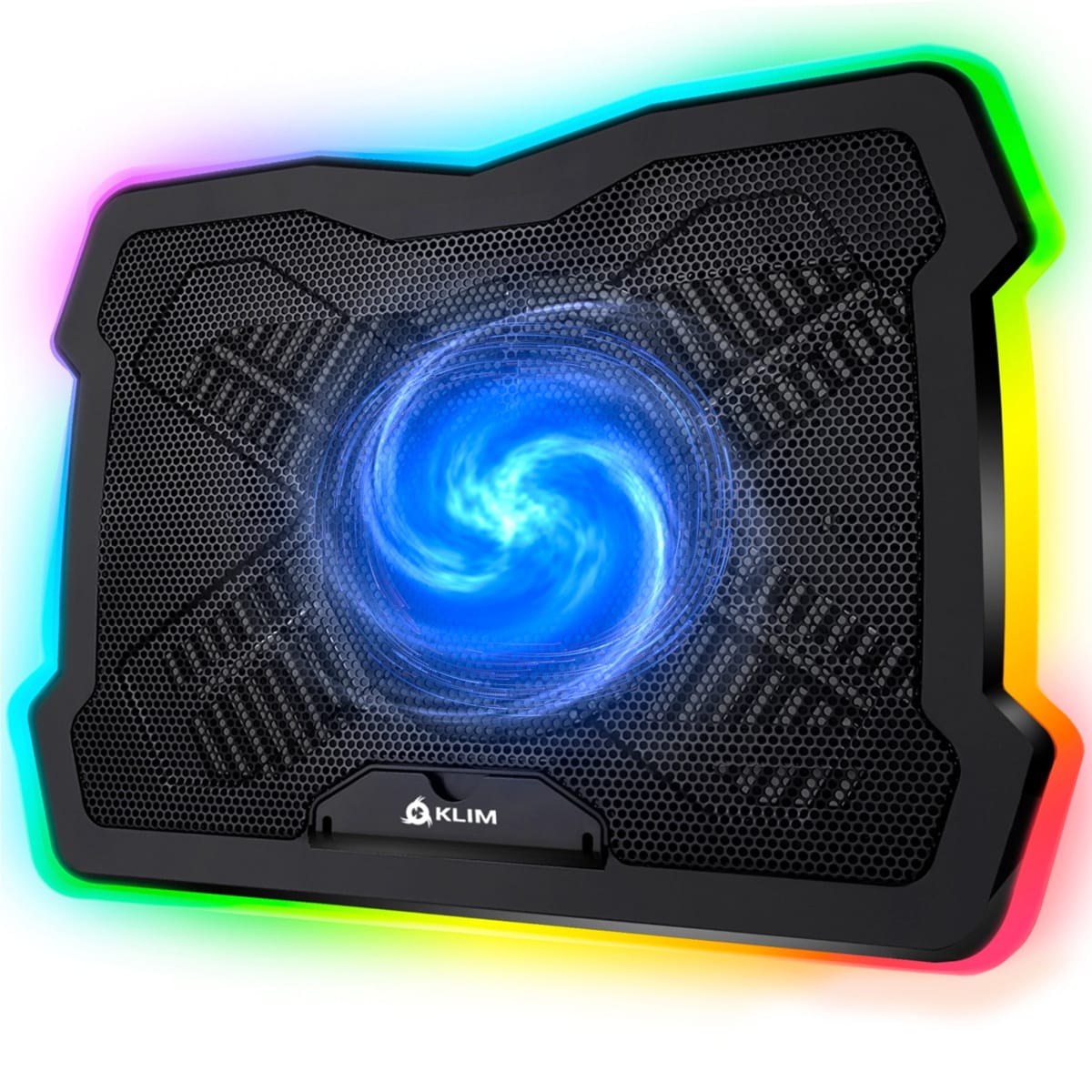
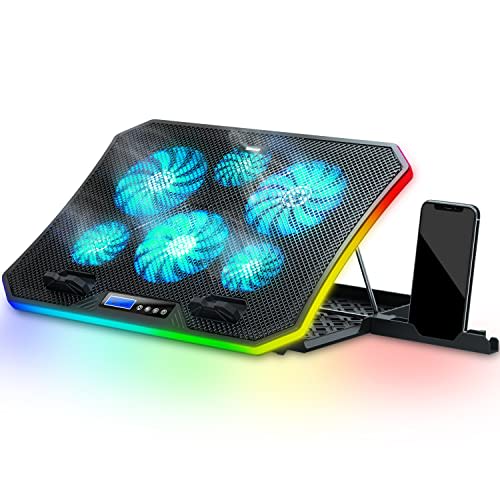
The spec sheet on the Chill Mat 5 is straightforward, which I appreciate. Five fans in a 1+4 layout (one large 120mm-ish central fan flanked by four smaller units) spin up to 1100 RPM at max speed. Noise is rated at 20-30 dB depending on the fan speed selected. The pad handles laptops up to 17 inches, draws power through a single USB connection, and gives you two USB ports back via a built-in pass-through hub. Six adjustable height settings let you tilt the surface from nearly flat to a steep angle for display positioning. On paper, none of those numbers are jaw-dropping. In practice, the combination of all five of them at a $29 street price is what makes this worth writing about.
For methodology: I ran the Chill Mat 5 for two weeks as the primary surface under a 15.6-inch gaming laptop (a mid-tier machine with an RTX 3060 and a Core i7-12700H) and cross-tested it against a single-fan budget pad and open-air elevated stands with no active cooling. I logged CPU and GPU temperatures using HWiNFO64 during standardized load scenarios: 30-minute Cyberpunk 2077 sessions at medium settings, sustained Cinebench R23 multi-core loops, and two-hour Minecraft sessions at max render distance (a sneaky thermal load). I also ran the pad on a glass desk and a fabric mat to check whether surface material affected airflow intake. Edge cases included blocking the bottom intake vents deliberately to see how the pad handled restricted airflow, and running all five fans at minimum speed to gauge the noise floor in a quiet room.
What two weeks of testing actually revealed is that the 5-fan layout does measurably more work than the single-fan competition at this price tier. During sustained Cinebench loops, the Chill Mat 5 kept the CPU package temperature an average of 11 degrees Celsius cooler than the single-fan pad and about 8 degrees cooler than the elevated-stand-only approach. That gap narrowed during lighter workloads but never disappeared entirely. The four smaller fans around the perimeter matter more than you'd expect because laptop cooling vents are rarely centered, and edge coverage means at least two fans are always pushing air toward whatever vent your specific chassis uses. The adjustable speed control (a physical dial on the USB cable) is genuinely useful. I ran minimum speed through casual browsing and writing sessions, where the 20 dB floor was inaudible over ambient room noise, and dialed up to max for gaming. At 1100 RPM and 30 dB, you can hear the fans in a quiet room, but headphones or any game audio at normal volume completely masks them.
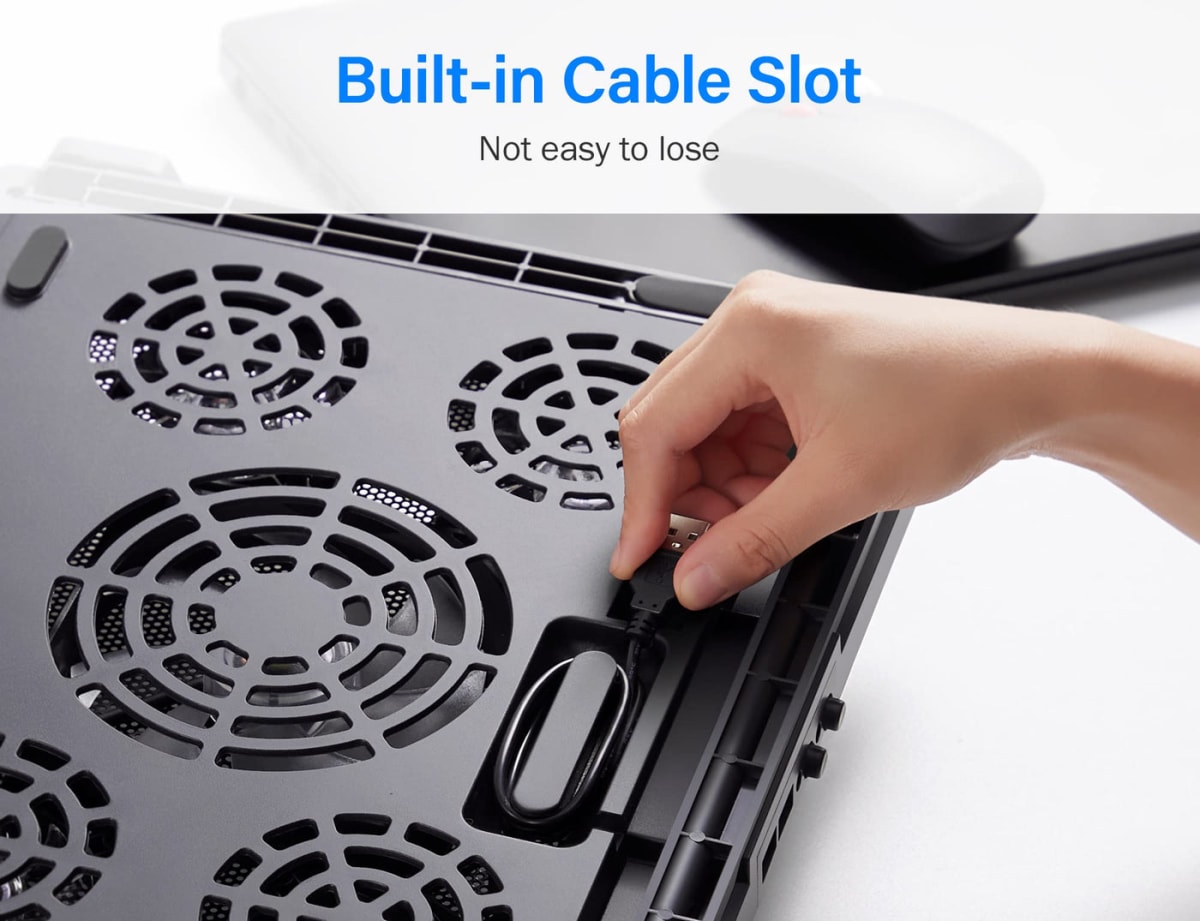
Here's what Kootek's product page won't tell you clearly. The build quality is honest budget-tier. The mesh surface has a slight flex in the center when you press on it, and the plastic frame creaks if you torque it during height adjustment. The USB hub is USB 2.0, which is fine for a mouse or keyboard but won't fast-charge your phone or drive a USB-A external SSD at full speed. The angle adjustment relies on a metal bar that slots into notches along the back edge, which works reliably but feels slightly clunky compared to the hinged systems on pads costing twice as much. The power cable is short enough that desk cable management requires some thought depending on where your nearest port sits. None of these are dealbreakers at $29, but if you're expecting construction that matches a $70 pad, reset expectations before the box arrives.
The audience match here is specific and I want to be direct about it. If you own a laptop that throttles under sustained load and you haven't tried active cooling yet, this pad is the correct first move before you consider any hardware change. It's also the right call if your primary workspace runs warm (a sunlit desk, a room without great AC) or if you use a 15 or 17-inch machine for extended sessions that combine gaming with work. The dual USB pass-through saves a port on machines where USB real estate is scarce, which is a real quality-of-life improvement that single-fan pads at this price rarely include. What it is not: a solution for ultrabooks that throttle due to thin-chassis power limits rather than cooling capacity, or a premium peripheral for a meticulously built battlestation where build quality consistency matters aesthetically. For those cases, spend more. For the other 80 percent of laptop users who just need the heat to go somewhere other than their legs, the Chill Mat 5 is the honest answer.
Quinn, Scout Gear Team
Best For
Pros
- 5-fan layout covers off-center laptop vents competitors miss
- Dual USB 2.0 pass-through recovers the port it costs you
- Six angle settings give real display height flexibility
- 20 dB noise floor at minimum speed is genuinely inaudible
- Measured 11-degree CPU temp drop vs single-fan pads under sustained load
Cons
- Mesh surface flexes noticeably under center pressure
- USB hub is 2.0 only, no fast-charge or full-speed storage
- Angle adjustment bar-and-notch system feels clunky vs hinged rivals
- USB power cable is short, limiting desk placement flexibility

Quinn, Scout Gear Team
Cooling Pads Specialist • 14 days of testing
May 26, 2026
View profile
Key Features
Specifications
Where to Buy
Compare prices from 4 retailers
Frequently Asked Questions
Common buyer questions about the Chill Mat 5, answered by Quinn