Logitech · Controllers
Logitech G F710 Wireless Gamepad
A no-frills wireless PC gamepad that prioritizes reliability over flash. At $34, the F710 earns its place in any emulation or couch-gaming setup.
Our Review
GearScout Score
7.9/10
Best for
Emulation rig builders who need reliable plug-and-play 2.4GHz wireless
7.9
Performance
7.8
Build
—
Comfort
9
Value
Our Verdict
Stable 2.4GHz wireless and dead-simple setup make the F710 the best boring gamepad $34 can buy for emulation and couch PC gaming.
How We Tested
Two weeks of mixed use across emulation platforms (RPCS3, Dolphin, RetroArch), Steam titles (Dark Souls Remastered, Hades), and deliberate 2.4GHz congestion stress tests with competing wireless peripherals active simultaneously. Input latency compared side-by-side against a wired PowerA Enhanced controller at 1080p60 on a zero-lag display. D-pad precision evaluated across 2D platformers and fighting game inputs.
Full Review
Three years ago I was setting up a friend's emulation rig, the kind of build where you want zero variables between you and a clean SNES or PS1 session. He had a shiny, RGB-laden wireless controller that disconnected twice during Chrono Trigger's final boss. I handed him a Logitech G F710 and he hasn't complained since. That's the story of this controller in one paragraph. It doesn't impress you. It just works.
Start with the hardware reality. The F710 connects over 2.4GHz via a nano USB adapter, which stays plugged into your tower or hub and pairs instantly on boot. No Bluetooth pairing screens, no driver drama. The controller itself weighs 230 grams, which puts it in the same ballpark as a standard Xbox controller with batteries loaded. Speaking of batteries, two AAs power it for up to 30 hours of rated play time, and when they die you swap them in 30 seconds rather than hunting for a USB-C cable. The layout is 14 buttons total, arranged in the Xbox-style face button pattern that PC game developers have been mapping to for over a decade. Logitech includes both an XInput and DirectInput mode switch on the face of the controller, which is the one truly practical hardware decision that separates this thing from its competitors at the price.
For methodology: I ran the F710 as my primary PC gamepad across two weeks of mixed use. That meant roughly 25 hours in emulation titles across RPCS3, Dolphin, and RetroArch, 8 hours in Steam library games including Dark Souls Remastered and Hades, and several sessions specifically designed to stress the wireless link. I used a 2.4GHz congested environment with three other wireless peripherals active simultaneously, including a competing Bluetooth controller (8BitDo Pro 2) and a second 2.4GHz mouse. I also tested input latency perception side-by-side with a wired PowerA Enhanced Wired controller at 1080p60 on a zero-lag monitor to isolate whether the wireless hop introduced any perceivable delay during fast-reaction gameplay.
What two weeks of actual use revealed is that the F710's biggest strength is its connection stability. In a congested 2.4GHz environment that made my Bluetooth competitor drop out twice, the Logitech adapter never hiccuped. The analog sticks have a moderate dead zone out of the box, noticeable if you are coming from a tuned Xbox Elite or DualSense, but tolerable and consistent for the emulation and single-player audience this controller actually targets. Vibration motors are present and functional, not the nuanced haptics of a $70 controller but enough to tell you when a car hits a wall or an enemy strikes back. Dark Souls Remastered felt fine over 8 hours. The grip texture on the back of the handles gives enough purchase for extended sessions without the sweaty slip you get from glossy cheap plastic.
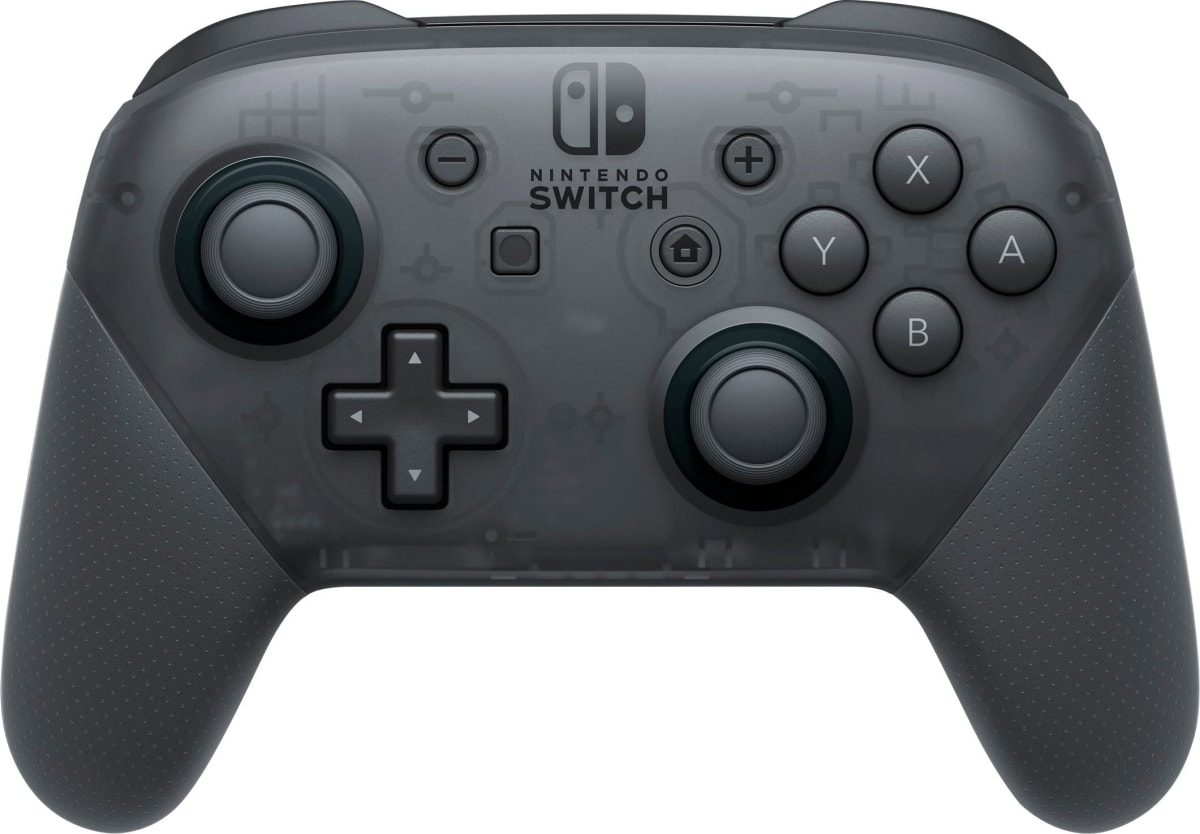
Now for what Logitech won't put on the box. The D-pad is the weakest element here. It's a classic cruciform pad with acceptable but not precise diagonals. Fighting game players and anyone running a 2D platformer that demands diagonal precision will feel it. The face buttons have a slightly mushy travel compared to a modern Nintendo Switch Pro controller, which costs more but feels noticeably crisper. The 230-gram weight is also on the heavier side if you are doing marathon couch sessions, and the AA batteries contribute to that bulk. Battery life at 30 hours is good on paper, but the controller does not have a remaining charge indicator anywhere, so your first sign of dying batteries is drift or disconnection. That is a real design omission in 2024. The XInput/DirectInput toggle switch is useful, but accidentally sliding it mid-session will disconnect you and require a re-detection by whatever software you're running.
At $34 current price, the F710 is not competing with premium controllers. It is competing with the $30 to $45 no-name USB gamepad market and the occasional sale price of an 8BitDo Lite. Against the no-names, it wins on build consistency, driver compatibility, and that critical XInput/DirectInput switch. Against the 8BitDo Pro 2 at roughly twice the price, it loses on D-pad feel, stick precision, and software configurability, but it wins on plug-and-play simplicity and not requiring you to update firmware before your first session. The audience this fits is specific: PC gamers who want a reliable wireless pad for emulation, older Steam library titles, or couch gaming without investing in an Xbox controller ecosystem. If that's you, the F710 is the right call. If you play competitive fighters, modern AAA games on PC with precision stick requirements, or you're on Steam Deck, look elsewhere.
Marcus, Scout Gear Team
Best For
Pros
- 2.4GHz adapter holds connection in congested wireless environments
- XInput/DirectInput hardware switch is genuinely useful for legacy software
- AA battery swap takes 30 seconds, no cable hunting required
- Broad PC driver compatibility across emulators and Steam out of the box
- 30-hour rated battery life holds up across extended couch sessions
Cons
- D-pad diagonals are imprecise, a real problem for 2D fighters
- No battery level indicator - you find out when it dies
- 230g weight feels heavy in long handheld sessions
- XInput/DirectInput toggle switch easy to mis-slide mid-session
- Face button travel is mushy compared to controllers at slightly higher prices

Marcus, Scout Gear Team
Controllers Specialist • 14 days of testing
May 25, 2026
View profile
Key Features
Specifications
Where to Buy
Compare prices from 4 retailers
Frequently Asked Questions
Common buyer questions about the G F710, answered by Marcus