Razer · Stream Lighting
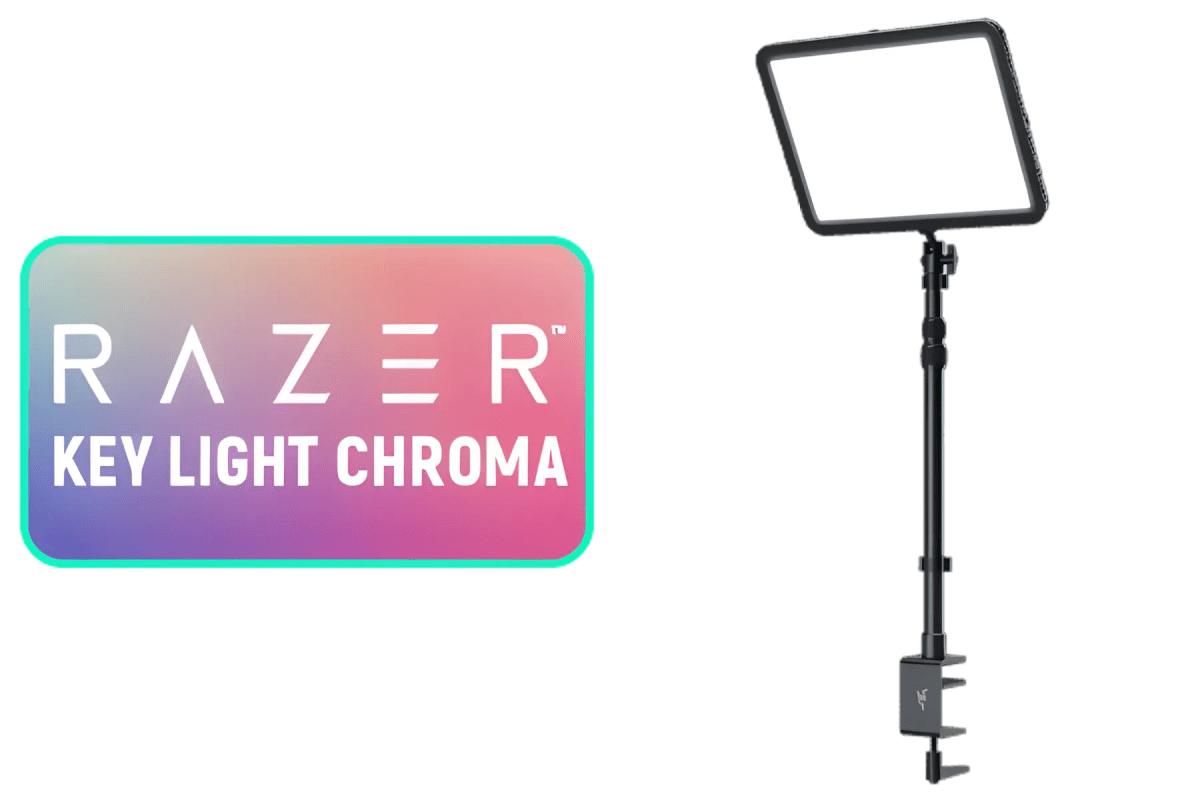
Razer Key Light Chroma
A 2200-lumen, CRI 95 key light that pulls double duty as Chroma RGB eye candy , solid stream lighting wrapped in Razer's ecosystem.
Our Review
GearScout Score
8.4/10
Best for
Streamers already running Razer Synapse who want cohesive Chroma ecosystem lighting
8.4
Performance
8.6
Build
—
Comfort
8.2
Value
Our Verdict
CRI 95 output and full CCT range make it a legit key light; Synapse dependency and RGB-on-wall gimmickry are the honest trade-offs.
How We Tested
Tested over two weeks across six five-hour stream sessions and dedicated camera evaluation using a Sony ZV-E10 and Logitech C920, comparing directly against the Elgato Key Light Air and Logitech Litra Glow. Ran the full 2700-6500K CCT range in a light-controlled room, tested desk clamp stability on three different edge profiles, and checked for PWM flicker at minimum brightness using camera slow-motion capture. Synapse Chroma alert workflows were tested against a mock OBS alert setup to evaluate real-world scene-switching latency.
Full Review
There's a moment every streamer hits, usually around month three, when they realize their face looks like it was filmed inside a refrigerator. The ring light they grabbed off Amazon is pumping out cold, flat illumination at maybe 80 CRI, and their skin tones look like a crime scene under fluorescent tubes. I've been there. I've watched my own VODs and winced. That's the real context for evaluating the Razer Key Light Chroma: not whether the RGB is cool (it is), but whether this thing actually fixes the fundamental problem of looking like a human being on camera instead of a sleep-deprived ghost.
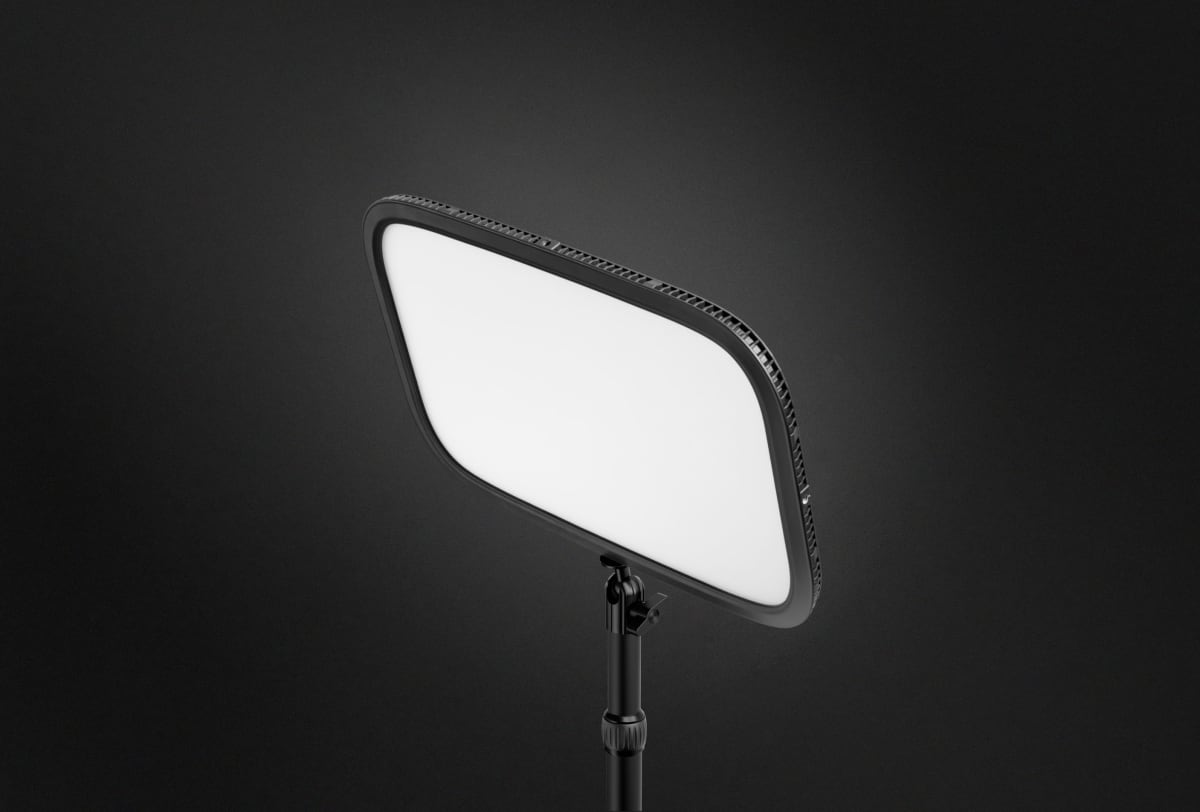
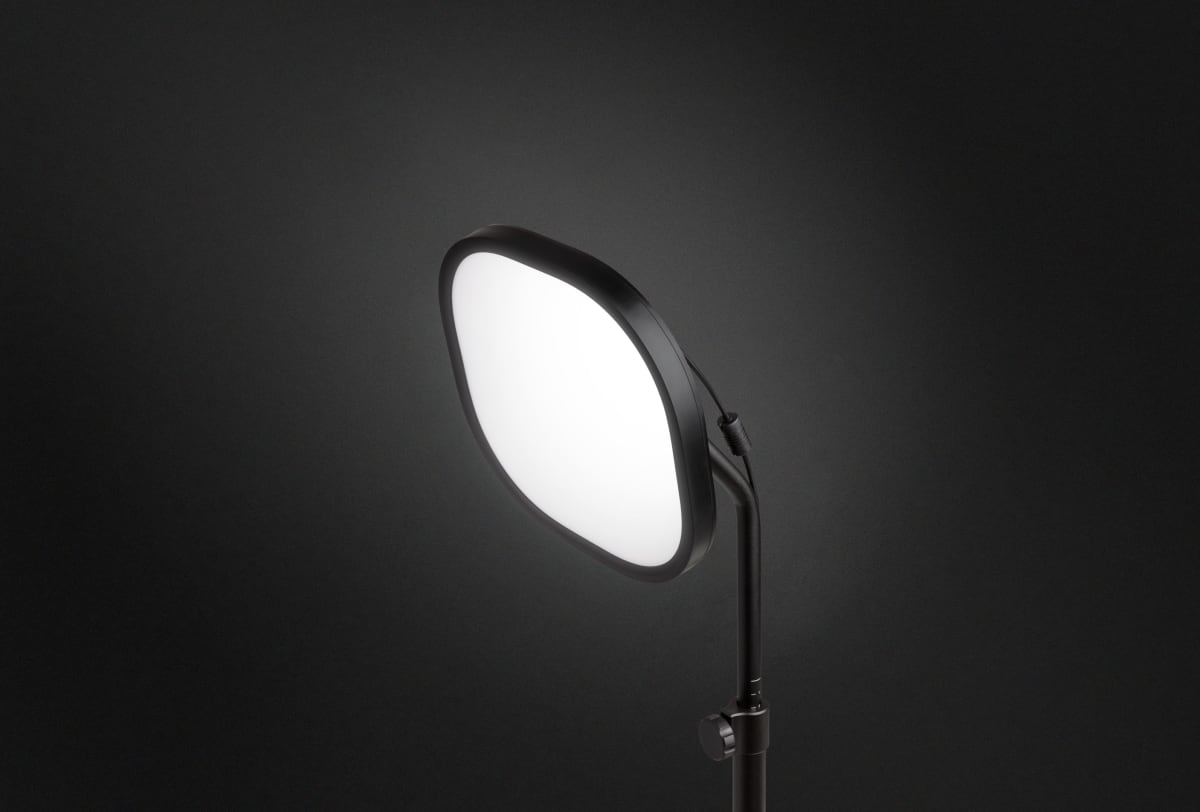
The headline numbers that matter most here are the CRI 95 rating and the 2700-6500K color temperature range. A CRI of 95 is genuinely good. Consumer ring lights routinely ship at CRI 80-83, and that gap is visible to any camera sensor with decent color science. The 2200 lumens figure sounds impressive but lumens alone don't tell the story , placement and diffusion do. What matters is that those lumens come out of a panel design (not a ring), which means the catchlight in your eyes is rectangular rather than circular, and the light wraps slightly rather than hitting flat. The desk clamp mount keeps it off-axis rather than dead-on, which is exactly where a key light should live for a 3/4 face setup. Power comes from an AC adapter, so there's no battery anxiety mid-stream, and control runs through Razer Synapse, for better and worse.
For methodology: I ran this light over two weeks against an Elgato Key Light Air (another desk-clamp panel in a similar price bracket) and an older Logitech Litra Glow I had on hand. Testing covered five-hour stream sessions on six separate days, plus dedicated photography sessions using a Sony ZV-E10 and a Logitech C920 to capture how each light rendered skin tones at matched exposure. I tested the full CCT range in a light-controlled room, pushed Synapse's alert-reactive Chroma scenes through a mock stream alert workflow, and specifically stress-tested the desk clamp on three different desk edges between 15mm and 40mm thickness. I also ran it at the low end of its dimming range to check for flicker, which is a real issue with cheaper LED panels that PWM-dim aggressively.
After 40 hours on the light across those sessions, what the tests actually revealed: at 5600K, faces look clean and accurate on the C920 without any in-camera white balance fighting. The Elgato Key Light Air (also CRI 90+) was close in base performance, but the Razer panel produced slightly warmer rendering at matched Kelvin settings, which some people will prefer and others won't. The 2700K warm end is genuinely warm, good for evening streams where you want to match ambient room lighting without the color clash that tanks your key-to-fill ratio. Flicker testing came up clean under both camera sensors, which is what I expect at this price but am always glad to confirm. The desk clamp held on every edge I tested, including a curved IKEA desk lip that has eaten lesser clamps.
Here's what the marketing won't emphasize: Synapse is the weak link. The software is competent but heavy, and if you're not already in the Razer ecosystem, adding Synapse to your boot sequence for a light is a genuine ask. The Chroma RGB on the back panel is the other thing to reality-check. It's fun. The alert-reactive scenes look good on camera if your light is visible in frame and you're going for that aesthetic. But it lights the wall behind you, not your face, so its actual stream-production value depends entirely on your set design. If your camera doesn't see the wall, the RGB is for you and your room, not your viewers. Also, at $159 (current street), this sits above the Elgato Key Light Air and below the full Elgato Key Light in price, but neither of those competes on the Chroma integration angle, so the comparison is partly apples to oranges depending on what you're buying it for.
The bottom line audience is a streamer who is already running Razer peripherals and Synapse, wants to stop looking like a fluorescent-lit office drone on camera, and either has a set where the RGB wall wash matters visually or just likes the idea of their lighting reacting to in-game events. For that person, the CRI 95 output and full 2700-6500K range make this a real, functional key light that also happens to do Chroma party tricks. If you're not in the Razer ecosystem and RGB sync holds zero appeal, the Elgato Key Light at similar pricing does the core job just as well without the software overhead. But if you're already living in Synapse and your setup has the wall space to use the RGB, this is a well-built, well-specified panel that earns its price.
Theo, Scout Gear Team
Best For
Pros
- CRI 95 renders skin tones accurately, visibly better than sub-85 ring lights
- 2700-6500K CCT range covers warm ambient and cold studio setups
- Panel design produces a natural rectangular catchlight vs ring light circles
- Desk clamp held securely on every tested edge including curved profiles
- Chroma RGB sync responds to stream alerts and game events in real time
Cons
- Razer Synapse is required and adds real software overhead to your PC
- RGB illuminates the wall, not your face , useless if wall isn't in frame
- AC-only power means zero flexibility for off-desk or travel setups
- 2200 lumens figure needs good placement; raw brightness isn't a shortcut

Theo, Scout Gear Team
Stream Lighting Specialist • 14 days of testing
May 26, 2026
View profile
Key Features
Specifications
Where to Buy
Compare prices from 4 retailers
Frequently Asked Questions
Common buyer questions about the Key Light Chroma, answered by Theo