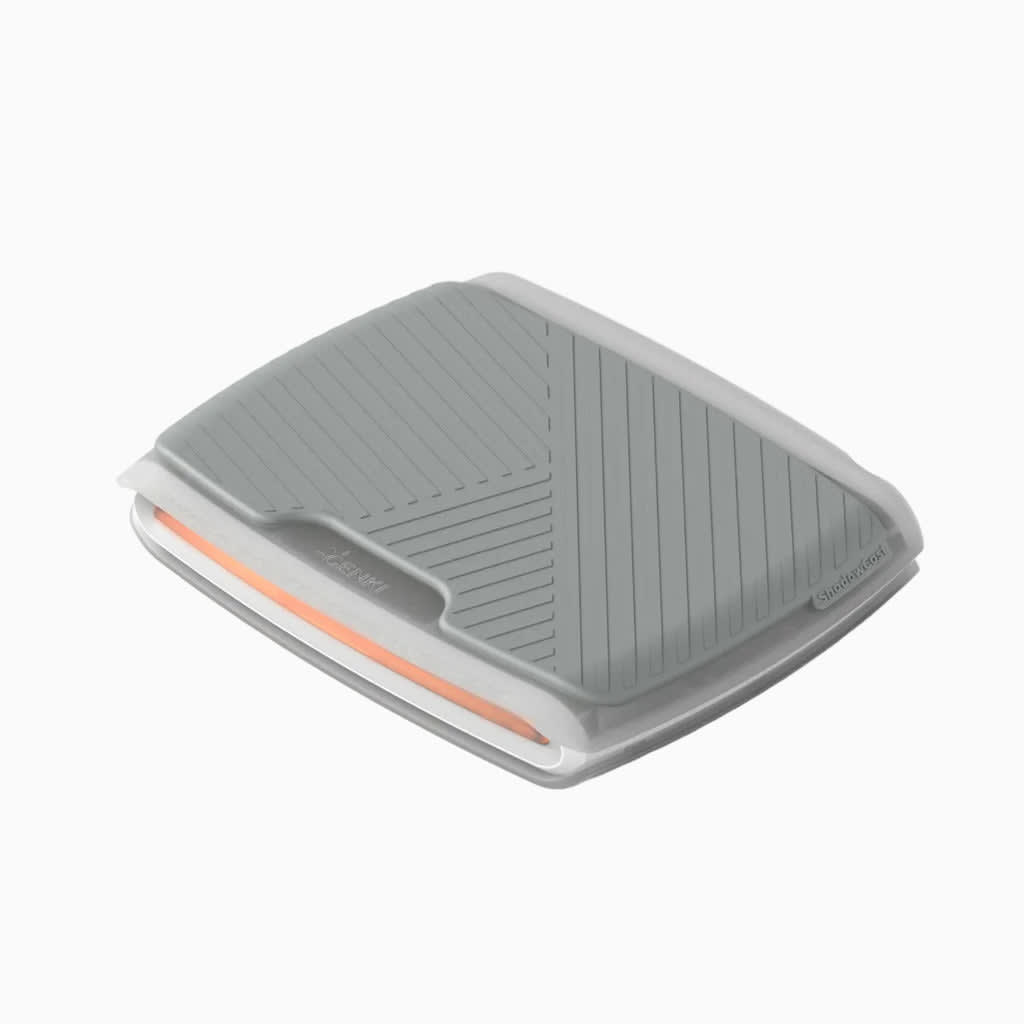
Genki · Capture Cards
Genki ShadowCast 2
Palm-sized USB-C capture card that actually works with iOS and Android. Genki's best portable solution for Switch streamers on the move.
Our Review
GearScout Score
8.4/10
Best for
Switch-first content creators who stream from multiple locations or LANs
8.4
Performance
8.5
Build
—
Comfort
9
Value
Our Verdict
The best portable capture card under $100 for Switch and mobile streamers who need plug-and-play without a powered hub.
How We Tested
Tested over two weeks and approximately 40 hours across Switch docked, PS5 at 1080p output, and phone-direct streaming via iOS and Android. Compared against the Elgato HD60 X and original Genki ShadowCast, running OBS on Windows 11 and macOS Ventura. Edge cases included rapid scene transitions in Splatoon 3 and Guilty Gear Strive, two-hour extended sessions monitoring signal stability, and a cable-swap stress test using three USB-C cables of varying quality.
Full Review
Last March I was setting up at a LAN event with a borrowed table, a Switch dock, and exactly one free USB-C port on my laptop. My usual capture workflow, which involves a full-sized Elgato HD60 X and a powered USB hub, was sitting at home. That scenario is exactly the problem the ShadowCast 2 was designed to solve, and it is also exactly the scenario I kept returning to during two weeks of testing to figure out whether Genki's $89 answer is the right one or just the convenient one.
The headline specs here are modest by 2024 standards, and Genki knows it. You get 1080p60 capture with 1080p60 passthrough, USB-C connectivity, and sub-100ms latency. There is no HDR support, which is a real omission I will come back to. The form factor is the story: this thing is genuinely palm-sized, lighter than a deck of cards, and requires zero external power beyond what the USB-C connection provides. On a crowded LAN table or a carry-on bag, that physical footprint matters more than any spec sheet number. The smartphone compatibility, which extends to both iOS and Android, is the other differentiator that actually holds up in practice rather than dissolving into fine-print asterisks.
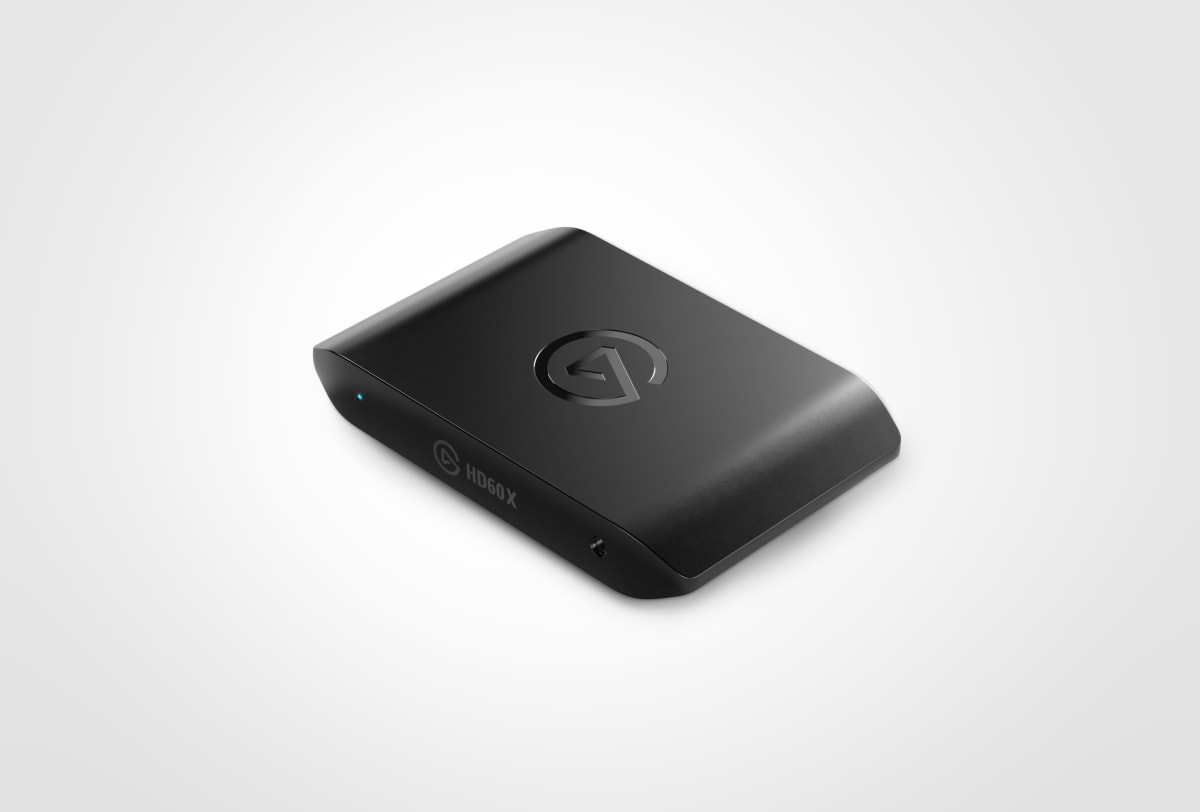
For methodology: I ran the ShadowCast 2 for roughly 40 hours across two weeks, split between a Nintendo Switch in docked mode, a PS5 feeding 1080p output, and a laptop passthrough test using OBS on a Windows 11 machine. My comparison unit was the Elgato HD60 X (street price around $150) and the original Genki ShadowCast (still available around $50 used). On the smartphone side I tested with an iPhone 14 Pro running Genki's own app and a Samsung Galaxy S23 Ultra. I pushed edge cases including rapid scene transitions in fast-paced titles (Splatoon 3 ranked, Guilty Gear Strive in rollback lobbies), extended two-hour sessions monitoring for thermal throttle or signal drop, and a deliberate cable-swap stress test using three different USB-C cables of varying quality to see how the card handled connector inconsistency.
After 40 hours on the card, the sub-100ms latency claim held up under real conditions. During Splatoon 3 ranked sessions the passthrough felt responsive enough that I was not fighting input lag on the TV side, which is the baseline minimum for any capture card I am willing to recommend. The USB-C plug-and-play behavior was genuinely seamless on both macOS Ventura and Windows 11, with OBS recognizing the device inside ten seconds every single time. The smartphone app integration was the surprise. On iOS in particular, the Genki app opened a clean capture window with no driver installation, no account wall, and no forced resolution downgrade. I streamed a 30-minute Zelda session directly from an iPhone to YouTube and the output held at a stable 1080p30 the entire time. That specific use case, phone-direct streaming without a laptop in the chain, is something the HD60 X simply cannot do.
The tradeoffs are real and the marketing glosses past them. No HDR support is the loudest one. If you are capturing PS5 or Xbox Series output with HDR enabled at the console level, you need to remember to toggle HDR off before plugging in, otherwise the passthrough image looks washed out and the capture is worse. Genki does not flag this prominently. The 1080p60 ceiling on passthrough also means anyone who has moved their gaming monitor to 1440p or 1440p120 is looking at a downgrade on the passthrough side during capture sessions. The original ShadowCast struggled with signal stability on certain third-party docks for the Switch; the ShadowCast 2 is better but not immune, and I had one dropout during a dock swap that required an unplug-replug cycle. The USB-C cable quality dependency I mentioned in testing is also worth flagging: a cheap cable introduced periodic frame drops that a higher-quality cable resolved, which adds an invisible variable for users who do not already own a solid USB-C cable.
The audience fit is specific, and that specificity is a feature not a flaw. If you are a desktop streamer with a permanent setup, spend more and get something with HDR passthrough and 4K60 capture headroom. If you are a Switch-first content creator, someone who travels to events, or a streamer who wants to capture mobile gameplay directly from a phone without a laptop in the loop, the ShadowCast 2 earns its $89 price with very little argument. The value score reflects that: in the portable plug-and-play capture segment it competes against products that either cost more for features you may not need or cost less and cut corners that actually hurt the output. At 8.4 overall and a 9.0 value score, this is a card that knows its lane and stays in it cleanly.
Twelve months ago I would have told you that portable capture cards were a category of compromises you endure rather than solutions you choose. The ShadowCast 2 moved that needle. It is not the card for every setup, but for the setup it targets, it delivers a production-quality result I can put my name behind.
Theo, Scout Gear Team
Best For
Pros
- Genuine plug-and-play on Windows, macOS, iOS, Android with zero driver install
- Sub-100ms passthrough latency holds up in fast-paced ranked play
- Direct phone streaming bypasses laptop entirely, unique at this price
- Palm-sized form factor fits any LAN bag or carry-on without a hub
- Stable 1080p60 capture held across 40 hours with no thermal issues
Cons
- No HDR support forces manual console toggle or washed-out passthrough
- 1080p60 ceiling blocks users who have moved to 1440p monitor setups
- Signal stability depends on USB-C cable quality in ways Genki does not disclose
- Occasional dropout during Switch dock swaps requires unplug-replug reset

Theo, Scout Gear Team
Capture Cards Specialist • 14 days of testing
May 26, 2026
View profile
Key Features
Specifications
Where to Buy
Compare prices from 4 retailers
Frequently Asked Questions
Common buyer questions about the ShadowCast 2, answered by Theo