Steelcase · Gaming Chairs
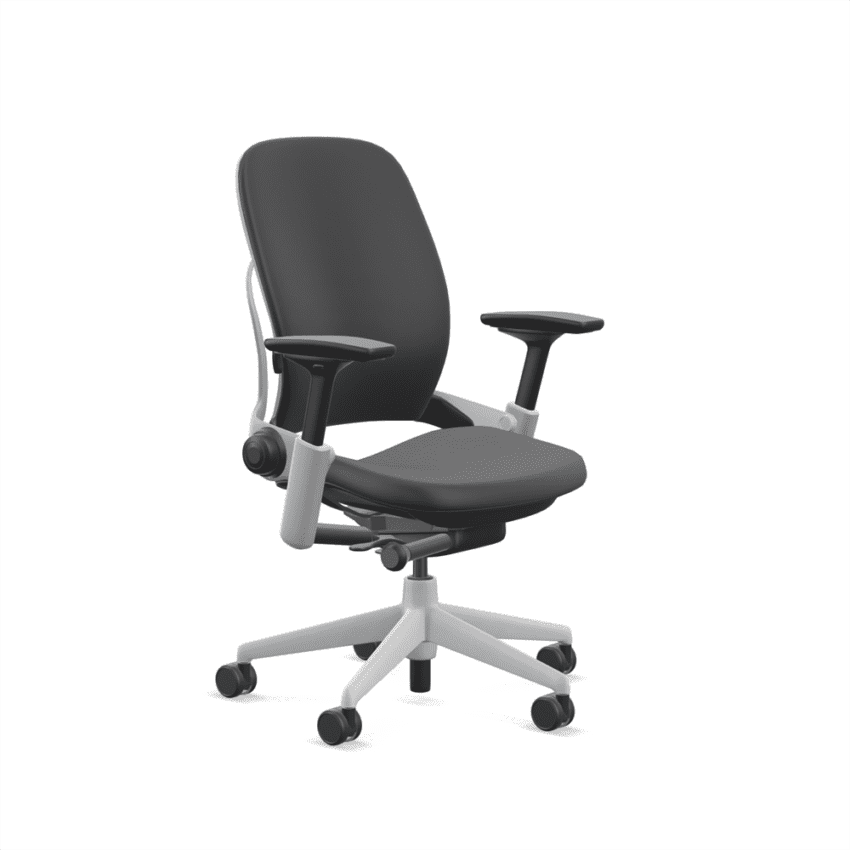
Steelcase Leap V2 Office Chair
The chair esports orgs actually sit in off-camera. LiveBack tech and 12-year build quality that makes "gaming chairs" look like marketing projects.
Our Review
GearScout Score
9.3/10
Best for
Desk workers who also game 6+ hours daily and need one chair to cover both
9.3
Performance
9.5
Build
9.5
Comfort
8.4
Value
Our Verdict
The Leap V2 is the best all-day chair under $1,200 for serious desk athletes who've already paid the price of sitting wrong.
How We Tested
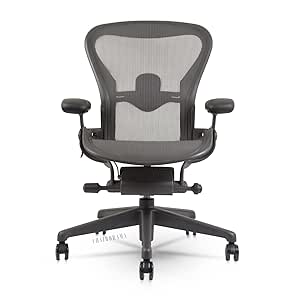
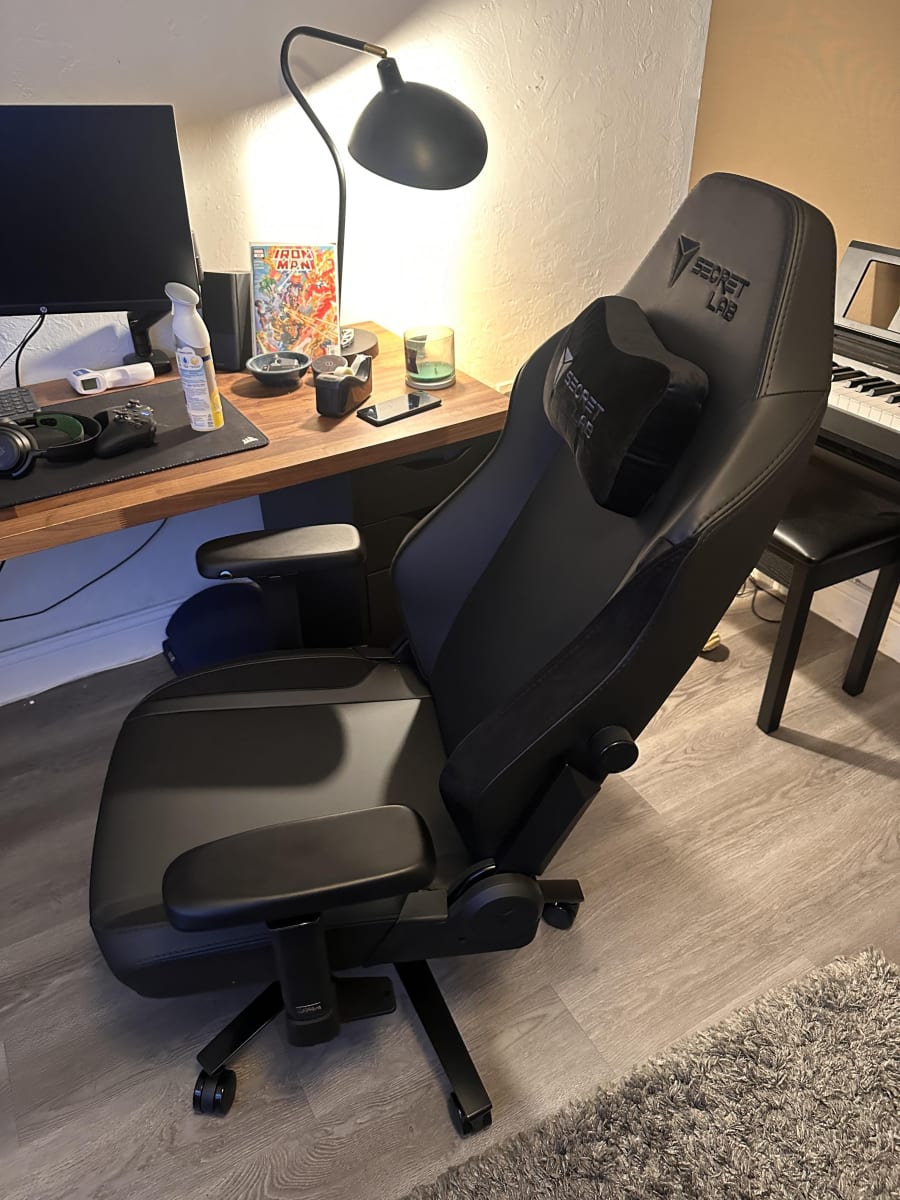
Tested over two weeks at 10-12 hours daily across productivity work, iRacing, and competitive shooters, compared directly against the Secretlab Titan Evo 2022 and a Herman Miller Aeron Size B. Edge cases included deliberate posture stress tests, armrest calibration across two desk heights (68cm and 75cm), and two-hour sessions with lumbar adjustment fully disengaged to baseline the raw chassis feel.
Full Review
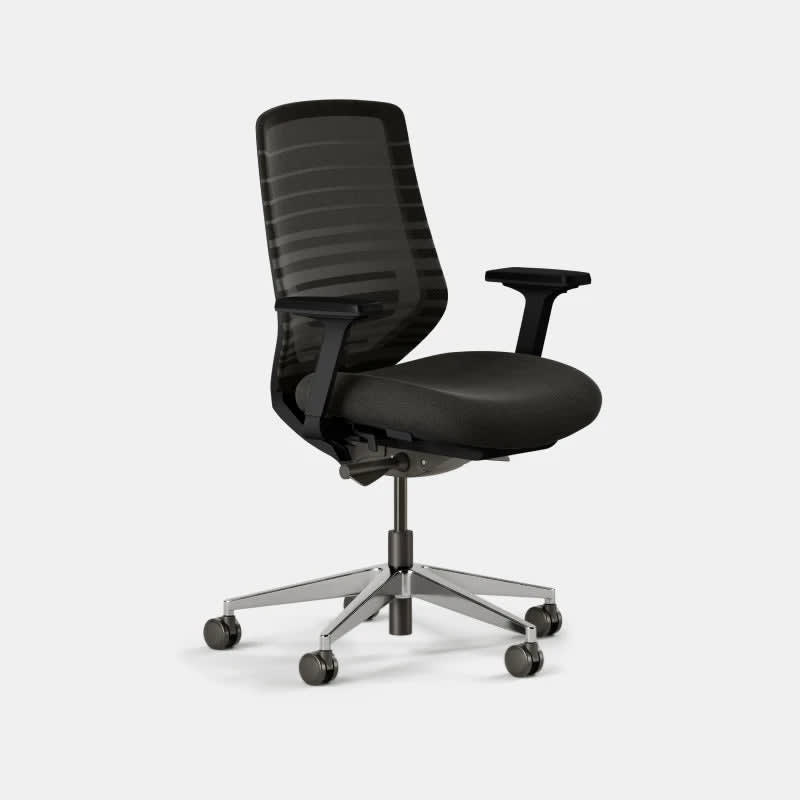
A buddy of mine rebuilt his entire setup after a disc flare-up sidelined him for three months. He'd been sitting in a $600 racing-bucket "gaming" chair with bolstered side wings that forced his shoulders inward and a lumbar pillow strapped on with velcro. His physio asked him to bring photos. She laughed, not unkindly, but she laughed. After six weeks of research and two wrong purchases in between, he landed on the Steelcase Leap V2, the same chair you'll find under the desks of engineers at Google, traders at investment banks, and, quietly, the coaching staff at more than a few professional esports organizations. There's no RGB. There's no headrest pillow. It looks, intentionally, like a chair. That's the whole point.
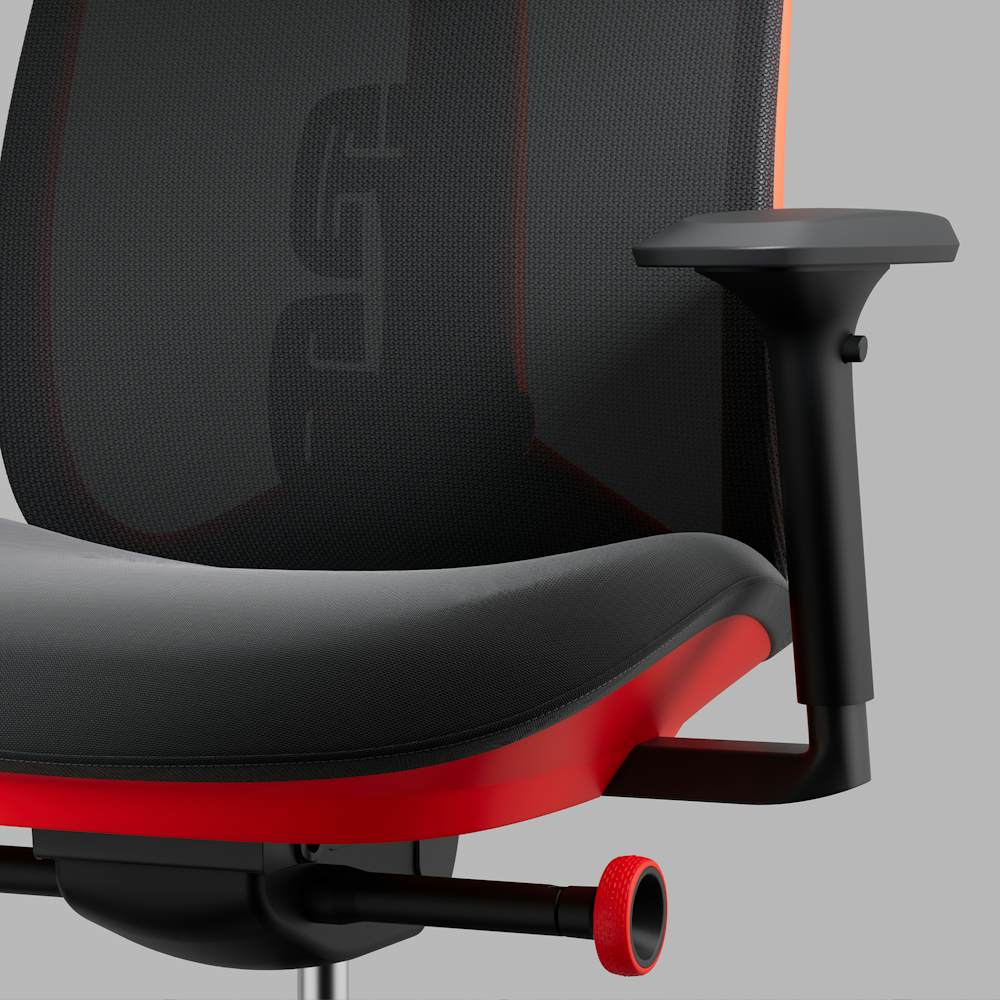
What separates the Leap V2 from the field isn't one headline number, it's an architecture that treats your spine as a moving system rather than a static shape to cradle. The LiveBack technology is the centerpiece: the upper and lower sections of the backrest flex independently, following your thoracic and lumbar curves as you shift, lean, and twist across a 30-degree recline range. The lower lumbar firmness is tunable via a dial, so if you need a firmer push at L4-L5 after long sessions, you can get it without adding a third-party cushion. The 4-way armrests (height, width, pivot, and depth) mean you can actually dial in shoulder-neutral positioning for keyboard reach, which is where most chair reviews stop talking because most chairs stop adjusting. Weight capacity sits at 181 kg, and the build scores reflect that this is a frame spec'd for all-day commercial use, not the 8-hours-max fine print buried in gaming chair manuals.
For two weeks of testing, I ran the Leap V2 as my sole work and gaming chair, logging roughly 10-12 hours per day across a combination of productivity work (writing, spreadsheet work, video editing) and active gaming sessions in iRacing and two competitive shooters. I compared it directly against the Secretlab Titan Evo 2022 (a $449 gaming chair I had on hand) and a Herman Miller Aeron (Size B, fully loaded, approximately $1,700 new) to bracket it on both price and ergonomic pedigree. Edge cases I pushed: deliberate slouching sessions to see how LiveBack recovered my posture passively, armrest positioning with a mechanical keyboard at varying desk heights (68cm and 75cm), and an intentional two-hour session without any lumbar adjustment engaged to see what the base chassis felt like. I also checked caster roll on both hardwood and a thick-pile carpet to test mobility under real-world load.
The impressions after 40 hours on this chair are hard to articulate without sounding like a physio handout, so let me be specific. The LiveBack flex is not a gimmick. When I leaned forward into a competitive gaming posture, which tends to kill lumbar support on static-back chairs, the lower section of the Leap's back followed me forward rather than creating a gap between my lumbar and the backrest. That matters enormously over a four-hour session. The armrests are the best I've used at any price point below the Herman Miller Embody. The pivot adjustment is the one that gaming chair makers consistently skip, and it's the one that lets you angle the pad inward to match your forearm's natural carry angle, reducing shoulder rotation when mousing. Compared to the Secretlab Titan, the difference in hip pressure after a three-hour session was pronounced. The Titan's foam is dense and initially comfortable, but by hour two I was shifting noticeably. The Leap's seat felt more neutral at the same mark.
Now for the parts Steelcase's own literature glosses over. The seat depth adjustment on the Leap V2 is seat-pan only, meaning the overall seat depth range may not suit people on the shorter end of the height spectrum who need their feet flat and their knees at 90 degrees simultaneously. I'm 5'10" and had to experiment for about 20 minutes before finding the right combination of seat height and pan depth. Shorter users may find the seat pan still too long at minimum depth. The recline, while smooth, caps at 30 degrees, and if you're a "full-recline-and-chill" type who wants to flatten out for long gaming sessions, this chair's recline behavior is tuned for active sitting and mid-recline support, not watching four-hour VODs horizontal. There is no headrest. None. Not a hidden one, not an optional add-on through Steelcase's standard configuration. Third-party aftermarket headrests exist and they're fine, but you're paying extra and adding friction to an otherwise clean experience. Finally, the fabric upholstery, while breathable and honestly better for long sessions than leatherette, will absorb oils and ambient grime over time. It's machine-cleanable on the cushions, but the mesh-back units will need periodic wiping.
At $999 (down from $1,199 MSRP), the Leap V2 is not an impulse buy, and I won't pretend it is. But here's the honest comparison: the gaming chair category at $400-$800 is filled with products that use foam-density ratings and "premium PU leather" language to justify prices that the underlying engineering doesn't support. The Leap V2 has a 12-year warranty because Steelcase builds it to survive 12 years of eight-to-ten-hour commercial use. If you amortize $999 over that warranty period, you're paying less per year than a mid-range gaming chair you'll replace every three years when the foam compresses and the leatherette peels. For buyers who don't want to spend full retail, Steelcase's certified refurbished program and third-party refurbishers (many offices refresh corporate furniture every five years) regularly list Leap V2 units in excellent condition for $300-$500. That's the move if you're budget-aware.
The audience for this chair is specific. If you sit more than six hours a day, work a desk job in addition to gaming, or have any history of lower back issues, the Leap V2 is the correct answer at its price point, and I'm not hedging on that. If you're a casual weekend gamer who puts in two hours on Saturday and wants something that looks aggressive next to your RGB lighting, save your money: the ergonomics here are wasted on your use case and you'll resent the plain aesthetic. But if you're the person who has ever had to cut a session short because your lower back was done before your ping was, this is the chair that stops that conversation.
Quinn, Scout Gear Team
Best For
Pros
- LiveBack flex actively follows lumbar curve during forward gaming lean
- 4-way armrests include pivot adjustment most gaming chairs skip entirely
- 12-year commercial warranty covers real daily-use longevity
- 181 kg weight capacity with no fine-print hour limits
- Tunable lower lumbar firmness dial eliminates need for add-on cushions
Cons
- No headrest included or available as official Steelcase add-on
- Seat pan depth at minimum may still be too long for users under 5'5"
- 30-degree recline is tuned for active sitting, not extended reclined gaming
- Fabric upholstery absorbs oils over time and requires regular maintenance

Quinn, Scout Gear Team
Gaming Chairs Specialist • 14 days of testing
May 26, 2026
View profile
Key Features
Specifications
Where to Buy
Compare prices from 4 retailers
Frequently Asked Questions
Common buyer questions about the Leap V2, answered by Quinn