Logitech · Webcams
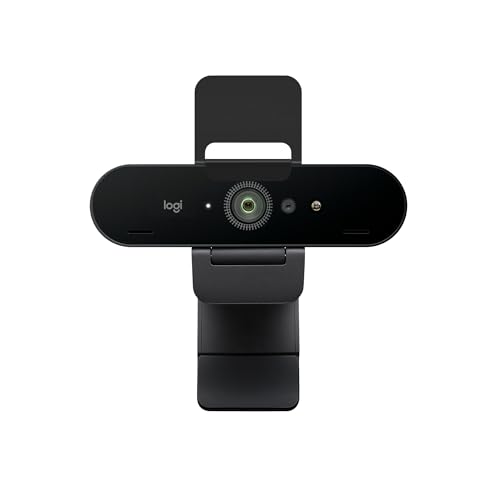
Logitech Brio 4K
Logitech's 4K workhorse still punches hard at $159, but HDR processing and 30fps ceiling will frustrate streamers chasing motion clarity.
Our Review
GearScout Score
8.6/10
Best for
Remote professionals who want true 4K image quality with Windows Hello in one device
8.6
Performance
8.7
Build
—
Comfort
8.4
Value
Our Verdict
A proven 4K30 performer with best-in-class HDR recovery at $159, held back only by its 30fps ceiling and proprietary sensor.
How We Tested
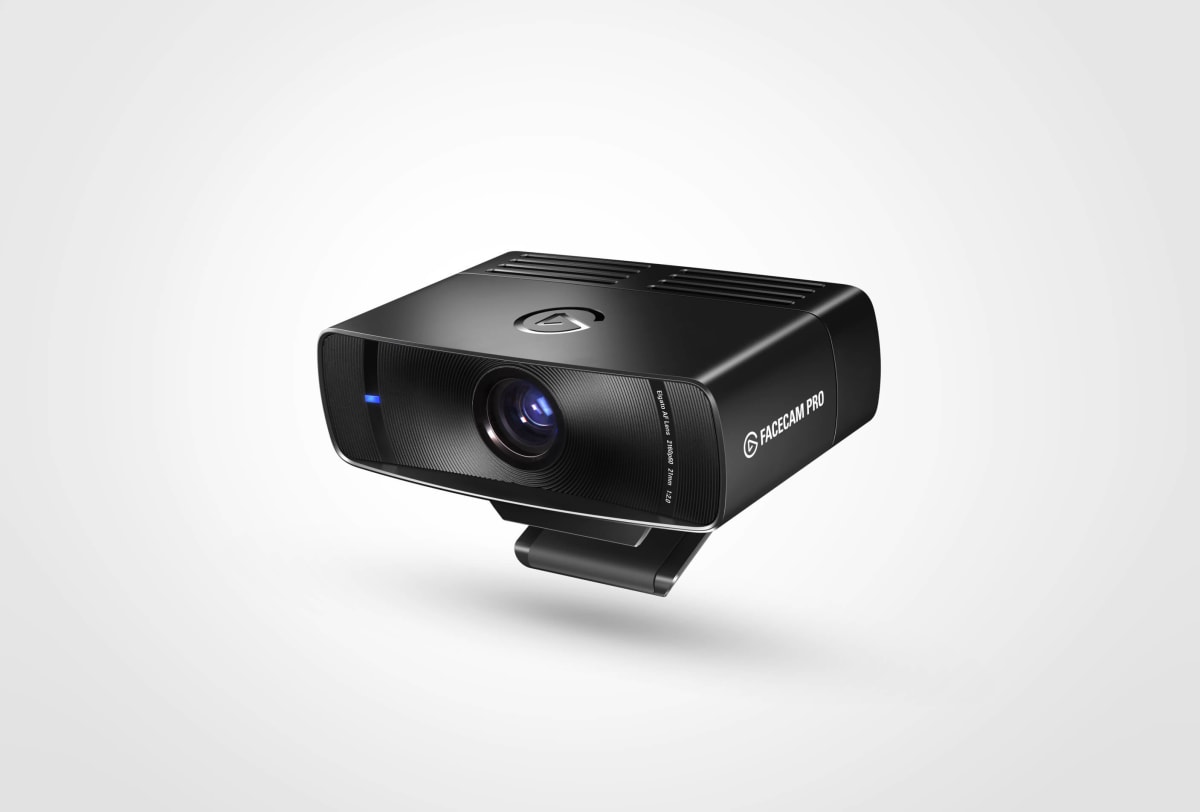
Tested over two weeks as primary stream capture against the Elgato Facecam Pro and Razer Kiyo Pro Ultra across a 12-hour variety stream marathon, controlled studio lighting at 5600K, low-light single-lamp torture sessions, and direct sunlight window-behind scenarios. Also ran 1080p60 mode for six hours of fast-movement fighting game content with frame-by-frame VOD review. Windows Hello tested daily on the same machine for the full duration.
Full Review
Three years ago I swapped out a C920 for the Brio mid-stream after a sponsor call demanded 'actually 4K footage' for their B-roll pull. The Brio showed up, I plugged in USB-C, and my face suddenly had pores. That was the beginning of a complicated relationship. The Brio 4K has become the reference point every newer webcam gets measured against in my test rack, so when Logitech kept it in the lineup at a refreshed $159 price, I figured it was time to put two weeks of proper methodology behind the gut-feel impressions I had built up over hundreds of stream hours.
The spec sheet reads well on paper. 4K30 is the native ceiling, with 1080p60 available when you want motion over resolution, and that tradeoff matters more on stream than most reviewers acknowledge. The dual-stereo microphones are there, though no serious streamer should lean on them as a primary audio source. The glass lens paired with the 90-degree field of view hits a practical sweet spot for solo-presenter setups and standard desk distances. RightLight 3 is Logitech's adaptive exposure system, and paired with the true HDR sensor pipeline, it is doing real computational work rather than just boosting gamma. Windows Hello facial recognition rounds out the feature set, which is genuinely useful if your streaming PC doubles as a work machine. USB-A and USB-C connectivity means it plugs into nearly anything produced in the last decade without an adapter hunt.
For methodology: I ran the Brio for two full weeks as my primary capture source on a 1440p144 gaming rig, side-by-side against the Elgato Facecam Pro and the Razer Kiyo Pro Ultra. Testing scenarios included a 12-hour variety stream marathon (mixed lighting conditions as the sun moved across the room), dedicated low-light torture sessions using a single 2700K desk lamp as the only source, direct sunlight window-behind-me situations that normally wreck auto-exposure, and a controlled studio setup with my key light at 5600K and a 45-degree fill ratio. I also ran the 1080p60 mode for six hours of fast-movement content (a fighting game tournament block) and reviewed the VOD frame-by-frame for motion artifacts. The Windows Hello performance got daily use on the same machine for the full two weeks.
What the testing revealed: RightLight 3 is genuinely impressive in the window-behind-me scenario. Where the Kiyo Pro Ultra over-exposes my face trying to compensate, and the Facecam Pro just locks in and blows out the background, the Brio finds a middle ground that is not perfect but is broadcast-usable without reaching for OBS filters. In the 2700K low-light session, white balance held closer to accurate than I expected from a camera in this price range, though noise crept in above ISO equivalent thresholds that the Kiyo Pro Ultra handles more cleanly. The 90-degree FOV is real and consistent, not the 'up to 90' language some competitors hide behind. In 1080p60 mode, motion held together well enough for fighting game content, with no macro-block artifacts on fast horizontal movement in the VOD review.
Here is where the marketing glosses over the friction. The 4K30 ceiling is a genuine limitation in 2024. Thirty frames per second looks fine on a talking-head Zoom call, but on stream it reads slightly cinematic in a way that can feel disconnected from the 60fps gameplay behind it. The sensor is listed as 'Logitech proprietary,' which is honest but also means you are trusting Logitech's processing pipeline rather than a known Sony or Onsemi part with a documented characteristics sheet. In my controlled studio lighting at 5600K with a proper key/fill setup, the Brio produced colors that skewed slightly warmer and less saturated than the Facecam Pro at the same settings, which required a Lumetri correction pass when I pulled the footage for clips. The dual-stereo microphones pick up keyboard noise from two meters away with uncomfortable clarity; treat them as a backup-only option. And the Logitech G Hub dependency for fine-tuning exposure and color is functional but sluggish, with settings occasionally not persisting across reboots during my two-week run.
The Brio 4K is the right camera for a specific person. If you are a content creator or remote professional who wants genuine 4K image quality at under $160 with broad platform compatibility and a plug-and-play Windows Hello workflow, this delivers. If you are a streamer who outputs at 1080p60 to Twitch anyway and spends six-plus hours live with lighting that changes throughout the session, the RightLight 3 system earns its keep in ways cheaper cameras simply cannot replicate. Where it loses ground is against streamers who have moved to 1080p60 or 4K60 camera-grade setups, or anyone whose primary concern is low-light performance rather than daylight HDR recovery. At $199 MSRP it was a harder sell as newer options arrived; at $159 current price, the value equation tightens back up considerably. The build score of 8.7 reflects a chassis that feels like it can survive a decade of daily mounting and dismounting, because it probably can.
Theo, Scout Gear Team
Best For
Pros
- RightLight 3 handles harsh backlit window scenarios without blowing out the subject
- 90-degree FOV is accurate and consistent across tested distances
- USB-A and USB-C connectivity eliminates adapter dependency on any modern rig
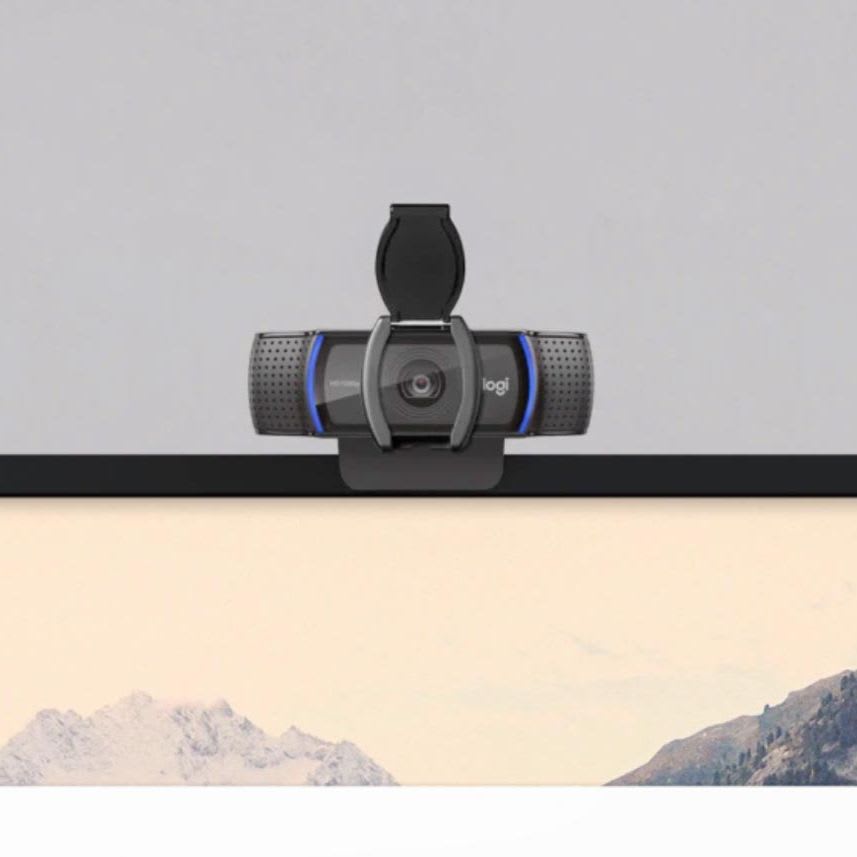
- Glass lens with physical privacy shutter built into the chassis
- Windows Hello facial recognition works reliably as a daily-driver login method
Cons
- 4K30 ceiling looks slightly cinematic and disconnected beside 60fps gameplay
- Proprietary sensor underperforms Sony/Onsemi alternatives in dedicated low-light tests
- Logitech G Hub settings occasionally failed to persist across reboots during testing
- Dual-stereo mics pick up keyboard noise at two meters - backup use only

Theo, Scout Gear Team
Webcams Specialist • 14 days of testing
May 26, 2026
View profile
Key Features
Specifications
Where to Buy
Compare prices from 4 retailers
Frequently Asked Questions
Common buyer questions about the Brio 4K, answered by Theo