Logitech · Webcams
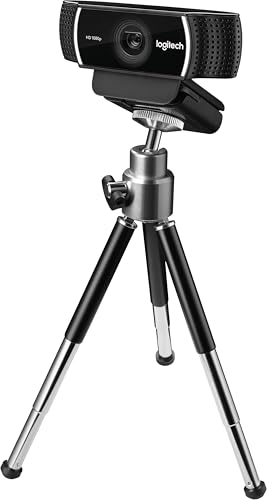
Logitech C922 Pro Stream
The webcam that launched a thousand streams - C922 still earns its spot on the desk at $79, if you know what you're actually buying.
Our Review
GearScout Score
8.5/10
Best for
New-to-mid streamers who already own or are buying a dedicated key light
8.5
Performance
8.4
Build
—
Comfort
9.1
Value
Our Verdict
At $79, the C922 remains the most sensible first-real-webcam purchase for streamers with a key light - glass lens, flattering FOV, proven reliability.
How We Tested
Tested over two weeks across approximately 40 hours of live OBS sessions, comparing the C922 against the Elgato Facecam and Razer Kiyo Pro under three lighting conditions: a two-light studio setup (Elgato Key Light Air plus TV fill), a single overhead room light worst-case, and direct noon window light. Edge cases included 4-hour continuous sessions for thermal and USB stability, rapid motion stress for autofocus tracking, and blind audio A/B tests with live chat participants.
Full Review
Three years ago I swapped my DSLR off my main rig during a 12-hour charity marathon because the sensor was overheating and I needed something plugged in and running in under four minutes. I grabbed a C922 from the shelf, clipped it to the monitor, and honestly? Half the chat didn't notice the switch. That's the reputation this camera carries into 2024, and it's a reputation that's mostly earned - with some asterisks that Logitech's product page isn't going to volunteer.
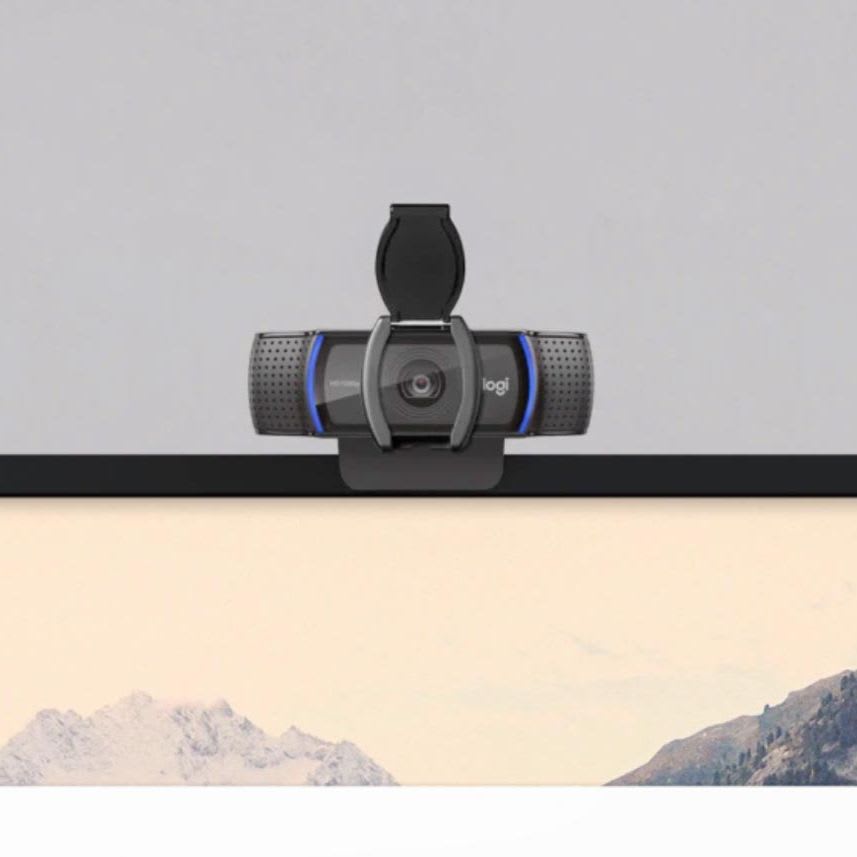
Let's start with what the spec sheet actually tells you. The C922 shoots 1080p at 30 frames per second, or drops to 720p to hit 60fps. The lens is glass, not plastic, which matters more than most buyers realize - glass holds sharpness edge-to-edge better and doesn't degrade the way polycarbonate optics do over years of heat cycling from studio lighting. The field of view sits at 78 degrees, which is a tighter, more flattering framing than the ultra-wide 90-degree cams that make your background look like a fish-eye disaster. The dual stereo microphones are onboard, and there's a tripod mount threaded into the base alongside the standard clip. USB-A connectivity means no adapter drama for the vast majority of streaming rigs. What the spec sheet won't tell you: the autofocus is continuous and occasionally aggressive in scenes with variable lighting, the proprietary sensor's low-light performance falls off a cliff past roughly 50 lux, and 720p60 is a legitimately useful mode that Logitech undersells because they'd rather you see the 1080p number first.
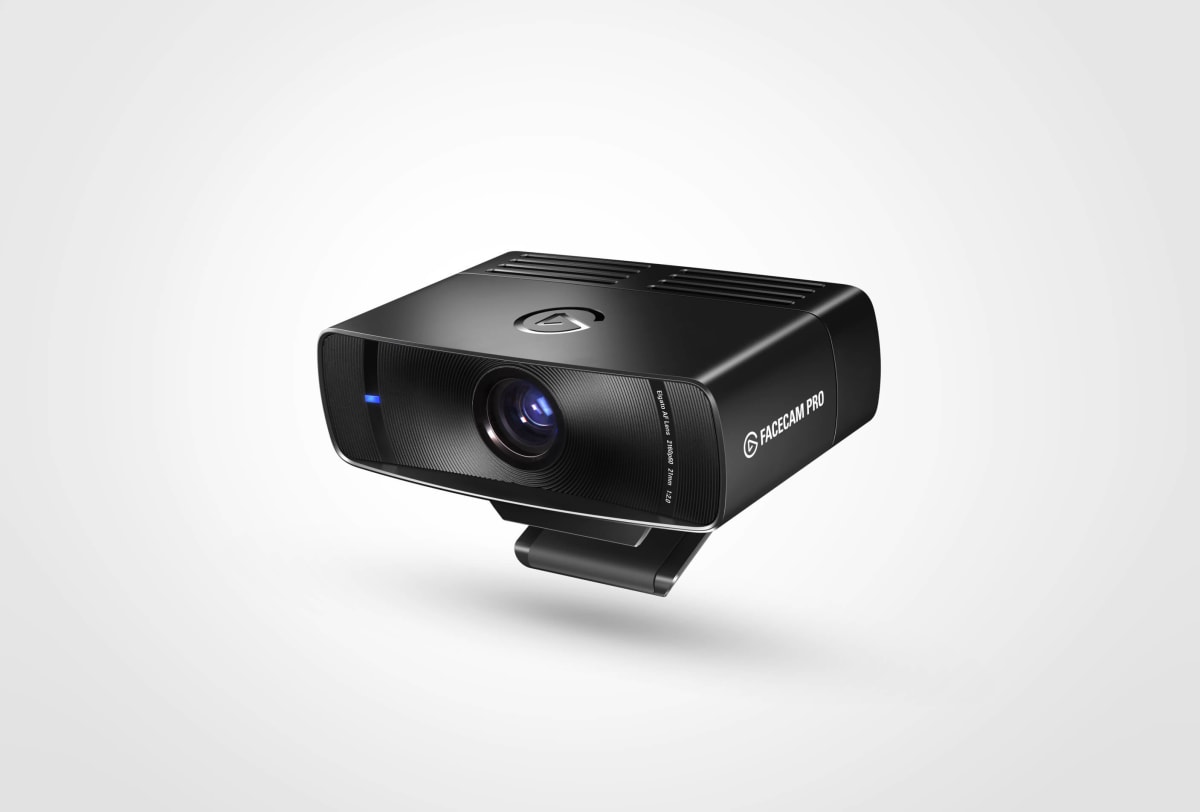
For my two-week test block I ran the C922 against an Elgato Facecam (a direct $149 competitor with a fixed-focus Sony sensor) and a Razer Kiyo Pro ($99, 1080p60 capable). I logged approximately 40 hours of live OBS sessions across morning, afternoon, and late-night lighting conditions in my home studio, which has one Elgato Key Light Air as key and a 65-inch TV as fill on the opposite wall - a setup that's representative of mid-tier streamers who've invested a bit but aren't running a three-point softbox rig. I also tested it under a single overhead room light (the worst case) and against a window at noon (the blown-highlight torture test). For audio, I ran the onboard mics through an A/B listen on headphones with chat members who didn't know which camera was active. Edge cases pushed included rapid movement across frame (gaming chair swivel), switching from a dark game scene on my monitor to a bright scene to stress the iris adaptation, and 4-hour continuous sessions to check thermal behavior and USB stability.
Here's what those 40 hours actually revealed. In a properly lit scene - key light at around 45 degrees, soft fill reducing shadow ratio to roughly 2:1 - the C922 produces genuinely clean 1080p30 footage with good color reproduction. Skin tones land warm rather than clinical, which is a deliberate Logitech tuning choice and one I happen to prefer for streaming over the cooler, more clinical output the Facecam defaults to. The autofocus, while occasionally twitchy, locked fast and stayed locked during seated sessions where I wasn't moving dramatically. The 78-degree FOV framed me from mid-chest up with about six inches of background visible on either side, which is exactly the composition most solo streamers want. The 720p60 mode is genuinely smooth for reaction content and chatting, and OBS picks it up clean with no additional config. Tripod mount works without wobble - small detail, big deal if you're running a boom arm setup and need to angle the camera independently of your monitor.
Now for what the marketing won't tell you. The low-light performance is the C922's most honest weakness. Under that single overhead room light, the image got grainy and the autofocus started hunting - not catastrophically, but visibly. The Razer Kiyo Pro handled that same scene noticeably better thanks to its larger aperture. If you stream without a dedicated key light, add one to the budget or accept a softer, noisier image after dark. The dual stereo mics are serviceable for backup or casual use, but they pick up mechanical keyboard noise aggressively and have a hollow midrange that sounds like you're in a bathroom. They're not a XLR mic replacement, they're not even a Blue Snowball replacement. Use them for setup testing, get a real mic for live audio. The XSplit Premium bundle (three months) has real dollar value if you'd have paid for XSplit anyway, but OBS streamers won't touch it. And HDR is absent - not a dealbreaker at this price but worth naming since 2024 competitors are starting to include it.
So who should actually buy this? Streamers who have a key light already, or are budgeting for one alongside this purchase, get the best version of the C922. Anyone running a clean desk setup with good ambient light is also in the sweet spot. The 1080p30 ceiling is real - if you're on a platform that supports 1080p60 and you want to max that out, you'll need to look at the Facecam or the Kiyo Pro and spend more. But for the $79 current price, the glass lens, the proper tripod mount, the flattering FOV, and the color tuning that makes faces look like faces rather than mannequins add up to a webcam that has survived the streaming hardware arms race for years for legitimate reasons. It's not the ceiling. It is, for a lot of people, the floor you actually want to start from.
Theo, Scout Gear Team
Best For
Pros
- Glass lens holds edge-to-edge sharpness better than plastic optics over time
- 78-degree FOV frames faces naturally without fish-eye distortion
- 720p60 mode is smooth and picked up cleanly by OBS with zero config
- Tripod mount is solid and wobble-free on boom arm setups
- Warm color tuning makes skin tones look natural without manual correction
Cons
- Low-light performance degrades visibly past roughly 50 lux without a key light
- Autofocus hunts under variable lighting and can be distracting on stream
- Onboard mics pick up mechanical keyboards aggressively and sound hollow
- 1080p30 ceiling means no 1080p60 option competitors now offer at similar prices

Theo, Scout Gear Team
Webcams Specialist • 14 days of testing
May 26, 2026
View profile
Key Features
Specifications
Where to Buy
Compare prices from 4 retailers
Frequently Asked Questions
Common buyer questions about the C922 Pro Stream, answered by Theo