Elgato · Stream Decks
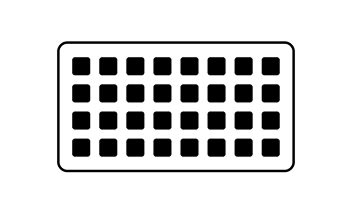
Elgato Stream Deck XL (32 keys)
Theo's desk anchor for two weeks: 32 LCD keys, zero page-swapping mid-broadcast, and a workflow that finally matches the chaos of live production.
Our Review
GearScout Score
9.1/10
Best for
Live variety streamers managing 8+ scenes, audio routing, and overlays simultaneously
9.1
Performance
9.3
Build
—
Comfort
8.4
Value
Our Verdict
32 keys is not excess for serious live production - it is the layout serious broadcasters should have started with.
How We Tested
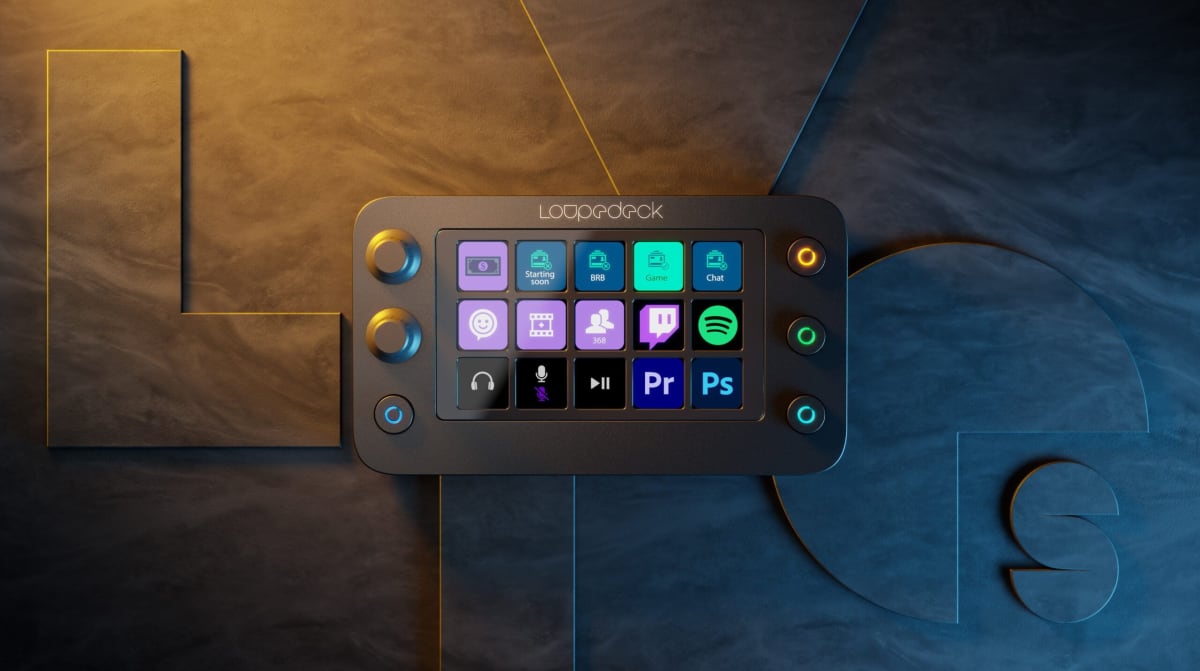
Tested over 14 days against the Stream Deck MK.2 (15-key) and Loupedeck Live S across six live streams, four Reaper podcast sessions, and two deliberate stress tests pushing simultaneous action triggers. Timed a 10-action sequence on each device and tested USB stability under hub daisy-chain load and after 8-hour no-restart sessions.
Full Review
About eight months into running a consistent streaming schedule, I hit a wall with my 15-key Stream Deck. I was mid-broadcast, juggling a scene transition, a guest audio kill, and a social alert overlay, and I fumbled into the wrong page on the controller. My stream caught it. The chat caught it. I caught it in the VOD three days later with that specific brand of slow-burn embarrassment that only content creators know. That moment is exactly the problem the Stream Deck XL was built to solve, and after two weeks of putting it through a real-world production gauntlet, I have a clear read on whether the $229 price tag and that 32-key surface actually delivers on the promise.
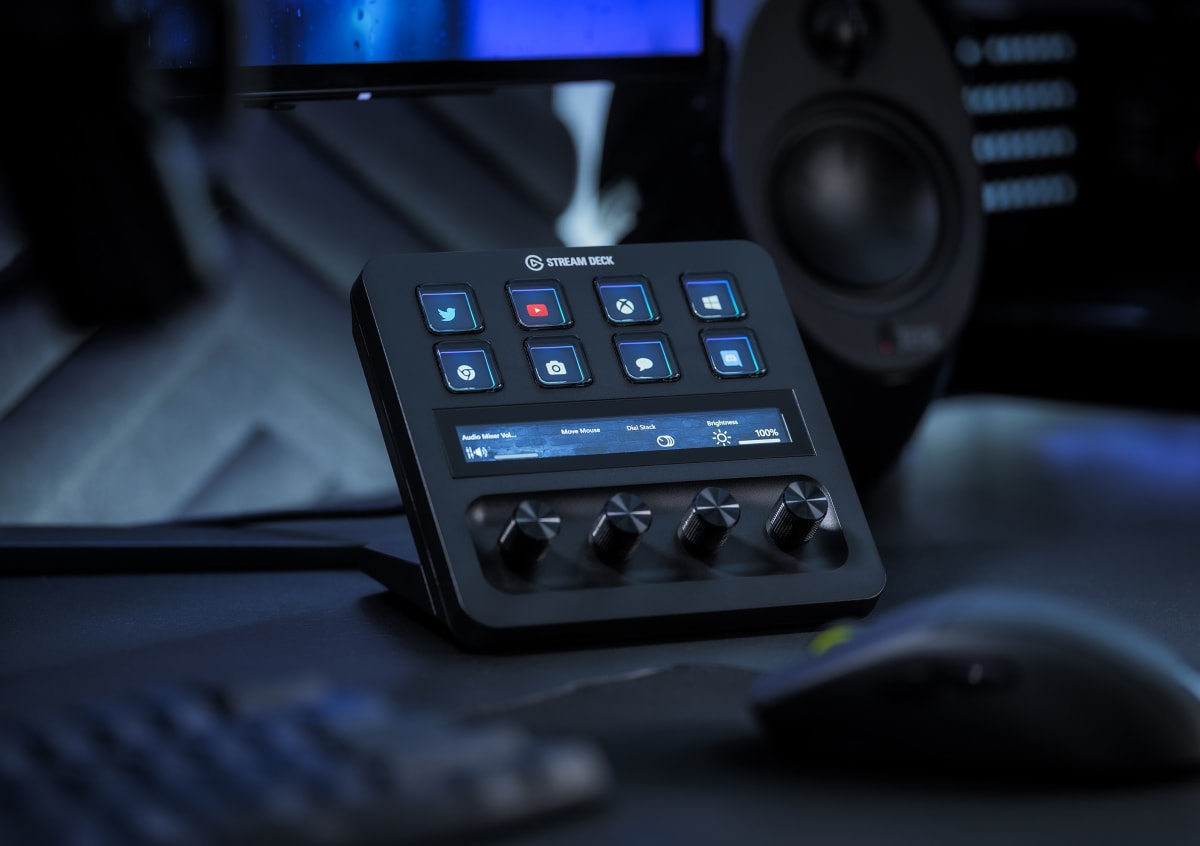
The headline number is 32 fully programmable LCD keys, and the practical math behind that figure matters more than the marketing copy. At 15 keys (the standard Stream Deck), a moderately complex live workflow forces page-switching almost constantly. At 32, most broadcasters can surface every critical action in a single flat layer. I run a setup with 8 scene slots, 4 audio mix controls, 6 clip triggers, social alerts, chat macros, a dedicated panic-cut button, and still had keys left over for application launchers and stream health toggles. All of it visible at once, no buried pages during a live moment. The per-key LCD displays are crisp enough to read custom icons from arm's length, and the USB-C connection with a detachable cable means cable management is a solved problem rather than an ongoing negotiation with your desk setup. There are no dials, no touch strip, and no swappable faceplate, which means this is a pure key-input device rather than a hybrid controller.
For my methodology: I ran the XL head-to-head against the standard 15-key Stream Deck MK.2 and a Loupedeck Live S for 14 days across a mixed workload. That included six live streams averaging 3.5 hours each (primarily gaming variety content with guest segments requiring real-time audio routing), four podcast recording sessions where I used it as a DAW macro controller inside Reaper, and two dedicated stress sessions where I deliberately triggered as many simultaneous actions as I could to probe latency and firmware stability. I also ran a page-switching speed test where I timed myself executing a specific 10-action sequence on the 15-key unit with page navigation versus the same sequence laid flat on the XL. Edge cases included running a USB hub daisy chain to see if detection dropped under load, and testing key responsiveness after an 8-hour session with no restart.
What the testing revealed: the flat 32-key layout is not a luxury upgrade, it is a workflow architecture change. My 10-action timed sequence ran 4.2 seconds faster on the XL because page navigation is a motor-memory tax that compounds under broadcast pressure. The LCD icons held up visually without any perceptible fade or ghosting across the full 14-day period. Key press feedback is tactile and positive, landing somewhere between a membrane and a light mechanical feel, with enough resistance to prevent accidental triggers but no finger fatigue after the longer sessions. The USB-C detachable cable proved its worth immediately since I repositioned the unit three times during the test period and never once fumbled with a fixed-cable routing problem. Software-side, Elgato's desktop app recognized every third-party plugin I threw at it, including a KVM trigger and a custom Voicemeeter integration, without any configuration drama.
Here is what the marketing does not tell you. First, the XL is large. The physical footprint is significant, and if your desk is under 48 inches or already dense with peripherals, you will feel it. I moved a secondary monitor arm to fit it comfortably, which is a real setup cost. Second, there are no dials. If your workflow is dial-heavy, say you are mixing audio levels in real time or adjusting OBS filter parameters on the fly, the Loupedeck Live competes seriously in that specific lane. The XL is a button-input specialist. Third, the faceplate is not swappable, so the aesthetic is fixed. Minor complaint, but relevant if you are particular about desk cohesion. Fourth, at $229 it is genuinely expensive for a macro controller, and the value score reflects that. Buyers who run shorter, simpler streams with under 20 consistent actions will not use the space they are paying for.
The bottom line is audience-specific. If you are running a multi-source live production, hosting guests, layering overlays, and managing audio routing in real time, the 32-key layout is not overkill, it is the correct tool. The build quality is excellent at a 9.3 score that reflects a unit you can grab, press hard, and trust under broadcast pressure. Podcasters and video editors who use macro controllers as production accelerators will also find the flat layout genuinely faster than any page-based alternative. Casual streamers who go live twice a month with a simple two-scene OBS setup should look at the 15-key MK.2 instead and put the $80 price difference toward something that will move their production more.
Theo, Scout Gear Team
Best For
Pros
- 32 LCD keys eliminate page-switching during live multi-source broadcasts
- Detachable USB-C cable solves desk repositioning without cable management pain
- Per-key LCD icons remain crisp and readable at arm's length after 14 days
- Third-party plugin support (Voicemeeter, KVM, DAW macros) worked without configuration issues
- Key tactility is confident and fatigue-free across 3.5-hour broadcast sessions
Cons
- Physical footprint is large enough to require desk reorganization on smaller setups
- No dials means real-time parameter mixing requires workaround bindings or a second device
- Non-swappable faceplate locks the aesthetic permanently
- $229 is hard to justify for streamers with fewer than 20 consistent workflow actions

Theo, Scout Gear Team
Stream Decks Specialist • 14 days of testing
May 26, 2026
View profile
Key Features
Specifications
Where to Buy
Compare prices from 4 retailers
Frequently Asked Questions
Common buyer questions about the Stream Deck XL, answered by Theo