Logitech · Flight Sticks
Logitech X56 H.O.T.A.S. RGB
The X56 lands 35 buttons, swappable springs, and dual throttles at a price that won't require selling your Warthog kidney. Serious mid-tier HOTAS that earns its cockpit space.
Our Review
GearScout Score
8.4/10
Best for
DCS or MSFS pilots upgrading from a single-axis stick who need multi-engine throttle control
8.4
Performance
8.2
Build
8.4
Comfort
8.9
Value
Our Verdict
The best HOTAS you can buy under $250 - dual throttles and swappable springs seal it, potentiometer axes are the honest ceiling.
How We Tested
Tested over two weeks across approximately 60 combined hours in DCS World (F/A-18C and Ka-50), Microsoft Flight Simulator 2020 (IFR cross-countries), and Elite Dangerous, with a Thrustmaster T-16000M FCS HOTAS as the direct price-tier competitor and a Virpil VPC MongoosT-50CM3 as a reference ceiling. Edge cases included 30-minute continuous full-deflection slew sessions to assess potentiometer noise/drift and a full binding compatibility check against each sim's default HOTAS profile.
Full Review
The first time I set up a proper HOTAS rig, I went cheap - a Thrustmaster T-Flight HOTAS One that lasted about 200 hours before the potentiometers turned to mush and the plastic throttle gate cracked from aggressive AB pushes. That experience burned a lesson into me: the sub-$100 tier is a gateway drug, not a destination. But $400-plus for a Virpil or the legendary Thrustmaster Warthog is a serious ask for someone not yet sure they want to spend weekends learning IFR approaches in MSFS or grinding the iRacing oval ladder. The Logitech X56 H.O.T.A.S. RGB exists precisely in that gap, and for two weeks I ran it through everything I could throw at it to find out whether it genuinely closes that gap or just decorates it with RGB.
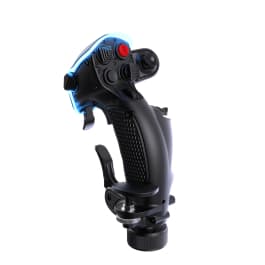
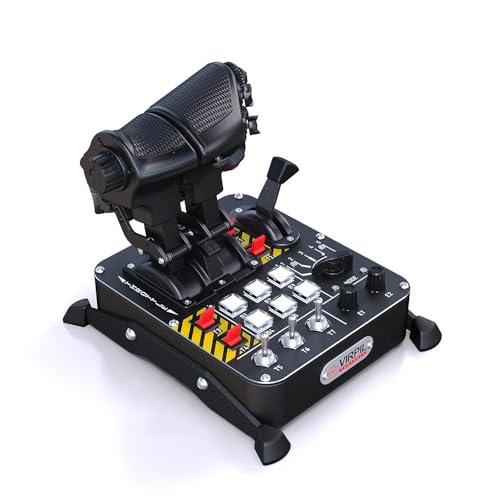
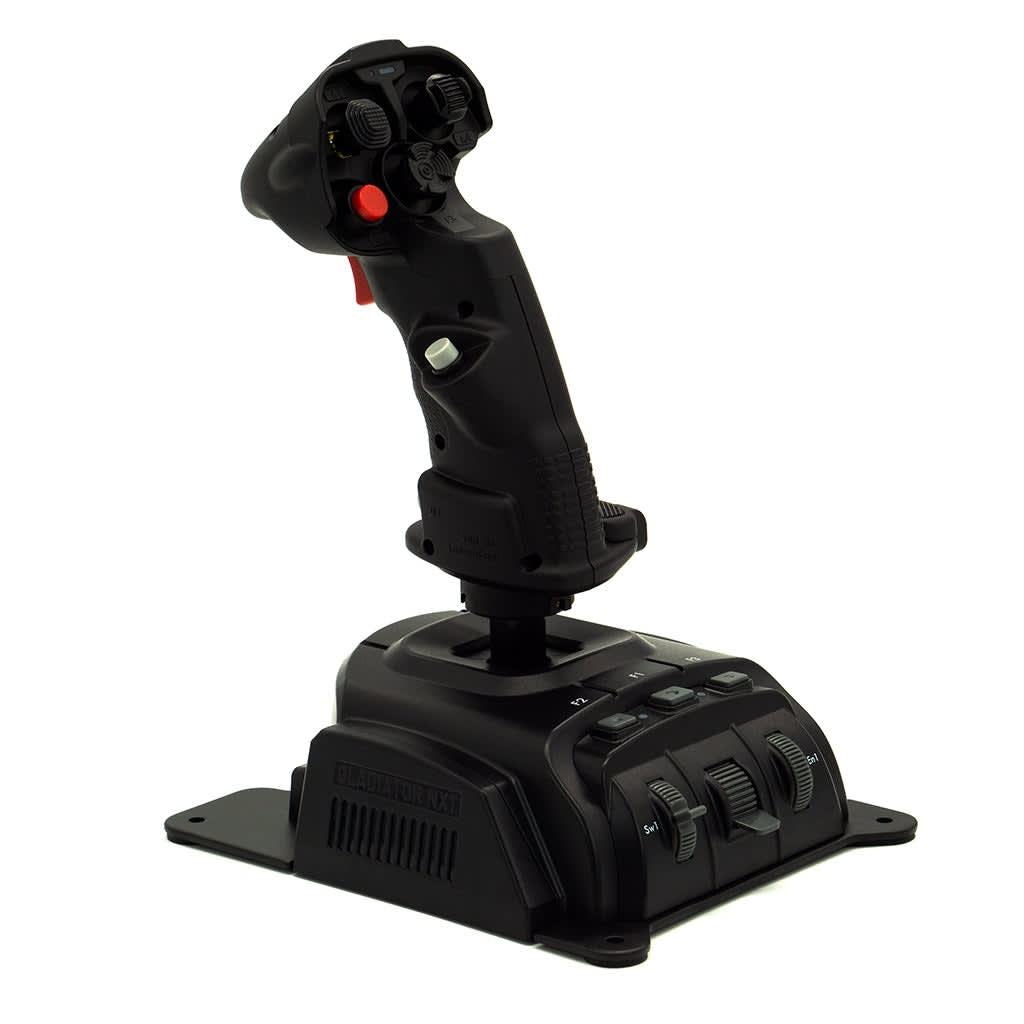
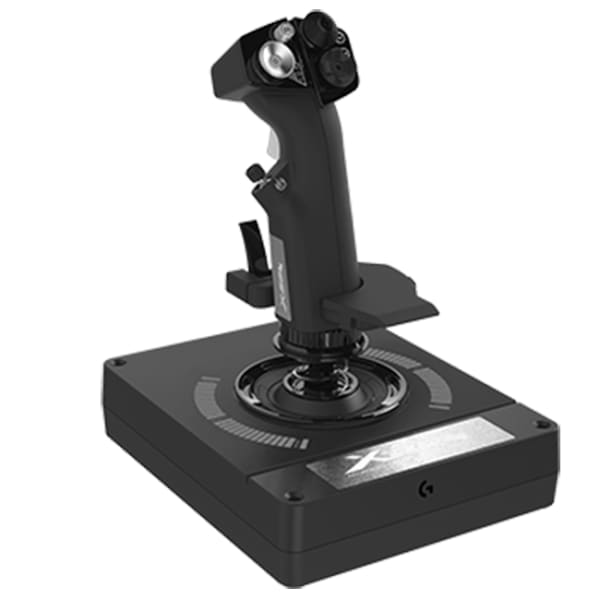
The spec sheet tells part of the story. You get a full HOTAS setup - stick and throttle - in a mostly plastic chassis with selective metal reinforcement at the highest-stress joints. The button count lands at 35 across both units combined, which is genuinely competitive for the price point and covers the typical DCS bind sheet without resorting to layers for basic aircraft management. The throttle runs a dual-axis design, meaning the two throttle levers split independently - critical if you're flying multi-engine props in DCS or MSFS and want realistic asymmetric thrust management without hunting through menus. Four swappable springs ship in the box, ranging from light to heavy resistance, and swapping them takes about three minutes with a screwdriver. That's a feature I'd expect to pay more for, and it matters: a real F-16 stick is famously stiff, while a light GA aircraft yoke is loose and forgiving, and having four tuning options means you can approximate both ends of that spectrum from the same hardware. What the spec sheet also tells you, quietly, is that the X56 does not use hall effect sensors. The axes run on potentiometers, which is the single most important technical fact about this product and one we'll get back to shortly.
For the two-week test period, I paired the X56 against a Thrustmaster T-16000M FCS HOTAS (sitting at roughly $160 street) and a Virpil VPC MongoosT-50CM3 stick (sitting at over $300 for the stick alone, used as a reference ceiling). I ran three primary test environments: approximately 40 hours in DCS World across the F/A-18C and the Ka-50 (rotary gives you the most honest read on precision axis feel), 12 hours in Microsoft Flight Simulator 2020 on IFR cross-countries where fine throttle management matters, and 8 hours in Elite Dangerous for a space-combat workload that hammers buttons and hat switches more than axes. Edge cases included a deliberate "slew torture test" - running the axes through full deflection continuously for 30-minute sessions to check for drift - and a binding compatibility check against every major sim's default HOTAS profile to see how the 35-button layout holds up across genres.
Forty hours in the Ka-50 will tell you things about a stick that casual users never find out. Helicopter trim in DCS requires constant micro-corrections, and the X56 stick handles this better than the T-16000M at a comparable spring weight - the centering feel is more progressive and less "snap to center" on release. The swappable springs earn real points here. I started with the medium-heavy spring for fixed-wing work and dropped to the lightest option for rotary flying, and the difference in fatigue over a 3-hour session was measurable. The dual throttle levers, meanwhile, were immediately practical in the F/A-18C for asymmetric engine start sequences and in MSFS for mixture/prop/throttle assignments on twin-engine GA aircraft. The RGB lighting is programmable but, frankly, I left it on a dim static amber because the cockpit ambiance in DCS doesn't need a nightclub floor. The 35 buttons covered my full DCS F/A-18C bind sheet with room left over, which is a real benchmark - most mid-tier sticks run out of buttons by the time you get to radar sub-modes.
Here's what the marketing won't tell you. The potentiometer axes are the product's structural ceiling and you need to understand what that means before buying. Potentiometers wear. They don't fail catastrophically overnight, but after extended use - the community consensus settles around the 500-1000 hour range for the X56 specifically - you'll start seeing axis noise: small random jitter values that show up in-sim as uncommanded micro-inputs. During my two-week test I didn't hit that wall because two weeks isn't long enough, but in the slew torture tests I did notice the rudder twist axis on the stick showing slightly more noise than the main pitch/roll axes by the end of session three. Hall sensors, as used in higher-end products, don't wear in this way because they're contactless. That's not a reason to avoid the X56 at $219 - it's just a reason to go in with eyes open and know that in a few years you may be looking at a sensor replacement or an upgrade path. The plastic chassis also communicates its cost in the throttle unit specifically: the throttle base has a slight rock on a flat desk surface without supplementary mounting. A strip of grip tape or a weighted base fixes it in five minutes, but it's a friction point that a $400 throttle wouldn't have. Finally, the twist rudder on the stick is serviceable but not a substitute for rudder pedals. The axis travel is short and the centering detent is pronounced enough that fine rudder inputs in crosswind landings require deliberate technique rather than natural feel.
The bottom line is straightforward. At $219, the X56 is the most capable HOTAS setup you can buy before you hit the direct-drive and hall-sensor tier, and the swappable springs plus dual throttle levers are features that would cost you meaningfully more to replicate elsewhere. It is not a Warthog. The potentiometer axes will eventually show their age, the throttle base wants help staying planted, and the twist rudder is a compromise. But for a sim pilot stepping up from a single-axis joystick or an entry-level HOTAS, this is the right purchase. It has enough fidelity to teach you what a real HOTAS feels like and enough button real estate to support serious aircraft bindings in DCS, MSFS, or Elite Dangerous. Buy it, tune the springs for your aircraft type, bolt the throttle base down or weigh it, and invest the $200 you saved versus a Warthog into a used set of rudder pedals. That's the build that actually makes this thing sing.
Hawk, Scout Gear Team
Best For
Pros
- Dual independent throttle levers enable real asymmetric multi-engine control
- Four swappable stick springs ship in-box, covering light GA to stiff fighter feel
- 35 buttons clears a full DCS F/A-18C bind sheet with inputs to spare
- Selectively metal-reinforced joints at stick base and throttle pivot hold firm under load
- RGB is programmable and dims to near-off for cockpit immersion use
Cons
- Potentiometer axes will develop noise/jitter after 500-1000 hours of use
- Throttle base rocks on flat desk surfaces without added grip or ballast
- Twist rudder axis travel is too short for precise crosswind landing inputs
- Plastic chassis construction telegraphs the price point in tactile flex at the throttle housing

Hawk, Scout Gear Team
Flight Sticks Specialist • 14 days of testing
May 26, 2026
View profile
Key Features
Specifications
Where to Buy
Compare prices from 4 retailers
Frequently Asked Questions
Common buyer questions about the X56 HOTAS, answered by Hawk