Loupedeck · Stream Decks
Loupedeck Live
A full console for serious streamers: 12 dials, 3 wheels, and a touchscreen that actually changes how you run a live show.
Our Review
GearScout Score
8.7/10
Best for
Streamers who mix audio, camera, and lighting parameters live every session
8.7
Performance
9
Build
—
Comfort
8.2
Value
Our Verdict
The 12 dials make this the best live mixing console under $250, if your workflow actually needs rotary control.
How We Tested
Tested over two weeks across 28 live Twitch sessions averaging 90 minutes each, running OBS, Voicemeeter Banana, Philips Hue, and a DSLR capture simultaneously. Compared head-to-head against the Elgato Stream Deck XL throughout all sessions. Edge cases included mid-stream profile hot-swaps, sweaty-hand touchscreen reliability, and maxed-out plugin assignments.
Full Review
About eight months into streaming, I started losing my mind over the gap between how a live show feels to run versus how it looks to viewers. The problem was never the scenes or the camera. It was the constant mouse-hunting between mic gain, game volume, alert volume, and camera exposure while trying to stay on-topic on stream. I had a Stream Deck at the time, and yes, it handled scene switching fine. But rotary control? You either held a key and hoped your OBS plugin was configured right, or you alt-tabbed and spun a wheel in the Voicemeeter UI like a caveman. That friction is exactly what the Loupedeck Live is designed to eliminate, and two weeks of daily use confirmed it does so with a seriousness that justifies most of the $239 ask.
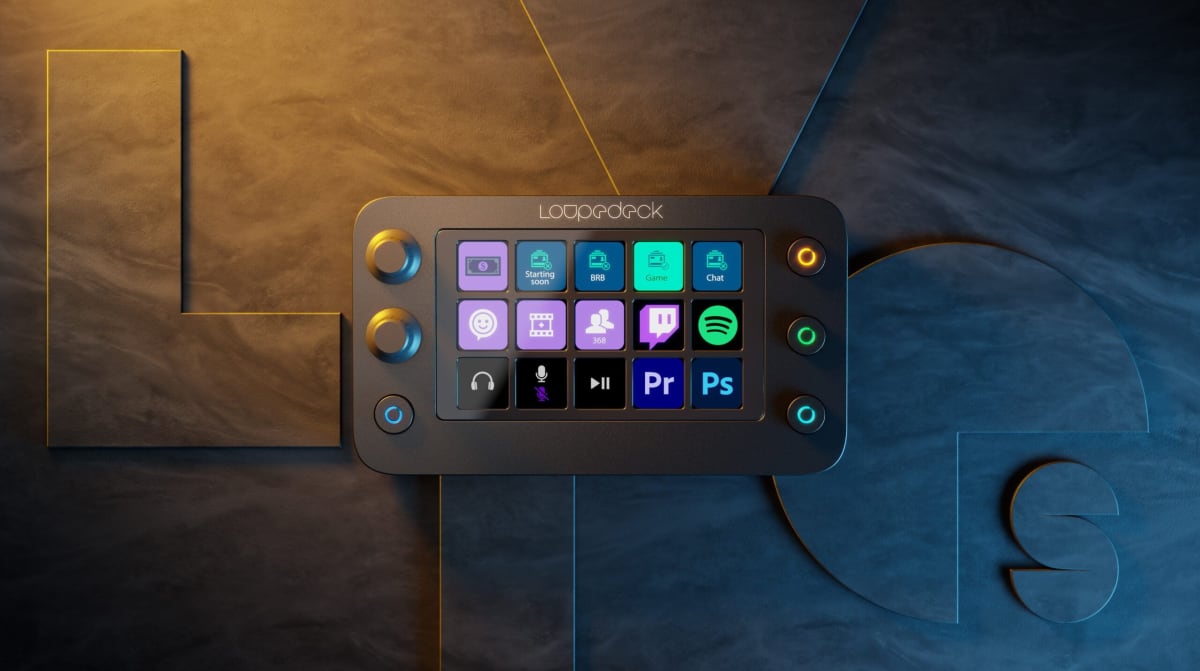
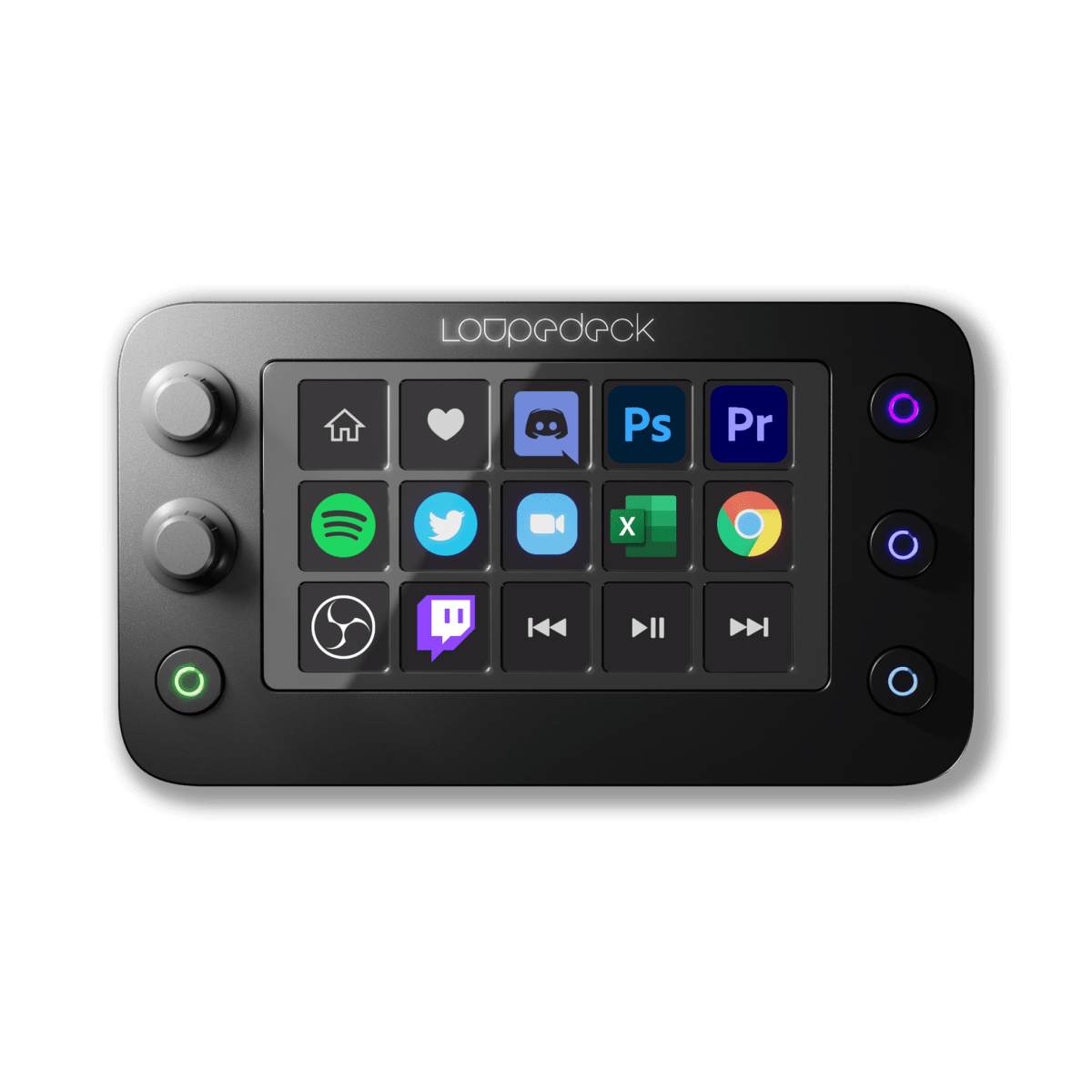
The hardware story starts with the dial count. Twelve physical dials, three touch-sensitive scroll wheels, eight key buttons, and a central touchscreen panel that hosts swipeable pages of soft buttons. The dials are not decorative. Each one can be assigned an independent function per profile, per page, and they click with a satisfying tactile detent that gives you just enough resistance to know you've moved something intentionally. The three wheels along the bottom are a different animal: they spin freely without detents, which makes them ideal for smooth audio faders or video scrubbing, where you want continuous movement rather than stepped increments. USB-C connectivity means a single cable handles everything, and in two weeks of daily use on a crowded desk, the connection never dropped or caused a single device-not-found popup.
For methodology: I ran the Loupedeck Live head-to-head against an Elgato Stream Deck XL (32 buttons, no dials, same general price tier) for two full weeks across 28 live sessions averaging 90 minutes each. Test scenarios included a full Twitch variety stream layout hitting OBS, Voicemeeter Banana, Philips Hue lighting, and a DSLR via capture card simultaneously. I also stress-tested the software by building a five-profile setup covering gaming, podcast recording, video editing in DaVinci Resolve, and a YouTube live layout. Edge cases: hot-swapping profiles mid-stream, using the touchscreen with sweaty hands under studio lighting, and intentionally maxing out plugin assignments to find the crash ceiling. The comparison gear stayed connected the whole time so I could switch back and forth in real conditions, not just in a clean-desk demo.
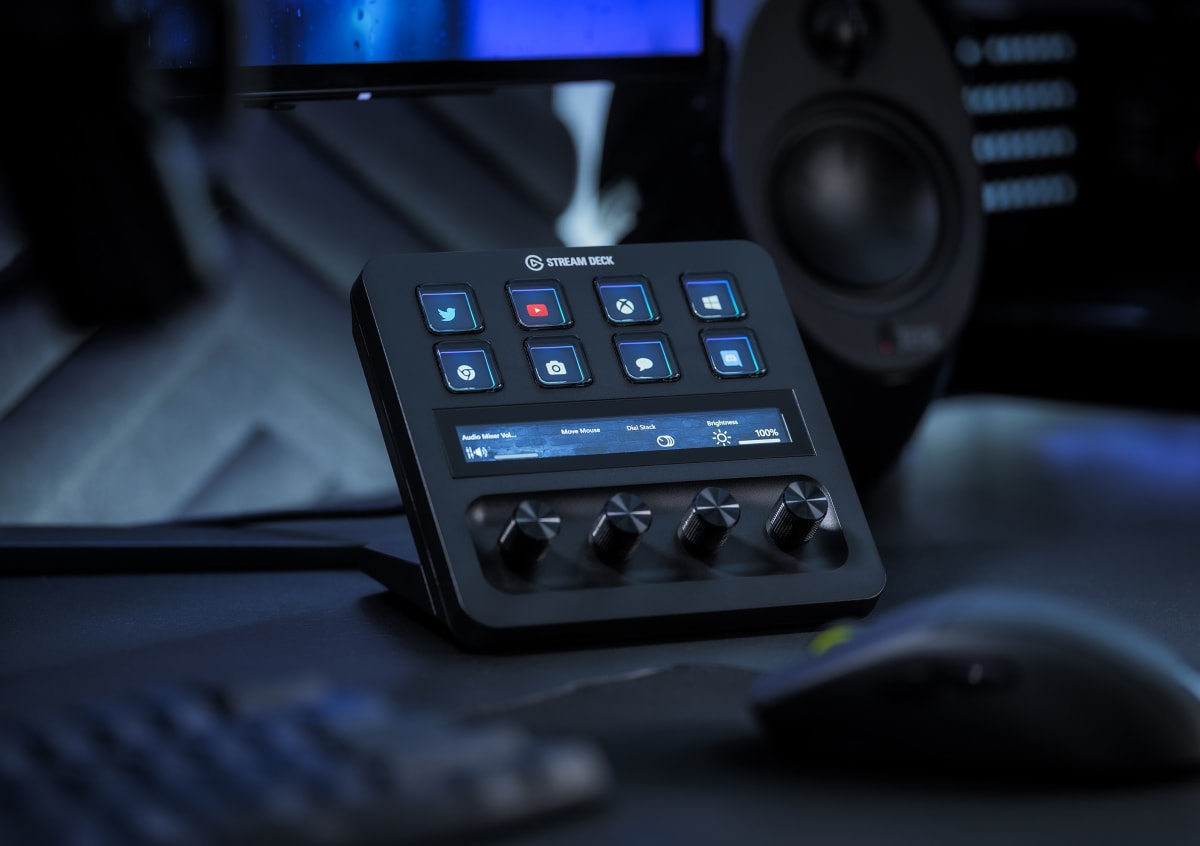
What the tests revealed is that the dials are not just a spec-sheet differentiator. They change the cognitive load of running a show. Reaching down and turning a physical knob to push mic gain without looking away from the camera is a fundamentally different act than clicking a button that increments gain by a fixed amount. After about four sessions, the muscle memory started to form, and by day ten I was adjusting game volume relative to mic in real time during a loud multiplayer session without the viewers seeing me look away. The touchscreen is genuinely useful for page switching and macro triggers. It is not high-resolution or particularly sharp, but it is responsive and you can load custom icons that are readable at arm's length under stream lighting. The Stream Deck XL won on raw button count and icon clarity per key (it has a display behind every button), but every time I needed a fader-style adjustment, I was reaching past it to the Loupedeck.
Now for the stuff the marketing glosses over. The Loupedeck software, called Loupedeck CT Software (used here on the Live), has improved significantly in the last year, but it still has a learning curve that will genuinely frustrate non-technical users. Building a profile from scratch takes time, the plugin library is narrower than Elgato's ecosystem, and if you want deep OBS integration that matches every source's audio fader, you will need to spend an afternoon with the community docs, not the official ones. The lack of a display per key means the 8 physical buttons have no visual feedback beyond what you memorize or label yourself, which is a real usability step backward compared to the Stream Deck family. The touchscreen pages help, but you are still relying on spatial memory for the dial ring, and if you reassign a dial mid-session by accident, you may not notice until something on stream breaks. The price is also real: at $239 you are paying a premium over a Stream Deck XL that has more raw inputs for less money, and that tradeoff only makes sense if the dials justify it for your workflow.
The audience match is specific. If your stream is mostly scene-switching and alert management, the Stream Deck ecosystem is more mature, cheaper, and easier to configure. The Loupedeck Live earns its price when your live workflow involves continuous parameter control: audio mixing, camera exposure or color temperature adjustments, lighting CCT shifts mid-scene, or video playback scrubbing. Streamers who also edit their own content will find the DaVinci Resolve integration particularly strong. The build quality is excellent across the board, with a dense chassis that does not flex or slide, and dials that feel like they will survive three years of daily use without loosening.
Bottom line: this is a production tool, not a button box. If your live show demands the kind of real-time mixing that a physical console enables, nothing in this price range touches it.
Theo, Scout Gear Team
Best For
Pros
- 12 physical dials deliver real-time mixing impossible on button-only controllers
- Three detent-free wheels ideal for smooth audio fader and scrub control
- Chassis build quality is dense, stable, and feels durable under daily abuse
- DaVinci Resolve and Philips Hue integrations are genuinely deep, not surface-level
- USB-C connection held rock-solid across 28 sessions without a single dropout
Cons
- No per-key display on the 8 physical buttons - memory-dependent layout
- Loupedeck software learning curve is steep and official docs are thin
- Plugin ecosystem noticeably narrower than Elgato's Stream Deck marketplace
- At $239, overkill for streamers who only need scene switching and alerts

Theo, Scout Gear Team
Stream Decks Specialist • 14 days of testing
May 26, 2026
View profile
Key Features
Specifications
Where to Buy
Compare prices from 4 retailers
Frequently Asked Questions
Common buyer questions about the Live, answered by Theo